34
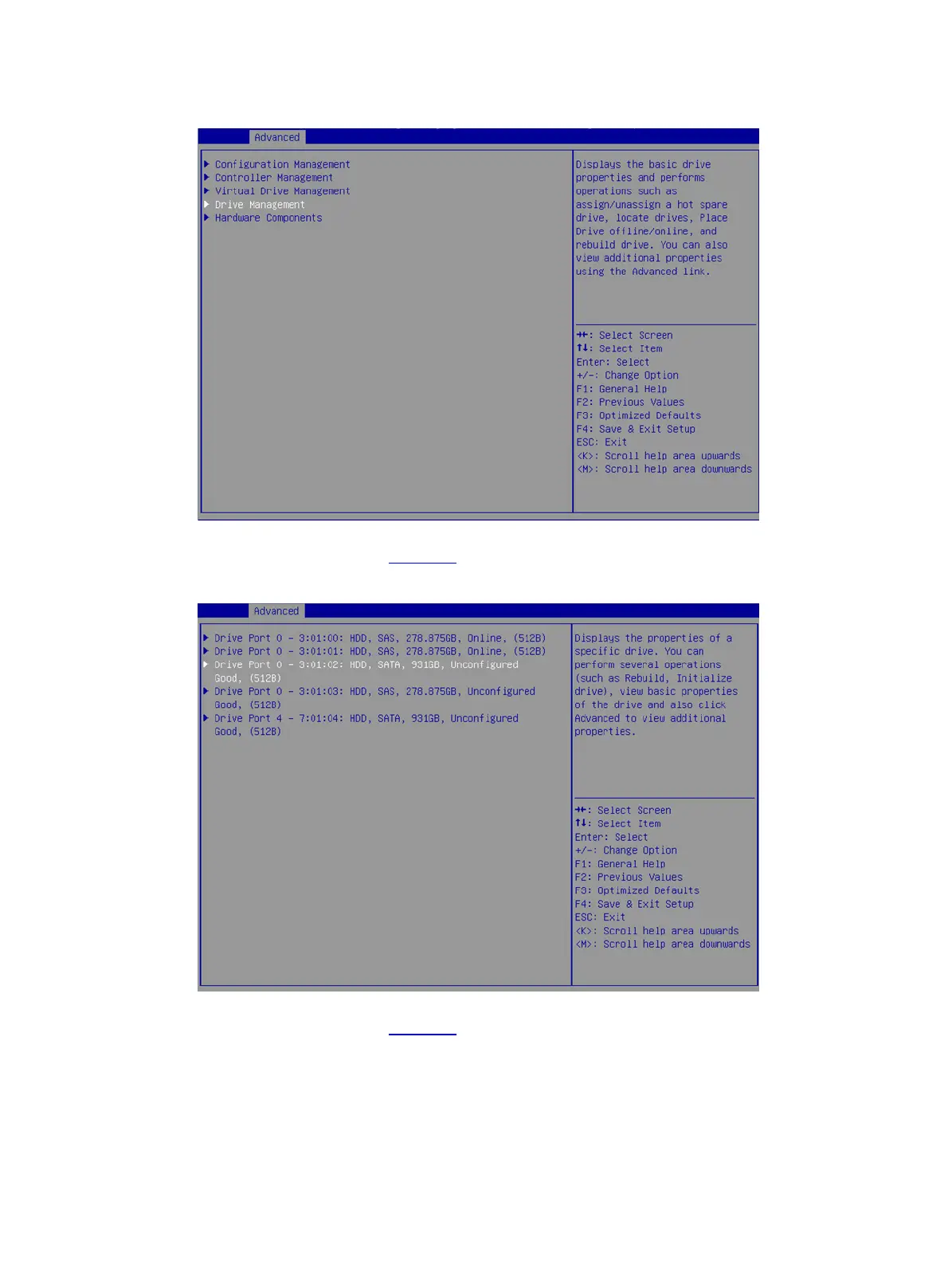
Figure 56 Storage controller configuration screen
2. On the screen as shown in Figure 57, select the target drive and press Enter.
Figure 57 Drive Management screen
3. On the screen as shown in Figure 58, select Operation and press Enter. On the dialog box
that opens, select Initialize Drive and press Enter.



 To Next Page
 Loading...






