15
Configuring logical drive media patrol
This feature is available only when RAID 1 is configured.
To configure logical drive media patrol:
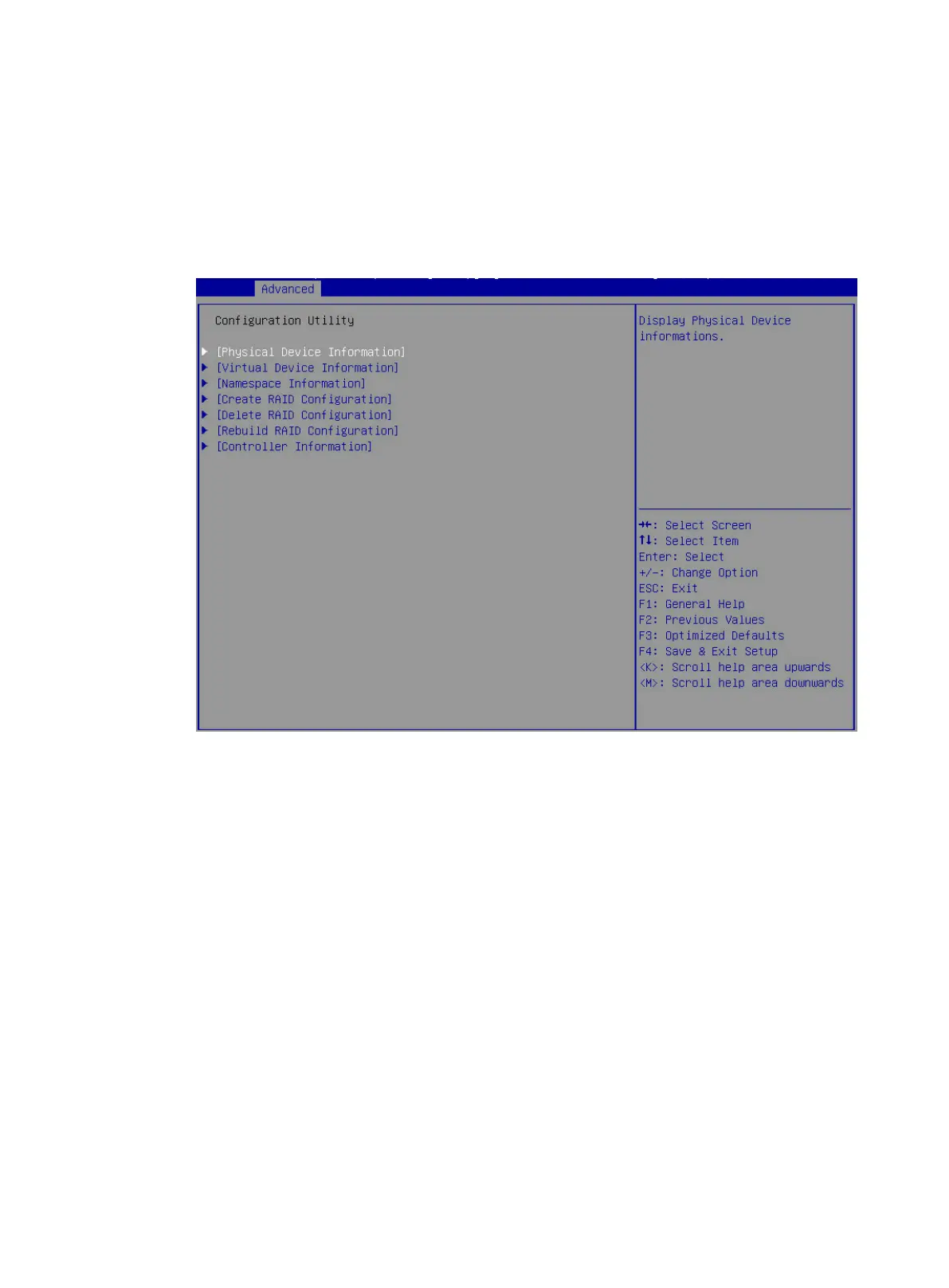
1. Access the storage controller configuration screen, select Virtual Device Information, and
press Enter.
Figure 18 Storage controller configuration screen
2. Select a target logical drive, and press Enter.



 To Next Page
 Loading...






