EasyManua.ls Logo

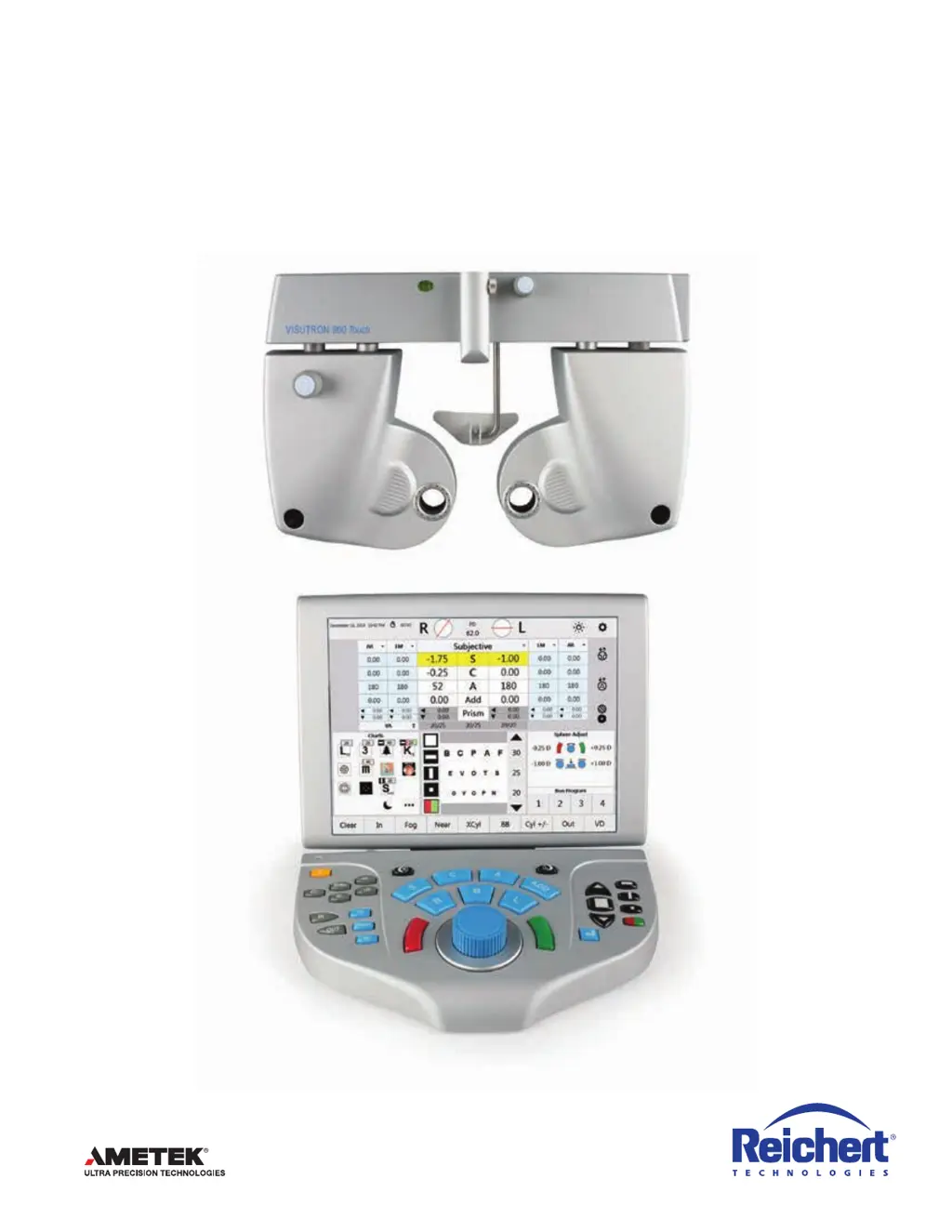
Haag-Streit VISUTRON 900 Touch - User Manual

Haag-Streit VISUTRON 900 Touch
88 pages
Print Icon
To Next Page IconTo Next Page
Loading...
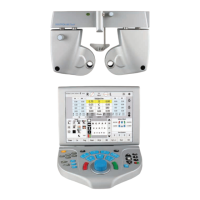
VISUTRON 900 Touch
Users Guide

Table of Contents

Questions and Answers

  • D
    Dawn WheelerAug 17, 2025
    What to do if the green LED on the central unit of Haag-Streit VISUTRON 900 Touch Medical Equipment is not lit?
    • K
      kimberlynicholsonAug 17, 2025
      If the green LED on the central unit of your Haag-Streit medical equipment is not lit, it could be due to the cable not being connected or the switch being set to OFF. Ensure the cable is properly connected and the switch is set to ON.
  • M
    Mrs. Regina McguireAug 19, 2025
    What to do if there is no image in the display of Haag-Streit Medical Equipment?
    • D
      Derek KhanAug 19, 2025
      If there is no image on the display of your Haag-Streit medical equipment despite the unit being switched on, the fuses on the cable plug of the central unit may have failed. Replace the fuses on the cable plug of the central unit.
  • C
    Chad WilliamsAug 22, 2025
    Why is the application not working on Haag-Streit VISUTRON 900 Touch Medical Equipment?
    • T
      tiffany17Aug 22, 2025
      If the application on your Haag-Streit medical equipment is not working, it could be due to several reasons: * Software failure. * Controller failure. * Cable to the central unit being damaged, loose, or near an interfering source. * Power supply failure. To resolve this, try the following: * Perform a software update. * Check the cable to the central unit. * Check the power supply.
  • P
    Pamela OrozcoAug 26, 2025
    What to do if the projector is not working with Haag-Streit Medical Equipment?
    • R
      Robert SantanaAug 26, 2025
      If the projector is not working with your Haag-Streit medical equipment, several issues could be the cause: * The projector is not connected. * The projector is turned off. * The wrong projector driver is selected. * The projector cable is damaged or loose. To fix this: * Connect the projector to the central unit and turn it on. * Select a suitable projector driver. * Setup the correct interface parameters in the Ports Settings screen. * Check the connection cable.
  • K
    Katherine MeyersAug 28, 2025
    What to do if Instrument 1 or 2 Port is not working on Haag-Streit Medical Equipment?
    • S
      Stephanie ValdezAug 28, 2025
      If the Instrument 1 or 2 Port is not working on your Haag-Streit medical equipment, the issue might be due to: * A wrong unit driver. * Wrong interface parameters. * A faulty connection cable. To solve this: * Tap the Settings menu on the screen, and open the Ports Settings screen. * Check the connection cable.
  • H
    haasginaAug 30, 2025
    What to do if the EMR-Port is not working on Haag-Streit VISUTRON 900 Touch Medical Equipment?
    • S
      Sabrina HansonAug 31, 2025
      If the EMR-Port is not working on your Haag-Streit medical equipment, it could be due to: * A wrong unit driver. * Wrong interface parameters. * A damaged connection cable. To resolve this: * Tap the Settings menu on the screen, and open the Ports Settings screen. * Set the correct unit driver and interface parameters for Instrument 1 or 2. * Check the connection cable.
  • J
    Joseph ContrerasSep 2, 2025
    How to troubleshoot a malfunctioning refractor on Haag-Streit VISUTRON 900 Touch Medical Equipment?
    • C
      Christopher WilsonSep 2, 2025
      If the refractor is not working with your Haag-Streit medical equipment, it might be due to: * Cable failure, damage, or looseness. * Incorrect initiation. * Failure of the refractor electronics. To address this: * Turn the unit on and off. * Check the cable to the refractor.
  • C
    Carla PorterSep 4, 2025
    What causes the Base-Unit of Haag-Streit Medical Equipment to fail?
    • M
      Michelle JohnsonSep 5, 2025
      If the base unit of your Haag-Streit medical equipment is not working, it could be due to an incorrect power supply or a failure of the central unit. Check the power supply.
  • L
    lisa56Sep 7, 2025
    Why aren't the time and date working on my Haag-Streit VISUTRON 900 Touch Medical Equipment?
    • E
      Elizabeth RaymondSep 7, 2025
      If the time and date are not working on your Haag-Streit medical equipment, it is likely due to an empty or failed long-life battery. Replace the long-life battery in the Controller.
  • S
    samuel30Sep 12, 2025
    What causes split cylinder red/green color rings to not match controller display orientation on Haag-Streit VISUTRON 900 Touch?
    • D
      Dr. Mary HernandezSep 12, 2025
      If the split cylinder red/green color rings do not match the controller display orientation on your Haag-Streit medical equipment, causing the operator to walk the cylinder, it could be due to the unit being powered down during lens motion or a lens dial stall. To correct this, press and hold a 3-button sequence: * Right side correction: “R”, “A”, Red/ Green * Left side correction: “L”, “A”, Red/ Green

Haag-Streit VISUTRON 900 Touch Specifications

General IconGeneral
BrandHaag-Streit
ModelVISUTRON 900 Touch
CategoryMedical Equipment
LanguageEnglish

Related product manuals