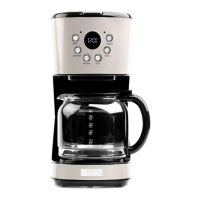
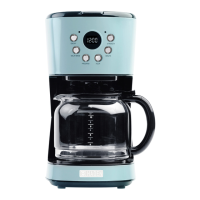
BREWING COFFEE
1. Fill the water tank with the required quantity of water. Ensure
that the water level is not lower than the minimum mark and
not higher than indicated ‘MAX’. Use fresh, cold water only. The
number of cups can be read on the water tank.
2. Ensure that the filter assembly is correctly fitted and hooked into
the coffee maker housing. Do this but lifting the handle up and
gently push the handle down to engage the hook before folding
down flat.
3. Place the reusable filter into the filter assembly.
4. Add the desired quantity of ground coffee.
5. Press the ‘ON/OFF’ button twice to Start the Brewing process.
The screen will automatic display the brewing icon
and a
counter.
Once the brewing cycle has finished the coffee machine will
automatically enter the keep warm mode. The counter will
continue to run during this time for a maximum of 40 minutes.
After this time the keep warm function will cease and the coffee
maker will enter Standby mode.
To turn off the ‘KEEP WARM’ at any time press the ‘ON/OFF’
at any time.
Note: For large cups: use 5-6g of ground coffee each cup.
Caution: Before pressing ON/OFF button to brew coffee, the carafe
must be put on warming plate; and also the carafe should not be
take away for more than 30 seconds during brewing.
www.haden.com www.haden.com
8


 To Next Page