Home
hager
Switch
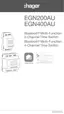
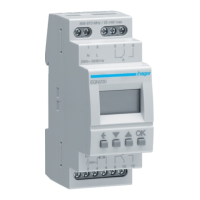
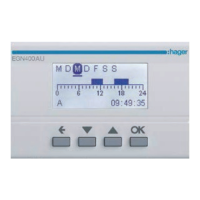
EGN400AU
Quick Start Guide
Page 15 (Updating Device Firmware)
hager EGN400AU - Updating Device Firmware
18 pages
Manual
To Next Page
To Next Page
To Previous Page
To Previous Page
Loading...
15
On the home screen, tap the
device icon
t
o begin.
In the
Firmware tab
, tap
New version available
.
Then tap the
device settings
symbol.
Use the
Hager Mood
app to keep the firmwar
e in your device up to dat
e.
1
3
2
9. Updating device firmware
14
16
Table of Contents
Main Page
Table of Contents
2
Introduction
2
Setting up Your Installation
2
Connecting a Time Switch (EGN100AU/200AU/400AU) for the First Time
4
Creating a New Program
6
Loading a Program from the App to the Clock Key (EGN103 and EGN003)
7
Adding Program Steps
9
The "AND" Logical Operator (EGN100AU/200AU/400AU)
11
Programming the Photoelectric Cell
12
Updating Device Firmware
15
Other manuals for hager EGN400AU
Manual
49 pages
Related product manuals
hager EGN100
24 pages
hager EGN200AU
49 pages
hager EGN100AU
18 pages
hager EG071
2 pages
hager EG170
2 pages
hager EG 103
2 pages
hager EE171
4 pages
hager EMN005
2 pages
hager EHN010
6 pages



 To Next Page