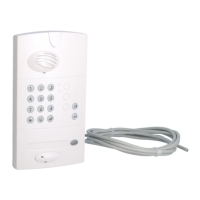
Controller Handset unit Outdoor caller unit
8. Press once on the outdoor
caller unit so that it calls
the handset.
6. Put the controller in radio
link creation mode by
pressing
The handset displays:
+ =
+ =
KEY 1
The radio link creation LED
lights up orange.
IMPORTANT: when using a translucent MHF01X or MHF02X outdoor caller unit and 1-button armoured
cover, only the bottom key (KEY 1) can be accessed once the armoured cover has been placed on the unit.
201
GB
7. The radio link creation LED
lights up orange.



 To Next Page