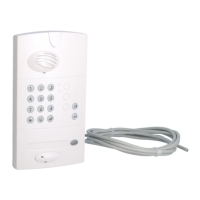
When the “BATTERY ACCESS X”
message appears, you have
1 month in which to change the
batteries of the controller
concerned.
Pozidriv 2
4. Close the controller.3. When the controller is powered, the radio
link LED lights up red for 2 sec, the
outdoor caller unit lights up and also
beeps for 2 sec. If this is not the case,
check the batteries have been correctly
inserted.
Pozidriv 2
No reprogramming is required after the batteries have been changed.
IMPORTANT: disconnect the controller
from the electrical network before
carrying out any maintenance work.



 To Next Page