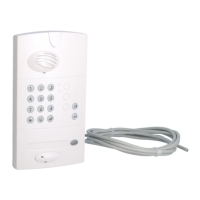
beep for 2 sec.
and
2. Press and hold until the screen displays OK.
The handset displays:
3. Quickly press and then release the key.
4. Press and hold for more than 10 sec. until the radio link LED stops flashing red.
The LED will then light up green for 2 sec.
The outdoor caller unit beeps for 2 sec.
The handset and controller have been returned to their factory settings.
228
GB
If an error occurs,
the handset displays:
It beeps 3 times
and then
automatically
returns to the
general information
screen:
Perform the radio
link deletion
procedure again.



 To Next Page