213
GB
Controller Receiver
4. Select the event associated with the
function.
Using the , keys and controller
display.
Event N° Event name Comment
1 Gate opening This event is displayed when the gate is opened
2 Gate closed This event is displayed when the gate closes,
as long as limit switches have been wired.
3 Latch opening This event is displayed when the latch is opened
4 Side gate closed This event is displayed when the side gate closes,
as long as limit switches have been wired.
5 Day breaking This event is displayed when the day breaks.
Useful for switching off night lighting.
6 Night falling This event is displayed when the night falls.
Useful for switching on night lighting.
or
4. Select the key associated with the
function.
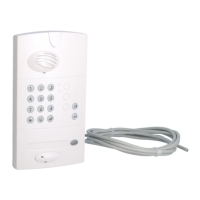
Press: gate , latch , or call on the
outdoor caller unit.
IMPORTANT: step 5 is not necessary if the outdoor
caller unit gate, latch or call buttons have been
selected.



 To Next Page