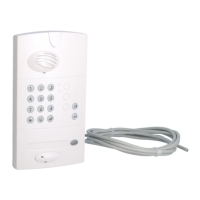
Handset Controller
or .
The controller screen displays “1”.
The key
is linked via
radio to the
controller gate
output.
The controller screen displays “2”.
The controller screen displays “3”.
The key
is linked via
radio to the
controller side
gate output.
The key
is linked via
radio to the
controller latch
output.
6. After several seconds the handset exits radio
link test mode and returns to the general
information screen.
3. Select the controller
to be tested using the keys
4. Press again on
5. Press twice on
The controller beeps 3 times and the
display goes out.
224
GB



 To Next Page