SECTION 7 –
SPRAY SYSTEMS
7-38
4. Press the Master Spray Switch (located
on the Hydrostatic Drive Control Handle)
in the OFF position.
5. Press the Solution Pump Switch (located
on the side console) in the DOWN (Off)
position.
6. When rinsing is complete, press the
Tank Valve Selector Switches in the MID
(Off) position.
SOLUTION PUMP RE-
PRIMING
Re-Priming the Solution Pump
(Standard Procedure)
In the event that one solution tank runs
empty before the other, or inadvertently
sucks in air and the solution pump loses
prime, there are two different methods to
prime the pump - 1) Refill the solution
tanks (if they need to be filled anyway); or
2) Flood the solution pump with the rinse
tank (if it is necessary to continue spray
application without refilling) as follows:
1. Press the Master Spray Switch (located
on the Hydrostatic Drive Control Handle)
in the OFF position.
2. Press the Solution Pump Switch (located
on the side console) in the DOWN (Off)
position.
3. Press and Hold the Agitation Valve
Switch (located on the side console) in
the DOWN position until the agitation
valve is closed.
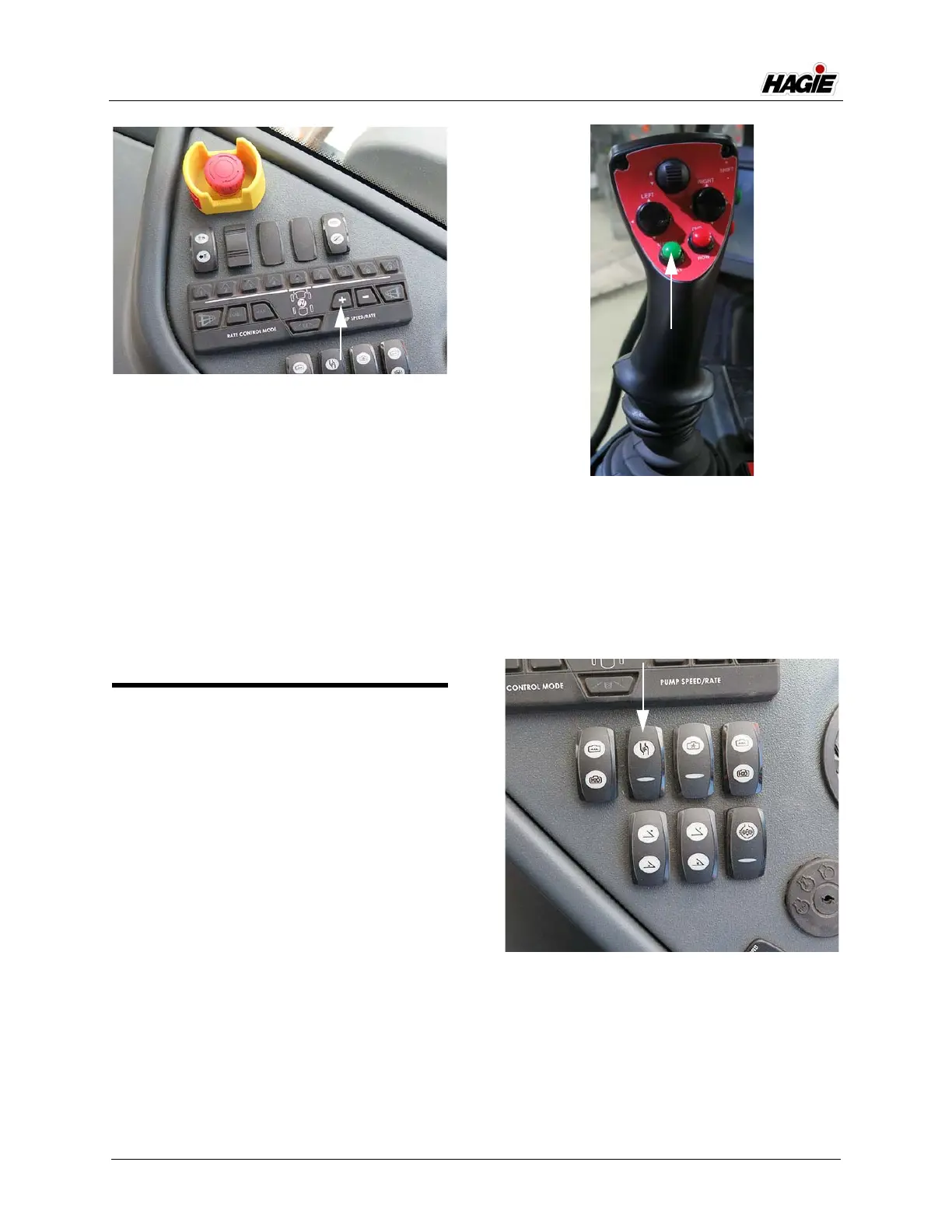
“+” Pump Speed/Rate Switch
(Located on the side console)
-Typical View
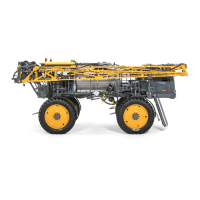
Master Spray Switch
(Located on the Hydrostatic
Drive Control Handle)
-Typical View
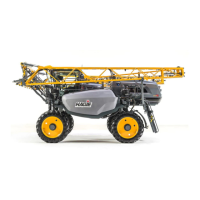
Solution Pump Switch
(Located on the side console)
-Typical View


 To Next Page