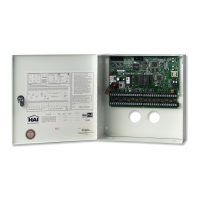
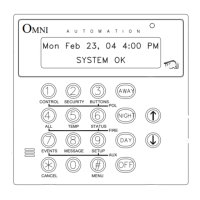
Press the 0 (OFF) key to select when the unit turns off or press the 1 (ON) key to select when the unit turns on (this program is
executed whenever the unit is turned off or on).
Press the 2 (SWITCH) key to select only when the top-rocker or bottom-rocker is pressed at a UPB, RadioRA, or ALC Switch
(locally at the Switch) or when a button is pressed on a keypad.
SWITCH:
0=OFF 1=ON 2-11=SW1-SW10
Press "0" to select only when the bottom-rocker (off) is pressed on the Switch. Press "1" to select only when the top-rocker (on)
is pressed on the Switch. Press "2-9" (see the Corresponding Switch Table) to select when that button is pressed on a keypad.
Press the ' # ' key to enter your selection.
Corresponding Switch Table
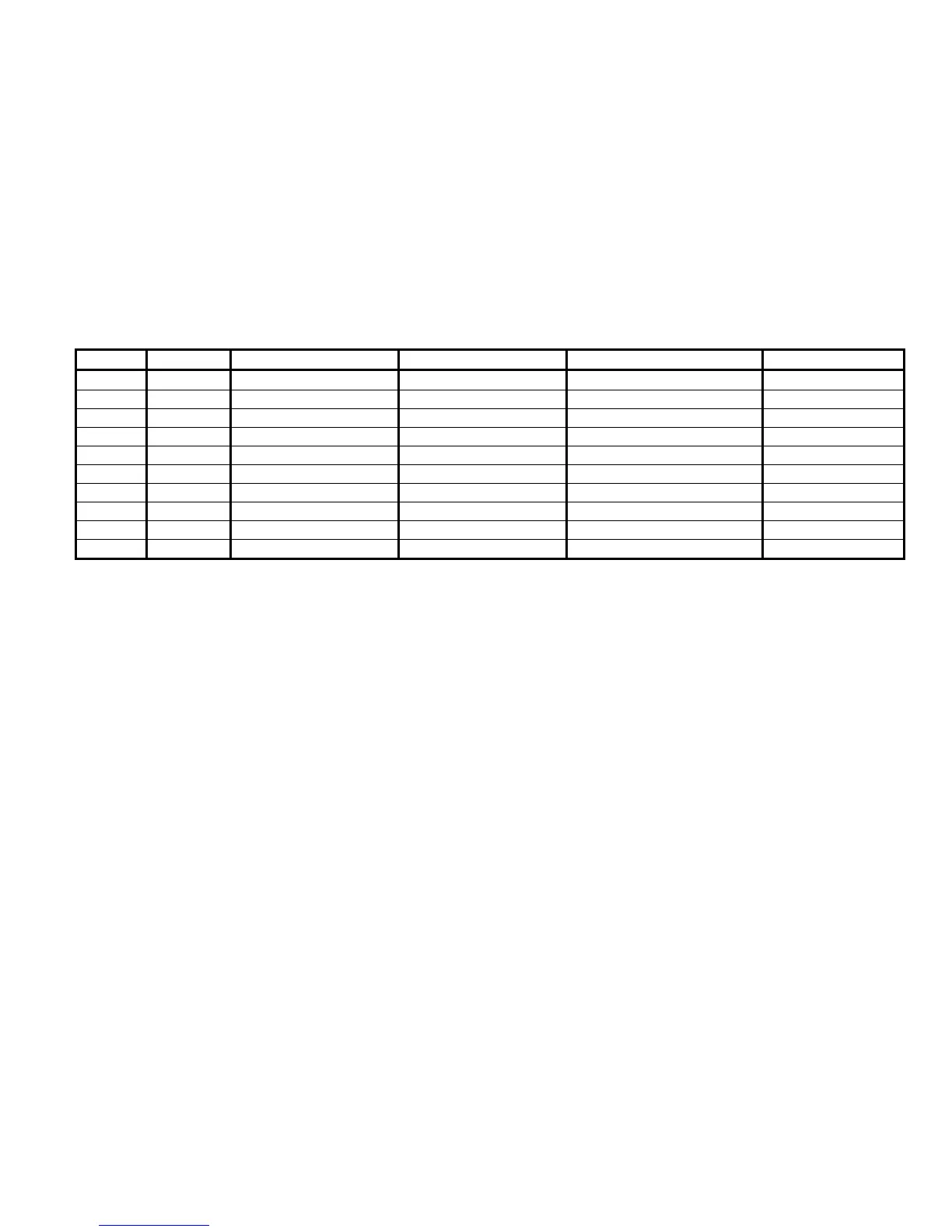
Switch OmniLT UPB 6-Button Keypad UPB 8-Button Keypad RadioRA Master Control ALC 4-Button
1 2 On Button 1 or E 1 1
2 3 Off Button 2 or F 2 2
3 4 A 3 or G 3 3
4 5 B 4 or H 4 4
5 6 C 5 or I 5
6 7 D 6 or J 6
7 8 7 or K 7
8 9 8 or L 8
9 10 9
10 11 10
Security Mode Event Buttons
Pressing the 2 (SEC) key allows you to select the event button that will be activated when a security mode changes:
0=OFF 1=DAY 2=NIGHT
3=AWAY 4=VACATION
After the security mode is selected, an additional menu appears which allows you to further specify the button. For example, you
would like to activate a button when you arm the system into the 3 (AWAY) mode:
WHEN AWAY:
1=DELAY 2=CODE
Any of these may be selected alone or in combination. As each item is specified, the menu is redisplayed with the updated event
button description. Press the ' # ' key when done.
- Selecting 1 (DLY) allows the user to specify whether the event button is activated at the start or end of the exit delay:
WHEN ACTIVATED?
1=START EXIT 2=END EXIT
51


 To Next Page