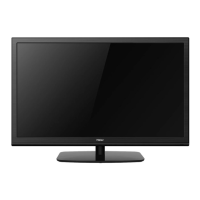
40″ LCD TV Haier 40D3505T-40D2500
41
7. Adjustment
7.1 ADC/ WB Adjustment
Content of ADC Adjustment:
1. Enter into the factory mode:MENU+8+8+9+3
2. The ADC adjustment at VGA and Ypbpr
3. Choose Current Source to VGA,input signal TIM = 137, PAT = 61 (1024*768@60HZ/100% window) from
chroma, doing “Auto Color”
4. Choose Current Source to component, input signal TIM = 314, PAT = 185 (720P/100% color bar) from chroma,
doing “Auto Colour”
White Balance can’t be adjusted manually.


 To Next Page