EasyManua.ls Logo

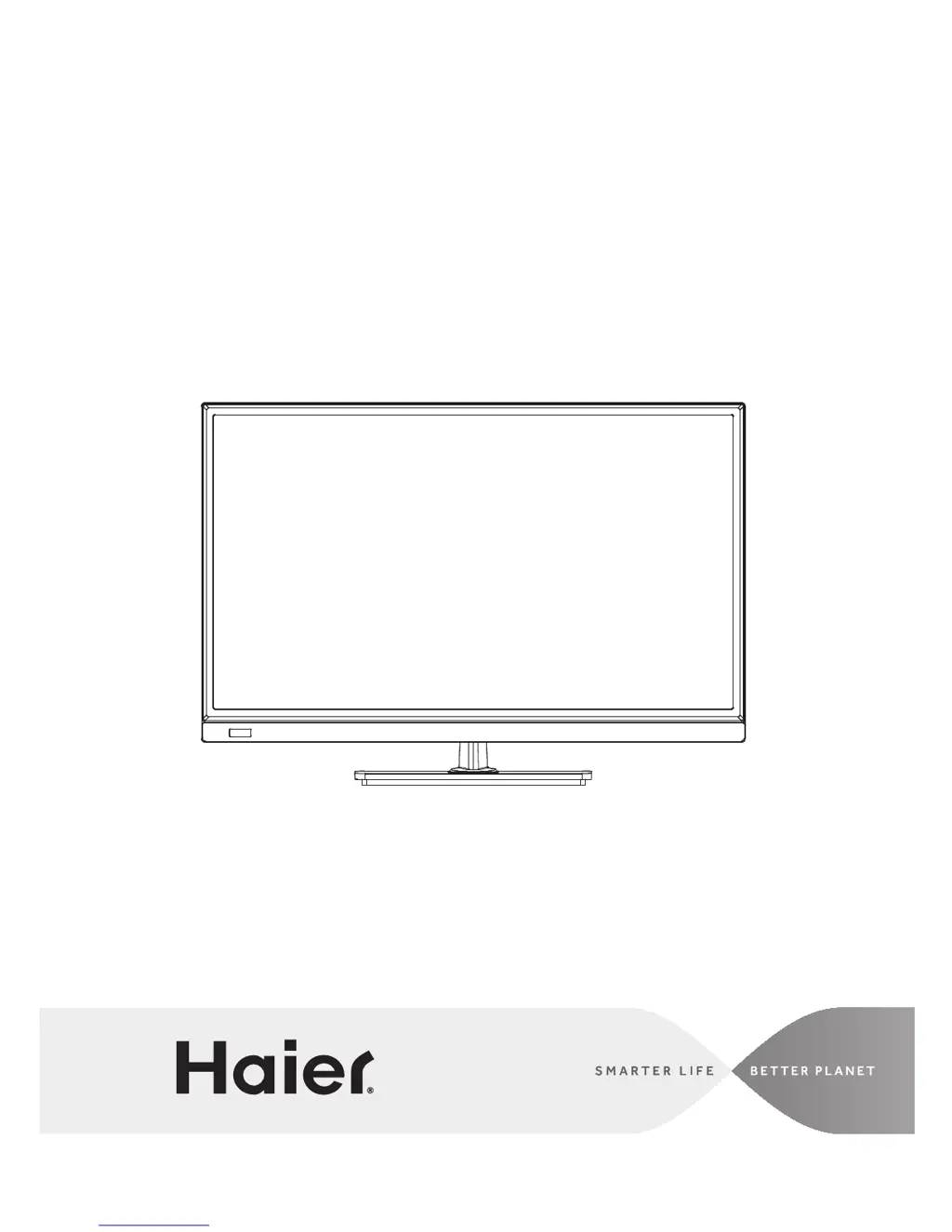
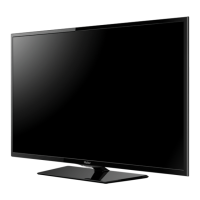
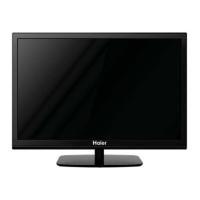
Haier LE22D3380 - User Manual

Haier LE22D3380
34 pages
Print Icon
To Next Page IconTo Next Page
Loading...
LE22D3380
LE24D33800
User Manual
MODELS:
LED Television

Other manuals for Haier LE22D3380

Questions and Answers

  • T
    Tara EvansAug 13, 2025
    What to do if my Haier LE22D3380 has no power?
    • S
      Stacie LopezAug 13, 2025
      First, check to ensure the AC power cord of your Haier LED TV is securely plugged into the mains socket. If it is, try unplugging the TV, waiting 60 seconds, and then plugging it back in and turning the TV on again.
  • J
    Jill StokesAug 16, 2025
    What to do if my Haier LED TV has no picture?
    • M
      Michele ReedAug 16, 2025
      If your Haier LED TV has no picture, check the antenna connections at the rear of the TV to ensure they are properly connected. If the connections are fine, it could be a broadcast station issue, so try another channel. Also, adjust the contrast and brightness settings and check the Closed Captions control, as some TEXT modes might block the screen.
  • J
    Jessica MullinsAug 20, 2025
    How to fix a Haier LE22D3380 LED TV with good picture but no sound?
    • K
      Kristi LutzAug 20, 2025
      If your Haier LED TV has a good picture but no sound, first increase the volume. If that doesn't work, check if the TV is muted by pressing the MUTE button on the remote control.
  • J
    Joshua HoustonAug 25, 2025
    How to improve color on Haier LE22D3380 with good sound?
    • K
      kingchristinaAug 25, 2025
      If your Haier LED TV has good sound but poor color, adjust the contrast, color, and brightness settings to improve the picture quality.
  • J
    Jonathan WilsonAug 27, 2025
    Why is my Haier LE22D3380 LED TV not responding to the remote control?
    • J
      John ChurchAug 27, 2025
      If your Haier LED TV isn't responding to the remote control, first check the batteries and replace them if needed. Then, clean the remote control sensor lens on the TV. Also, ensure your remote is set to TV mode. If all else fails, you can use the buttons on the front of the TV.
  • S
    Sherry AdamsAug 31, 2025
    Why does my Haier LED TV have a snowy picture and noise?
    • J
      josephmillsAug 31, 2025
      If your Haier LED TV displays a snowy picture and noise, check the antenna connection to ensure it is properly connected.
  • K
    Kristin GordonSep 4, 2025
    Why does my Haier LE22D3380 have a ghost or double image?
    • R
      Robert GarciaSep 4, 2025
      A “ghost” or double image on your Haier LED TV may be due to obstructions to the antenna, such as high-rise buildings or hills. Using a highly directional antenna may improve the picture.
  • C
    Charles GomezSep 8, 2025
    What causes a horizontal dotted line on my Haier LE22D3380?
    • M
      Michael RobinsonSep 8, 2025
      A horizontal dotted line on your Haier LED TV may be caused by electrical interference from equipment like hair dryers or nearby neon lights. Try turning off such equipment to resolve the issue.

Summary

FOR YOUR SAFETY

FCC Interference Statement

Statement regarding compliance with FCC rules for digital devices and measures to correct potential interference.

IMPORTANT SAFETY INSTRUCTIONS

Wall Mounting and Antenna Grounding Safety

Covers safety for wall brackets, tilt/stability, power lines, and antenna grounding.

PREPARATION

Attaching the Base

Instructions for assembling and attaching the TV's base stand before use.

Preparing for Wall Mounting

Steps for removing the stand and preparing the TV for mounting on a wall.

PERIPHERAL CONNECTION GUIDE

OPERATING INSTRUCTIONS

Setup Wizard and Input Source

Guide to the setup wizard for initial configuration and selecting the input source.

PRODUCT SPECIFICATION

TROUBLESHOOTING

Haier LE22D3380 Specifications

General IconGeneral
BrandHaier
ModelLE22D3380
CategoryLED TV
LanguageEnglish

Related product manuals