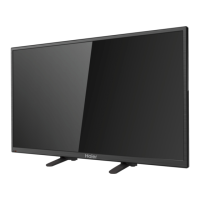
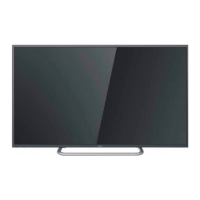
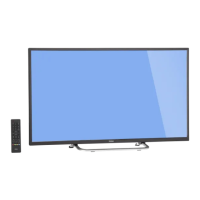
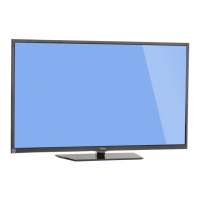
40″ LCD TV Haier 40D3505T-40D2500
45
2.4 When upgrade 100%, the LED stops blinking, and LED is OFF.
2.5 Removed the USB driver and Press “ENTER/OK” key on the remote control to restart your TV.
Step 3: Check the F/W version.
3.1 Press “MENU”+”8”+”8” +”9” +”3” key to enter the factory mode.
3.2 Check the F/W version on the factory mode, and do Reset To Default


 To Next Page
 Loading...