EasyManua.ls Logo

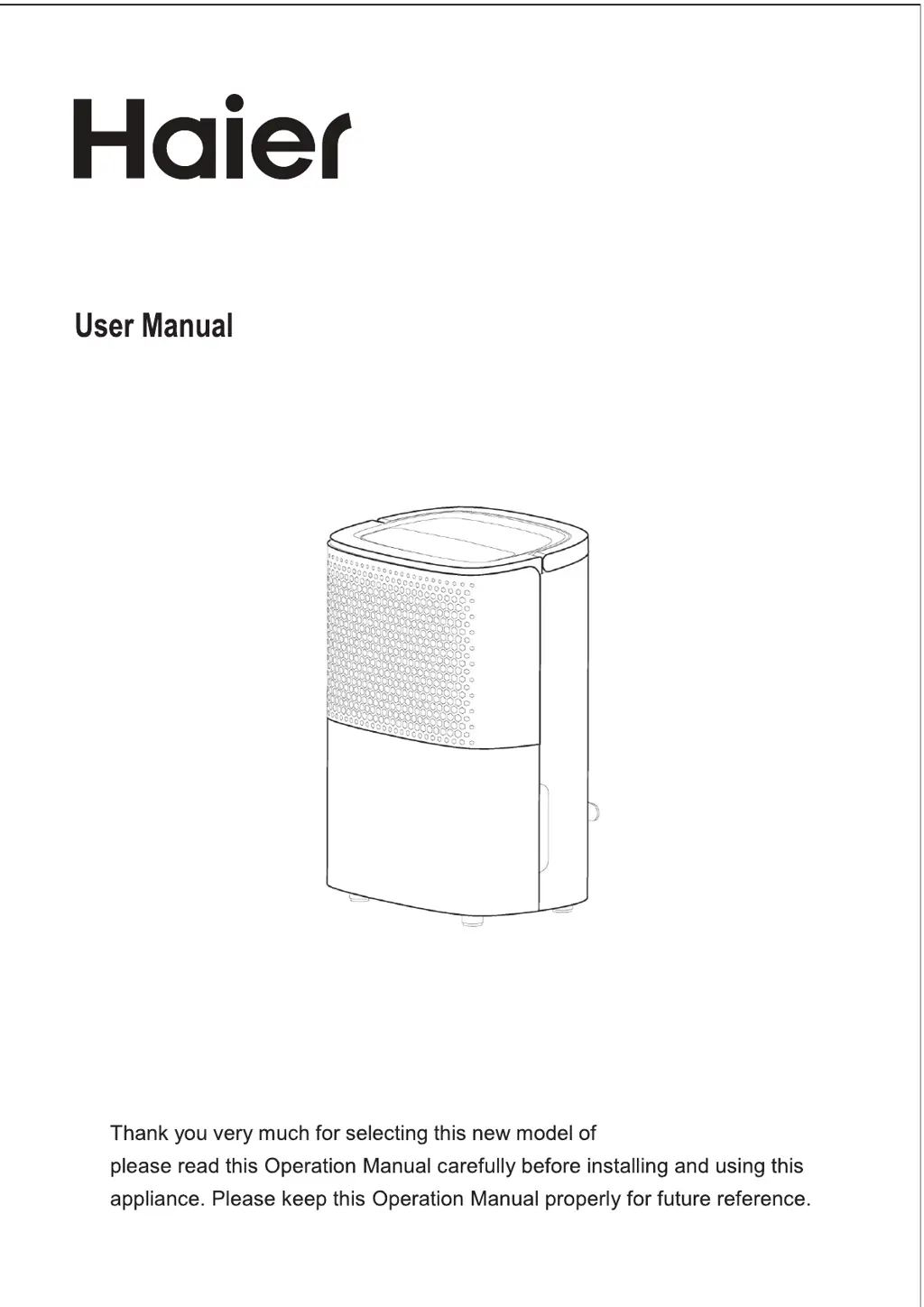
Haier AG10AA1TAA - User Manual

Haier AG10AA1TAA
12 pages
Print Icon
To Next Page IconTo Next Page
Loading...
AG10AA1TAA
AG12AA1TAA
Model:
Dehumidifier
dehumidifier.

Questions and Answers

Overview

This document is a user manual for a Haier Dehumidifier, specifically models AG10AA1TAA and AG12AA1TAA.

Function Description:

The Haier Dehumidifier is designed to remove excess moisture from the air, helping to create a more comfortable and healthy indoor environment. It features various operating modes including auto dehumidifying and continuous dehumidifying (dry cloth function). The unit is equipped with a compressor and fan to facilitate the dehumidification process. It also includes an internal drying function to prevent mildew and unpleasant smells when the device is not in use for extended periods.

Important Technical Specifications:

  • Model: YDZ-10D (This model number is listed in the specification table, while AG10AA1TAA and AG12AA1TAA are on the cover. It's possible YDZ-10D is a generic model reference for the specifications.)
  • Voltage: 220-240V/50Hz
  • Dehumidifying Capacity (at 30°C, RH80%): 10L/day
  • Rated Power: 240W
  • Water Tank Capacity: 1.8L
  • Net Weight: 9.5kg
  • Size (lengthdepthheight): 296 x 217 x 416 mm
  • Operation Temperature Range: 5-32°C (Best operation range is 16-32°C)
  • Relative Humidity Range: 30%-80%

Usage Features:

  • Control Panel: The control panel includes buttons for Timer, Internal Drying, Fan Speed (High/Low), Humidity Setting, Mode selection (Auto Dehumidifying, Continuous Dehumidifying), and On/Off.
  • Timer Function: Allows users to set the unit to turn on or off after a specified duration, ranging from 1 to 24 hours. The timer setting increases by 1 hour with each press.
  • Internal Drying Function: Activates an internal drying process to prevent mold and odors when the dehumidifier is stored or not used for a long time.
  • Fan Speed Adjustment: In Auto dehumidifying and Cloth Dry modes, the fan speed can be adjusted between high and low.
  • Display Screen: Shows the actual room humidity in Auto dehumidifying or Cloth Dry mode, and the setting time in timing mode.
  • Humidity Setting: In Auto dehumidifying mode, the desired humidity level can be set from 30% to 80%, decreasing by 5% with each press. The initial humidity value is 50%.
  • Auto Dehumidifying Mode: In this mode, the compressor and fan operate based on the room humidity relative to the set humidity. If room humidity is > setting humidity+5%, the compressor and fan start. If room humidity is < setting humidity-5%, the compressor stops, and the fan continues according to its original setting. If room humidity is within setting humidity-5% and setting humidity+5%, the unit continues working according to the original settings.
  • Cloth Dry Mode (Continuous Dehumidifying): In this mode, the unit operates continuously regardless of room humidity, with the compressor working and the fan running at high speed. Fan speed is adjustable.
  • Drainage Options:
    • Manual Drainage: When the 1.8L water tank is full, a water-full indicator illuminates, the unit stops working, and a buzzer sounds 10 times. The user must manually remove and empty the water tank.
    • Continuous Drainage (Optional): A water pipe (inner diameter 9mm) can be connected to the continuous drainage mouth at the back of the unit for continuous water removal. The pipe should not be too long (usually 0.6m) and its height should not surpass the drainage mouth to prevent water leakage.
  • Placement: The unit should be placed on a stable, flat surface. A minimum distance of 20cm from walls or other obstacles (front/back, left/right) and 50cm from the top is recommended to ensure proper airflow and operation. Doors and windows should be kept closed during operation to maximize energy efficiency.

Maintenance Features:

  • Pre-Maintenance Safety: Always turn off the appliance and pull out the power plug before performing any maintenance or repairs.
  • Long-Term Storage: If the dehumidifier is not used for a long time, pull out the plug.
  • Cleaning Restrictions: Do not use benzene, alcohol, gasoline, or other chemical reagents to clean the unit.
  • Water Tank Cleaning: Clean the water tank with a soft cloth.
  • Surface Cleaning: Use a wet cloth to clean the appliance's surface. Avoid using detergent or grinding sponges to prevent damage.
  • Filter Cleaning: The air filter should be cleaned at least once every two weeks.
  • Float Check: Before reinserting the water tank, ensure the float is flexible.

Haier AG10AA1TAA Specifications

General IconGeneral
BrandHaier
ModelAG10AA1TAA
CategoryDehumidifier
LanguageEnglish

Related product manuals