EasyManua.ls Logo

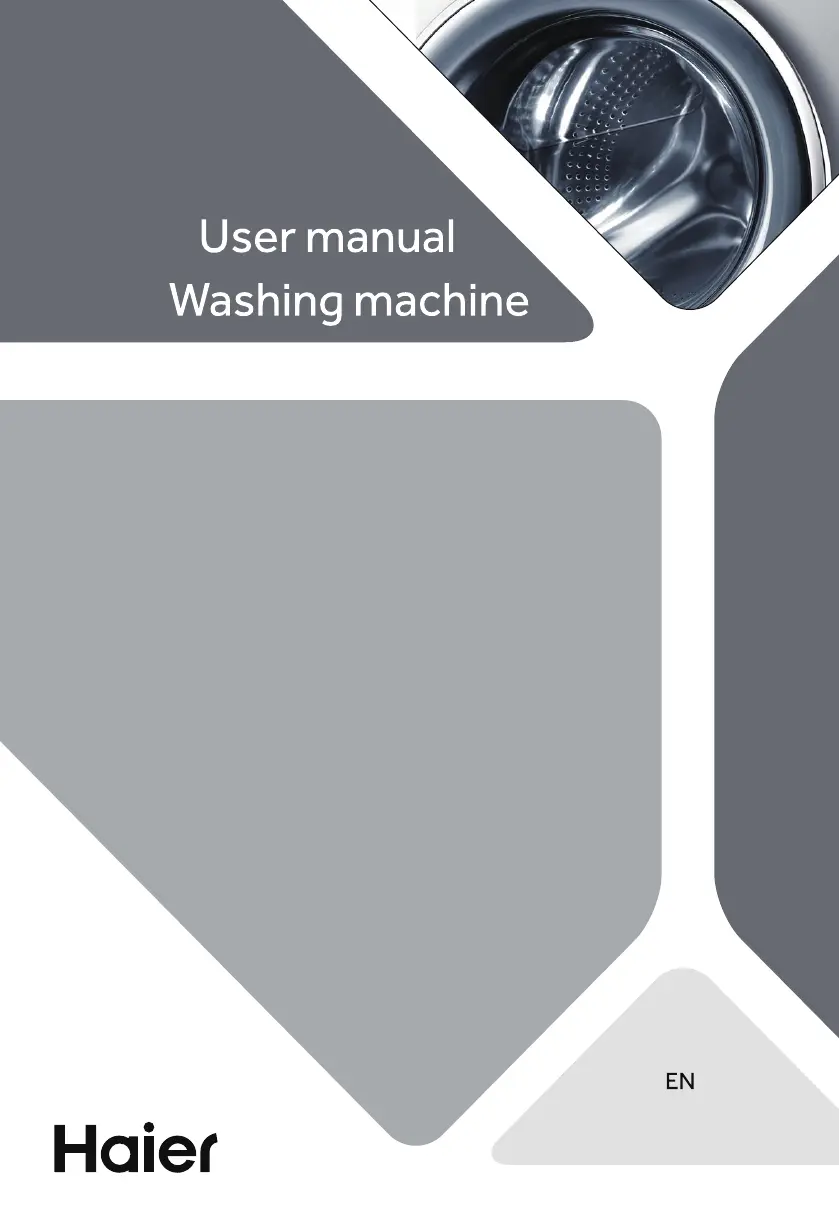
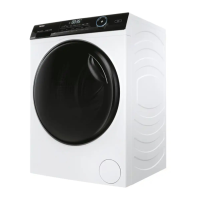
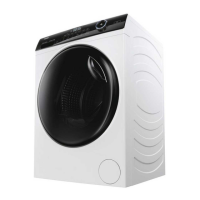
Haier HW80-B14959U1 - User Manual

Haier HW80-B14959U1
36 pages
Print Icon
To Next Page IconTo Next Page
Loading...
HW80-B14959U1
HW90-B14959U1
HW100-B14959U1
HW80-B14959S8U1
HW90-B14959S8U1
HW100-B14959S8U1

Questions and Answers

  • A
    Ariel LeeAug 21, 2025
    How to fix drainage failure in my Haier Washer?
    • B
      Brittany BrooksAug 21, 2025
      Drainage failure can occur if the drain hose is blocked, so unblock the drain hose. Also, ensure that the drain hose end is not higher than 100 cm above the floor level, making sure that the drain hose is properly installed.
  • S
    Spencer GonzalezAug 23, 2025
    Why is the spinning failing on my Haier Washer?
    • D
      Donna RobersonAug 23, 2025
      Check machine load and laundry and run a spinning programme again.
  • K
    Kimberly BlankenshipAug 26, 2025
    Why is there no water in my Haier Washer?
    • G
      Gregory LuceroAug 26, 2025
      The absence of water in your Haier Washer can be due to several reasons. First, ensure the water tap is open. Next, inspect the inlet hose for any kinks that might be obstructing the water flow. Also, check if the water pressure is less than 0.03 MPa. Verify that the door is properly closed, and confirm that there isn't a water supply failure.
  • J
    johnsonstephanieAug 28, 2025
    What to do if my Haier HW80-B14959U1 fails to operate?
    • C
      Candice TurnerAug 28, 2025
      If your Haier Washer isn't operating, start by checking if the program has been started. Ensure the door is properly closed and that the machine is switched on. Check the power supply and deactivate the child lock if it's activated.
  • S
    Stephanie WareAug 30, 2025
    What does 'Unb' mean on my Haier HW80-B14959U1 and how to fix it?
    • N
      Nathaniel RobinsonAug 30, 2025
      The 'Unb' error indicates an unbalanced load. To resolve this, check and balance the laundry load in the drum, and reduce the load if necessary.
  • U
    ualexanderSep 1, 2025
    Why is my Haier HW80-B14959U1 draining?
    • K
      katelyn00Sep 1, 2025
      Your machine might be draining if the height of the drain hose is below 80 cm; make sure that the drain hose is properly installed. Another cause could be that the drain hose end can reach into water; make sure the drain hose is not in water.
  • H
    Heather BassSep 3, 2025
    What to do if Haier HW80-B14959U1 Washer shows error E4?
    • D
      denise04Sep 3, 2025
      Error E4 means that the water level was not reached after 12 minutes. Make sure that the tap is fully opened and the water pressure is normal. Also, check drain hose installation, as the drain hose may be self-syphoning.
  • R
    rwrightSep 5, 2025
    Why does my Haier Washer stop before completing the wash cycle?
    • M
      mtaylorSep 5, 2025
      If the operation stops before completing the wash cycle, check the power and water supply because there may be a water or electric failure.
  • S
    sarah99Sep 7, 2025
    Why is the washing result poor in my Haier Washer?
    • C
      Christopher FigueroaSep 8, 2025
      A poor washing result can occur if the degree of pollution does not agree with the selected program, so select another program. Also, the detergent quantity may not have been sufficient, so choose the detergent according to the degree of pollution and according to the manufacturer. The maximum load may have been exceeded, so reduce loading. Finally, the laundry may have been unevenly distributed in the drum, so loosen the laundry.
  • K
    Kevin MartinSep 10, 2025
    How to reduce excessive foam in the detergent drawer of my Haier HW80-B14959U1?
    • K
      Kayla MurraySep 10, 2025
      Excessive foam in the detergent drawer may be because the detergent is not appropriate, so check detergent recommendations. It could also be due to excessive use of detergent, so reduce the amount of detergent.

Summary

Safety Information

Before First Use Safety

Safety guidelines and precautions before initial appliance operation.

Daily Use Safety Precautions

Safe practices and precautions during regular appliance operation and use.

Maintenance and Cleaning

Instructions for cleaning and maintaining the washing machine's components.

Installation Guidelines

Guidelines for proper appliance installation, placement, and connection.

Intended Use Restrictions

Specifies the appliance's purpose and limitations for domestic use only.

Product Description

Appliance Diagrams

Visual identification of front and rear components of the washing machine.

Included Accessories

Lists and describes the accessories provided with the appliance.

Control Panel

Power Button and Programme Selection

Operation of the power button and how to select washing programmes.

Display and Function Buttons

Explanation of display information and usage of various function buttons.

Child Lock and Detergent Drawer

Instructions for child lock feature and detergent dispenser usage.

Programmes

Washing Programme Details

Comprehensive guide to all washing programmes, their settings, and fabric types.

Consumption

Energy and Water Consumption

Information on appliance energy and water usage, including auto-weight feature.

Daily Use

Power and Water Connections

Instructions for connecting the appliance to power and water sources.

Laundry Preparation and Loading

Guidelines for sorting, preparing, and loading laundry into the machine.

Care Chart Symbols

Explanation of symbols for washing, bleaching, drying, ironing, and dry cleaning.

Selecting Detergent

Guidance on choosing the appropriate detergent for different programmes.

Adding Detergent

Steps for correctly adding detergent and softener to the dispenser.

Starting and Controlling Programmes

How to start, pause, and manage wash programmes.

Programme Management and Buzzer

Procedures for after washing, door lock, energy saving, and buzzer settings.

hOn Smart Features

hOn App Requirements

Necessary conditions and specifications for using the hOn app.

App Download and Registration

Steps for downloading, installing, and registering the hOn application.

App Pairing and Remote Control

Procedures for pairing the appliance with the app and enabling remote control.

Managing Remote Control

How to disable remote control and manage its operation.

Configuration Reset

Procedure to delete network credentials and reset appliance configuration.

Eco-Friendly Washing

Responsible Washing Practices

Tips for efficient and environmentally conscious washing practices.

Care and Cleaning

Cleaning Detergent Drawer

Step-by-step guide to cleaning the detergent dispenser.

Cleaning Appliance Exterior

Instructions for cleaning the exterior of the washing machine.

Water Inlet Filter Maintenance

Maintenance of the water inlet valve and its filter.

Drum Cleaning

How to clean the washing drum and remove stains.

Long Period Storage

Preparations for storing the appliance during extended periods of non-use.

Pump Filter Maintenance

Procedure for cleaning the appliance's pump filter to ensure proper drainage.

Troubleshooting

Information Codes Explained

Explanation of codes displayed for information purposes during the wash cycle.

Troubleshooting with Display Codes

Solutions for problems indicated by specific error codes on the display.

Troubleshooting without Display Codes

Solutions for common issues not indicated by display codes.

Power Failure Procedures

What to do in case of a power outage during operation.

Installation

Initial Preparation and Packaging

Initial steps for preparing the appliance and disposing of packaging materials.

Noise Reduction Pad Installation

Optional steps for installing pads to reduce operational noise.

Transportation Bolt Removal

Instructions on removing transport bolts before initial use.

Moving the Appliance Safely

Guidance on safely moving the appliance, including reinstalling protection parts.

Appliance Leveling

How to adjust the appliance feet for proper leveling and stability.

Drain Hose Connection

Steps for connecting the drain hose to various outlets.

Water Inlet Hose Connection

Instructions for connecting the water inlet hose.

Electrical Connection Safety

Guidelines for safely connecting the appliance to the electrical supply.

Technical Data

Appliance Specifications

Technical details like voltage, current, power, water pressure, and weight.

Product Dimensions

Detailed measurements of the appliance from different views.

Standards Compliance

Information on compliance with relevant EC directives and standards.

Customer Service

Obtaining Customer Support

How to get support, contact dealers, and find FAQs.

Warranty and Service Information

Details on warranty, model/serial number, and service contact addresses.

Haier HW80-B14959U1 Specifications

General IconGeneral
TypeFront Load
Capacity8 kg
Spin Speed1400 rpm
Energy RatingA+++
Weight70 kg
Display TypeLED
Energy Efficiency ClassA+++
ColorWhite
Delay StartYes
Child LockYes
Drum MaterialStainless Steel

Related product manuals