Operation
MUSIC
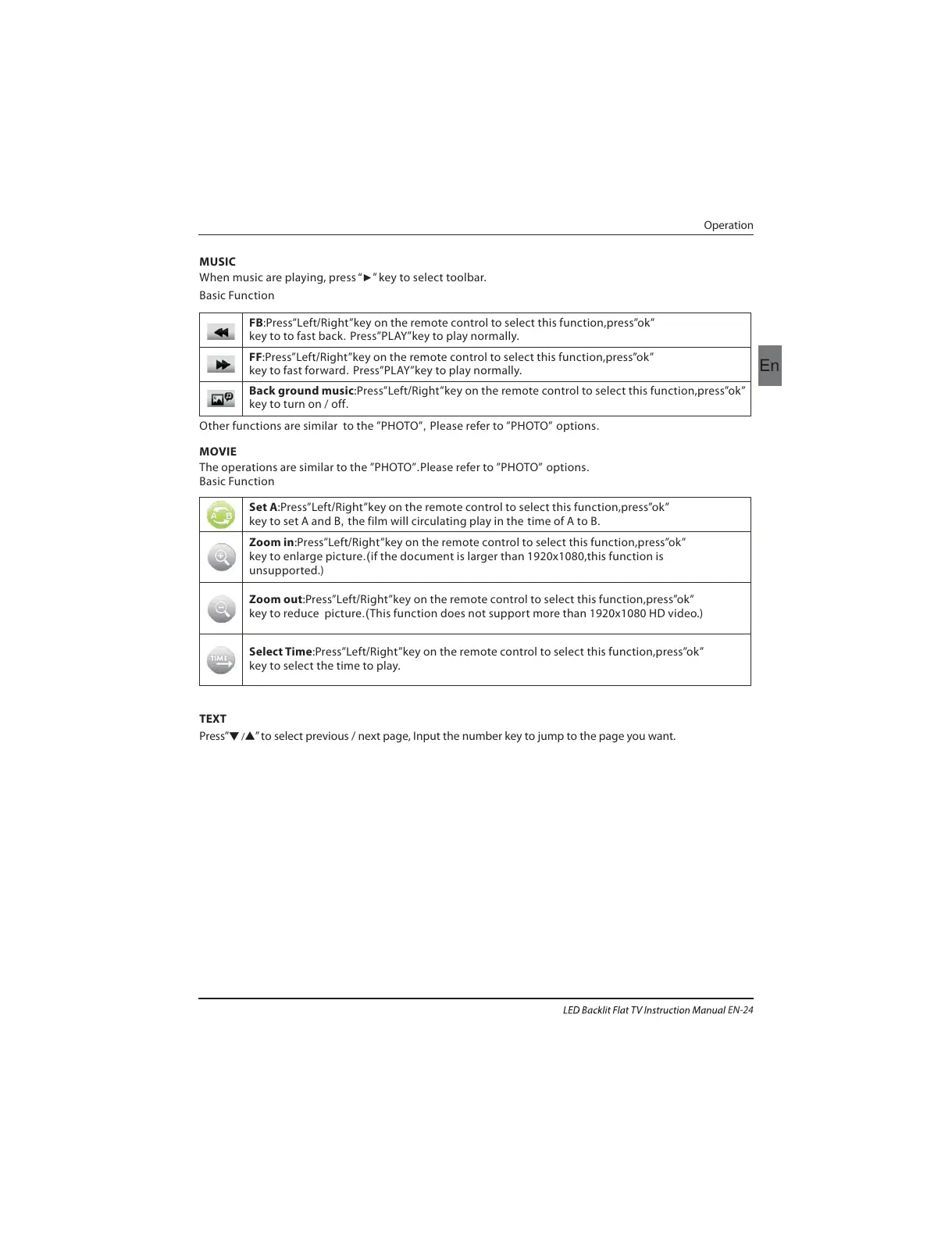
When music are playing, press “ ” key to select toolbar.
►
Basic Function
Other functions are similar to the PHOTO , Please refer to PHOTO options. ”” ””
The operations are similar to the PHOTO .Please refer to PHOTO options.”” ””
Basic Function
MOVIE
TEXT
Press” ” to select previous / next page, Input the number key to jump to the page you want.
▼ /▲
FB Left/Right”key on the remote control to select this function,press”ok”
key to to fast back. Press
”PLAY”key to play normally.
:Press”
FF Left/Right”key on the remote control to select this function,press”ok”
key to fast forward. Press”PLAY”key to play normally.
:Press”
Back ground music Left/Right”key on the remote control to select this function,press”ok”
key to turn on / off.
:Press”
Set A Left/Right”key on the remote control to select this function,press”ok”
key to set A and B, the film will circulating play in the time of A to B.
:Press”
Zoom in Left/Right”key on the remote control to select this function,press”ok”
key to enlarge picture.(if the document is larger than 1920x1080,this function is
unsupported.)
:Press”
Zoom out Left/Right”key on the remote control to select this function,press”ok”
key to reduce picture.(This function does not support more than 1920x1080 HD video.)
:Press”
Select Time Press”Left/Right”key on the remote control to select this function,press”ok”
key to select the time to play.
:
EN-24



 To Next Page