lNSTA
LL4
PON
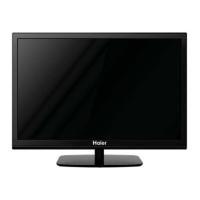
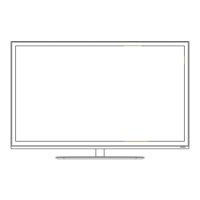
Front panel
KEYBOARD
1: Remote control sensor.
2: Indicator LED: RED. STANDBY.
3:
Keyboard
REARAV Connections
SDURCE-
<D
MENU
-@
VOL~®
VOl-
CH+ J-®
CH·
POWER-@
1. SOURCE,
Display the input source menu.
2. MENU,
Display main MENU.
3.
VOL+NOL-
Adjust sound level.
In
MENU mode. press "VOL+" or "VOL-" to
adjust the item that you selected.
4.
CH+/CH-
In TV mode. press "CH+" or "CH-" to change
the channel up and down.
In MENU mode, press "CH+" or itCH·" to select
items.
5. POWER
Press this button to turn the unit ON from
STANDBY mode.
Press it again to turn the set back to STANDBY.
@ ®® ®®®
0 c=':l
0
HEADPHONE L R VIDEO Y Pb
p,
peAUDIO VGA RF
All the terminals are(from left to right):
HEADPHONE, AUDIO INPUT, VIDEO, YPbPr, PC AUDIO, VGA, RF.
REAR AV Connections(SIDE)
o 0 0 0
HlHI • " ",,6' USB
All the terminals are (from left to right):
HDMII, HDMI2, USBI, USB2,
ote: When HDMI port get DVI signal, the audio signal receives from the PC
Audio channel.
-6-


 To Next Page
 Loading...