TV OPERATION
Press to select the function icon, press OK button
to
confirm the function.
NO T E:
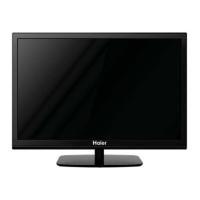
You can adjust the audio track, subtitle, or program in
the Info menu while playing the video file.
Choose the Info icon and press OK can display the Info
MENU.
NO T E:
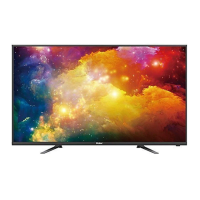
Music function need to put music and picture in the
same folder.
14
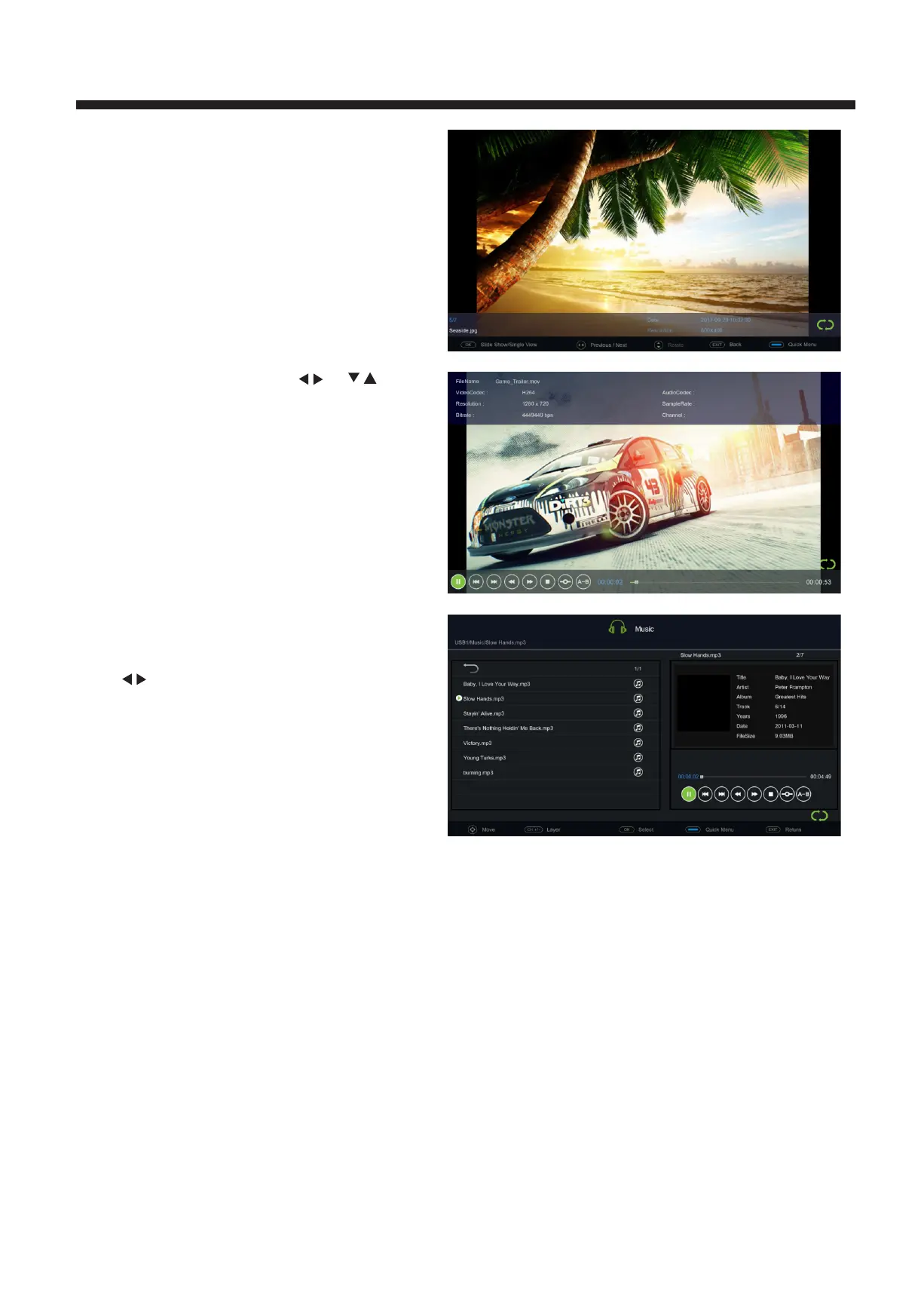
Press the O K to
display media files and folder list or
choose Return to
back to the media type selection menu.
Select the media file by pressing or
, then
the preview frame will pop up. Press the button
to play the media fi le in full screen. When the
media file (pho
to, music, movie ) is
playing, press the
OK
OK
or button can display the
control bar.
INFO



 To Next Page