EasyManua.ls Logo

Haier QDHR35 - User Manual

Haier QDHR35
24 pages
Print Icon
To Next Page IconTo Next Page
Loading...
49-5000430 Rev. 2 01-20 GEA
Owner’s Manual and
Installation Instruction
Manual del propietario y
instrucciones de instalación
QDHR20
QDHR35
QDHR50
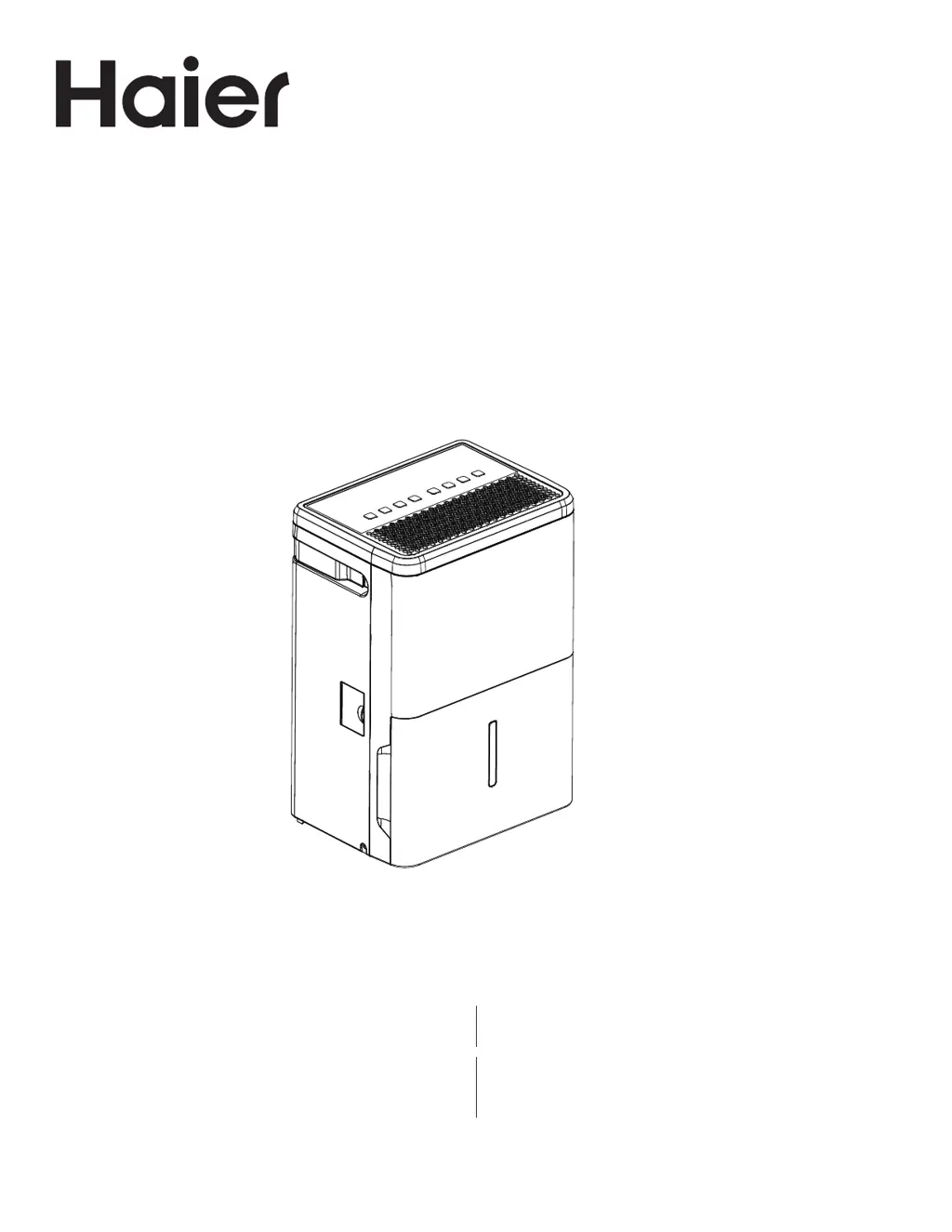
Dehumidifier
Deshumidificador
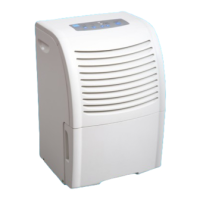
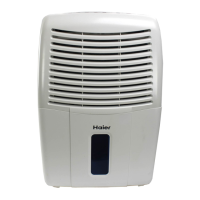
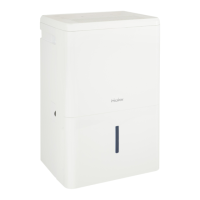
Design may vary by model number. El diseño puede variar según el número
de modelo

Questions and Answers

  • N
    normanaliciaJul 29, 2025
    Why my Haier QDHR35 is not starting?
    • C
      Chad RogersJul 29, 2025
      Your Haier Dehumidifier might not be starting due to a few reasons. First, make sure the dehumidifier's plug is completely pushed into the outlet. Second, check the house fuse/circuit breaker box and replace the fuse or reset the breaker. Third, the dehumidifier automatically turns off when either condition occurs, so change to a lower setting or empty the bucket and replace it properly. Fourth, the bucket must be in place and securely seated for the dehumidifier to operate. Finally, there is a protective time delay (up to 3 minutes) to prevent tripping of the compressor overload, so the unit may not start normal dehumidification for 3 minutes after it turned back on.
  • E
    Elizabeth MartinAug 3, 2025
    How to fix a Haier QDHR35 Dehumidifier that won't turn on?
    • E
      Elizabeth BaileyAug 3, 2025
      If your Haier Dehumidifier fails to start, verify that it's correctly plugged into the outlet. Check the fuse or circuit breaker in your home and replace or reset it if needed. Make sure the bucket is properly positioned. The unit might have turned off automatically; try a lower setting or emptying and replacing the bucket. Note that there is a time delay of up to three minutes to protect the compressor.
  • G
    George MeyerAug 10, 2025
    What to do if my Haier QDHR35 Dehumidifier does not start?
    • G
      gary22Aug 10, 2025
      If your Haier Dehumidifier doesn't start, ensure the plug is fully inserted into the outlet. Also, check your house's fuse or circuit breaker and replace the fuse or reset the breaker if necessary. Remember, the bucket must be correctly placed for the dehumidifier to operate. Finally, note that there's a protective time delay of up to 3 minutes to prevent compressor overload, so the unit might not start immediately after being turned back on.
  • J
    Jeffrey SalasAug 16, 2025
    How to troubleshoot a Haier QDHR35 that does not start?
    • B
      Brenda LeblancAug 16, 2025
      If your Haier Dehumidifier isn't starting, first ensure it's properly plugged into the outlet. Next, inspect the house fuse or circuit breaker and replace the fuse or reset the breaker as needed. Also, verify that the bucket is correctly placed. The unit may have automatically turned off, so you should change to a lower setting or empty the bucket and replace it properly. Lastly, be aware of a potential 3-minute delay for compressor overload protection after turning it back on.
  • D
    David WhiteAug 21, 2025
    What causes a Haier QDHR35 to not start?
    • L
      Lindsey WalkerAug 21, 2025
      There are several reasons why your Haier Dehumidifier might not start. Ensure that the plug is completely pushed into the outlet. Check the house fuse or circuit breaker and replace or reset if necessary. The bucket must be securely in place. The unit may have automatically shut off; adjust to a lower setting or empty and replace the bucket. Also, allow up to 3 minutes for the compressor overload protection to pass after turning the unit back on.

Summary

SAFETY INFORMATION

IMPORTANT SAFETY INFORMATION

General safety precautions and warnings for operating the dehumidifier.

USE OF EXTENSION CORDS

Specific warning against using extension cords with the dehumidifier.

HOW TO CONNECT ELECTRICITY

Guidance on proper electrical connection and grounding for safety.

RECYCLING INFORMATION

Information on how to recycle the appliance.

CONTROLS

Controls

Description of the control panel, buttons, and display functions.

Other Features

Explanation of additional functions like alarm, auto shut off, and auto defrost.

INSTALLATION INSTRUCTIONS

Installing the Casters

Step-by-step guide for attaching the casters to the dehumidifier.

USING THE DEHUMIDIFIER

How the Dehumidifier Operates

Explanation of the dehumidifier's working principle and air circulation.

Automatic Defrost

Description of the automatic defrost function and its operation.

Choosing a Location

Guidance on optimal placement for effective dehumidification.

Removing Collected Water

Methods for emptying the water tank or continuous draining via hose.

Water Level

Information on how the unit indicates water level and automatic shut-off.

Bucket Operation

Notes on the proper use, seating, and function of the water bucket.

CARE AND CLEANING

Grille and Case

Instructions for cleaning the exterior grille and housing of the unit.

Water Bucket

Steps for cleaning the water collection tank to prevent mold and mildew.

Air Filter

Procedures for cleaning and maintaining the air filter for optimal performance.

TROUBLESHOOTING

Dehumidifier does not start

Solutions for when the dehumidifier fails to power on.

Dehumidifier does not dry the air as it should

Troubleshooting steps for poor drying performance or low humidity removal.

Dehumidifier runs too much

Reasons for the dehumidifier running continuously or for extended periods.

Frost appears on the coils

Explanation of frost formation on evaporator coils and how it resolves.

Control cannot be set

Issues related to setting the unit's controls or humidity levels.

Fan noise

Information regarding normal operating sounds from the fan.

Water on floor

Troubleshooting steps for leaks or water on the floor.

Bucket Full LED light flashing and alarm sounds while drain hose is connected

Specific troubleshooting for a full bucket indicator with a drain hose attached.

LIMITED WARRANTY

For The Period Of: Will Replace:

Details warranty coverage period and the product replacement policy.

In Order to Make a Warranty Claim During the First 90 Days from the Date of Original Purchase

Instructions for filing a warranty claim within the first 90 days.

In Order to Make a Warranty Claim During the Remainder of the One-Year Warranty

Instructions for filing a warranty claim during the rest of the one-year period.

What Will Not Cover:

List of exclusions and conditions not covered by the product warranty.

EXCLUSION OF IMPLIED WARRANTIES

Legal disclaimers regarding implied warranties and consumer rights.

Haier QDHR35 Specifications

General IconGeneral
BrandHaier
ModelQDHR35
CategoryDehumidifier
LanguageEnglish

Related product manuals