4
4. OPERATION
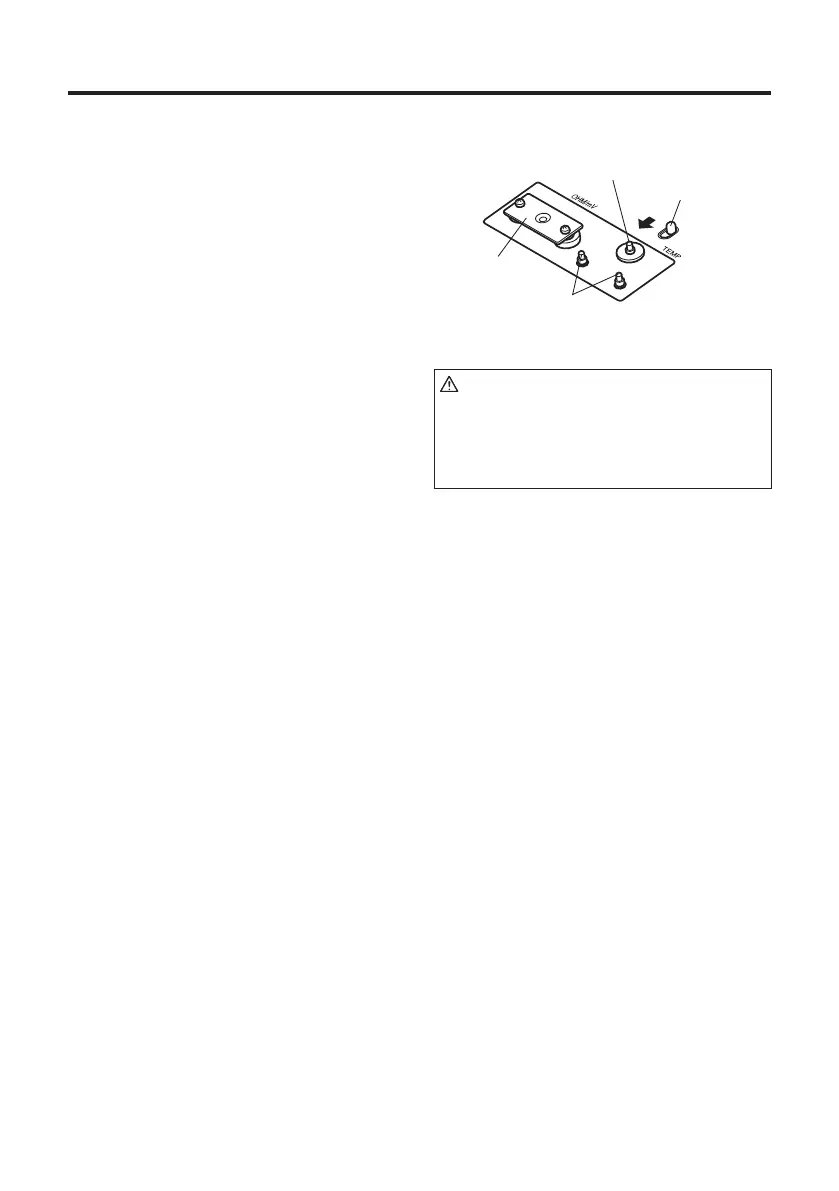
CAUTION
Since the sensor is made of ultra-
thin (Ø0.2) K thermocouple, pressing
the sensor strongly may cause it to be
disconnected. Handle it with care.
Slide pin
Conductive plate
Slide button
Terminal
4-1 Initial setup
1.
Attach the included sensor.
1) Slide the slide button. The slide pin
will move toward the terminal.
2) Attach the sensor with the slide pin
moved toward the terminal.
3) Attach the sensor having a red mark
to the red-colored terminal and the
sensor having a blue mark to the
blue-colored terminal.
2.
Insert the power plug into the power
receptacle and turn on the power switch.
1) Be sure to connect the main body
power cord to a two-pole grounded-
type receptacle.
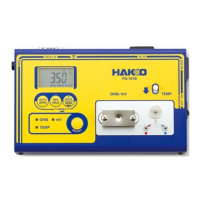
2) The power receptacle of the HAKKO
FG-101B main body supplies power
only when the power switch is turned
on.


 To Next Page