29
Operation
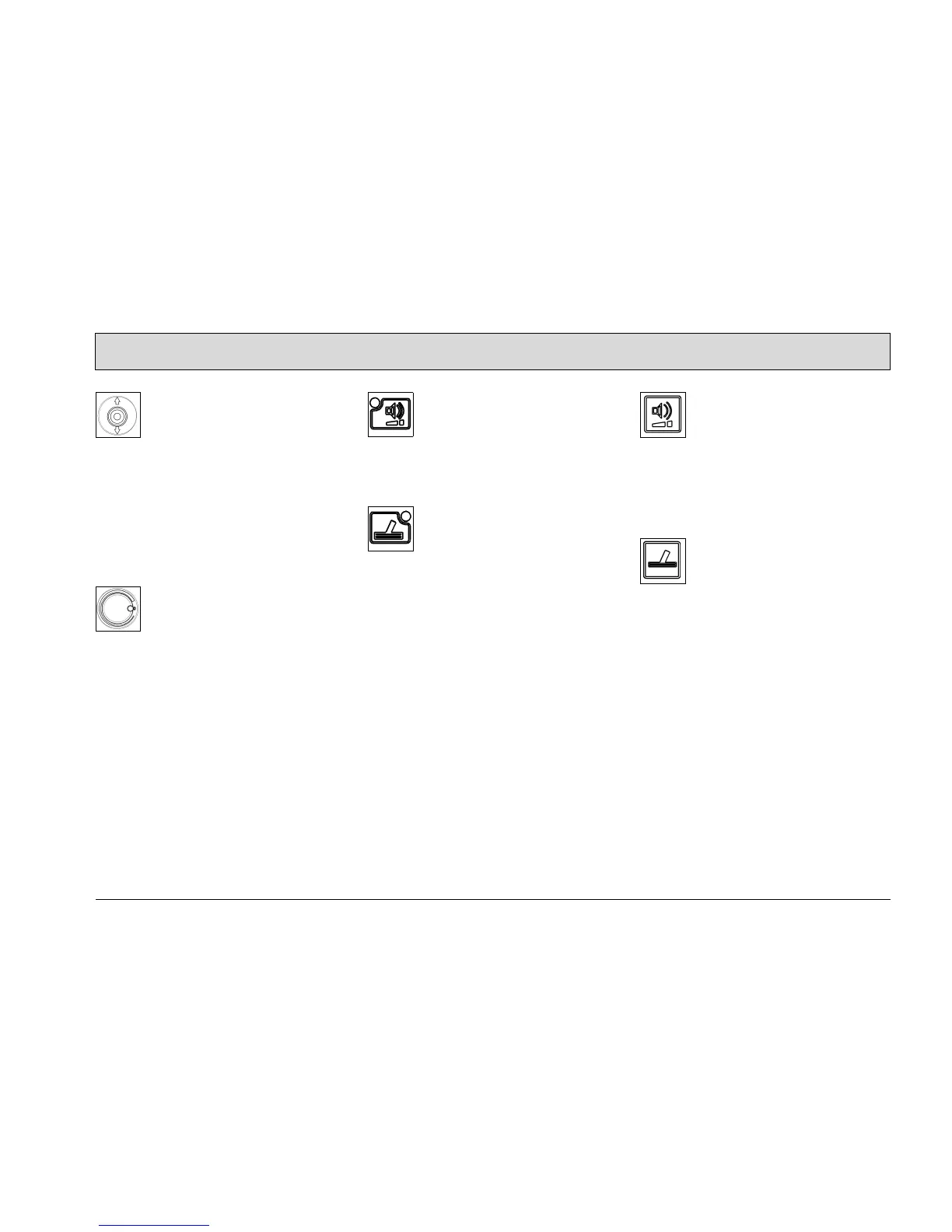
Direction switch (Fig. 10/5)
The direction switch is used to preselect
the driving direction for the machine.
Switch to front = forward drive
Switch to rear = reverse drive
To change the driving direction, bring
the machine to a stop, select the new di-
rection and start again.
Driving speed control (Fig. 10/6)
The driving speed control is a continu-
ousl
y adjustable knob to set the ma-
chine speed.
Symbol for silence kit (Fig. 10/7)
The LED lights up when the silence kit
fu
nction is switched on.
Symbol for tool connection (option)
(Fig. 10/8)
The LED lights up when the tool con-
nection
function is switched on.
Silence kit button (Fig. 10/9)
The silence kit button is used to switch
l
ow-noise operation on and off. The si-
lence kit reduces the noise made by the
vacuuming equipment.
Tool connection button (option) (Fig.
10/10)
The tool connection button is used to
switch operation of the spray and vacu-
um tool on and off.



 To Next Page