EasyManua.ls Logo

HALNy HL-4GXV-F - User Manual

HALNy HL-4GXV-F
12 pages
Print Icon
To Next Page IconTo Next Page
Loading...
Quick Installation Guide
1
Quick Installation Guide
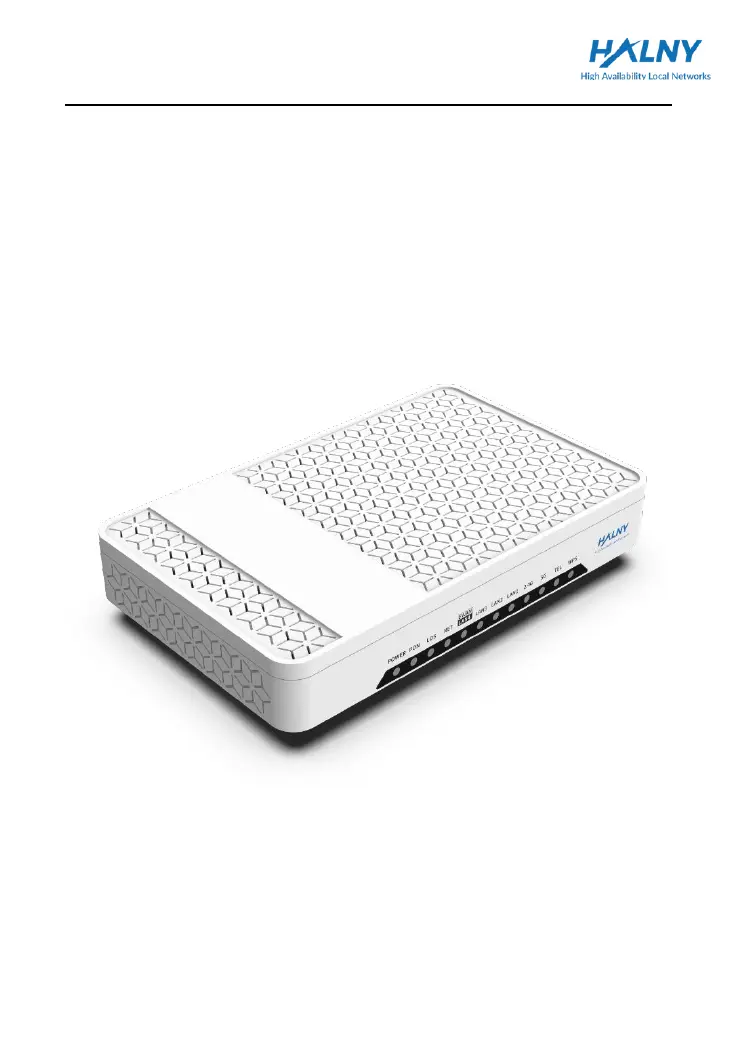
HALNy GPON ONT
HL-4GXV-F

Questions and Answers

  • L
    Lawrence YoungAug 7, 2025
    What to do if LAN indicators are not on for HALNy Network Router?
    • G
      Gerald RosarioAug 7, 2025
      If the LAN indicators on your HALNy Network Router are not lit, ensure that the PC NIC is enabled. Also, verify that you are using the network cables included in the device package and that the network cable connection is normal. Check if the network adapter indicator is on and that the network adapter is working correctly.
  • T
    Travis WheelerAug 13, 2025
    How to fix the HALNy Network Router when the POWER indicator is not on?
    • A
      Amanda RamosAug 13, 2025
      If the POWER indicator on your HALNy Network Router is off, first check the power connection to ensure it is correctly connected. Next, verify that the power adapter you are using matches the device requirements.
  • C
    Crystal MorseAug 21, 2025
    Why is the PON indicator not on my HALNy HL-4GXV-F?
    • S
      Samantha MartinezAug 21, 2025
      If the PON indicator is not on for your HALNy Network Router, verify that the SN of the ONU matches the OLT. Additionally, check that the optical attenuation is within the normal range.
  • W
    watersbenjaminAug 28, 2025
    What to do if the LOS indicator is not on for HALNy Network Router?
    • A
      amy83Aug 28, 2025
      If the LOS indicator on your HALNy Network Router is not on, check that the optical fiber cable is properly inserted. Also, ensure that the optical fiber connector is clean.

Summary

Safety Guidance

Safety Check

Check electrical safety and device placement before installation.

Safety Cautions

Adhere to safety precautions for device use, handling, and protection against environmental factors.

Overview

Features and Function

Highlights key features like high data rates, LED indicators for maintenance, and long transmission distance.

Front panel

Details the front panel layout, including all LEDs and their functions for status indication.

Rear panel

Describes the rear panel layout, identifying ports like POWER, LAN, TEL, and controls like ON/OFF, WPS, RESET.

ONU installation

Product Networking Application - FTTH

Explains the FTTH networking concept and how the ONU connects within the network architecture.

Connecting ONU

Provides step-by-step instructions for connecting the optical cable, Ethernet devices, phone, and powering on the ONU.

Troubleshooting

Troubleshooting Guide

Provides solutions for common issues like no POWER indicator, PON indicator, LOS indicator, or LAN indicators.

Technical Specification

Main Technical Specifications

Details the standard, WAN throughput, interface types, and physical characteristics of the device.

Appendix A Acronyms and Abbreviations

Provides a glossary of technical terms and acronyms used in the document, such as GPON, FTTH, OLT, ONU.

HALNy HL-4GXV-F Specifications

General IconGeneral
BrandHALNy
ModelHL-4GXV-F
CategoryNetwork Router
LanguageEnglish

Related product manuals