Care and Cleaning
Though your monitor requires little care,you will still need to
maintain its condition and performance by following the
guidelines below.
Keep your system away from excessive moisture,
extreme heat or cold.
Keep liquids away from the display.
Occasionally clean the surface of the monitor with a
soft cloth moistened with water or glass cleaner.
Only clean the unit with a dry cloth. Do not clean the unit with
strong chemical agents or
abrasive cleaners. Never spill liquid of any kind on the
product. Do not allow residue or liquids to enter any part of
the appliance as this may cause rist of electrocution.
Always disconnect from the mains before cleaning.
CAUTION: Never use solvents such as benzene, thinner or
cleaners avaitable commercially to clean the system.
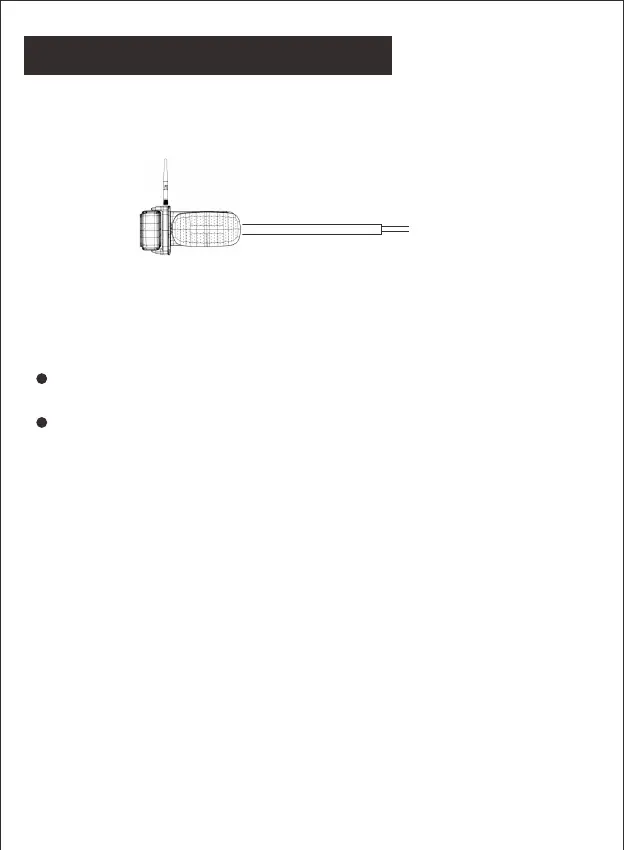
Route the power cable to the vehicle’s 12/24V running light.
The cable must not interfere with the safe operation of the
vehicle.
-18-
Connecting the Traffic Light


 To Next Page