7
IV.Additional functions
1. Rapid-fire function
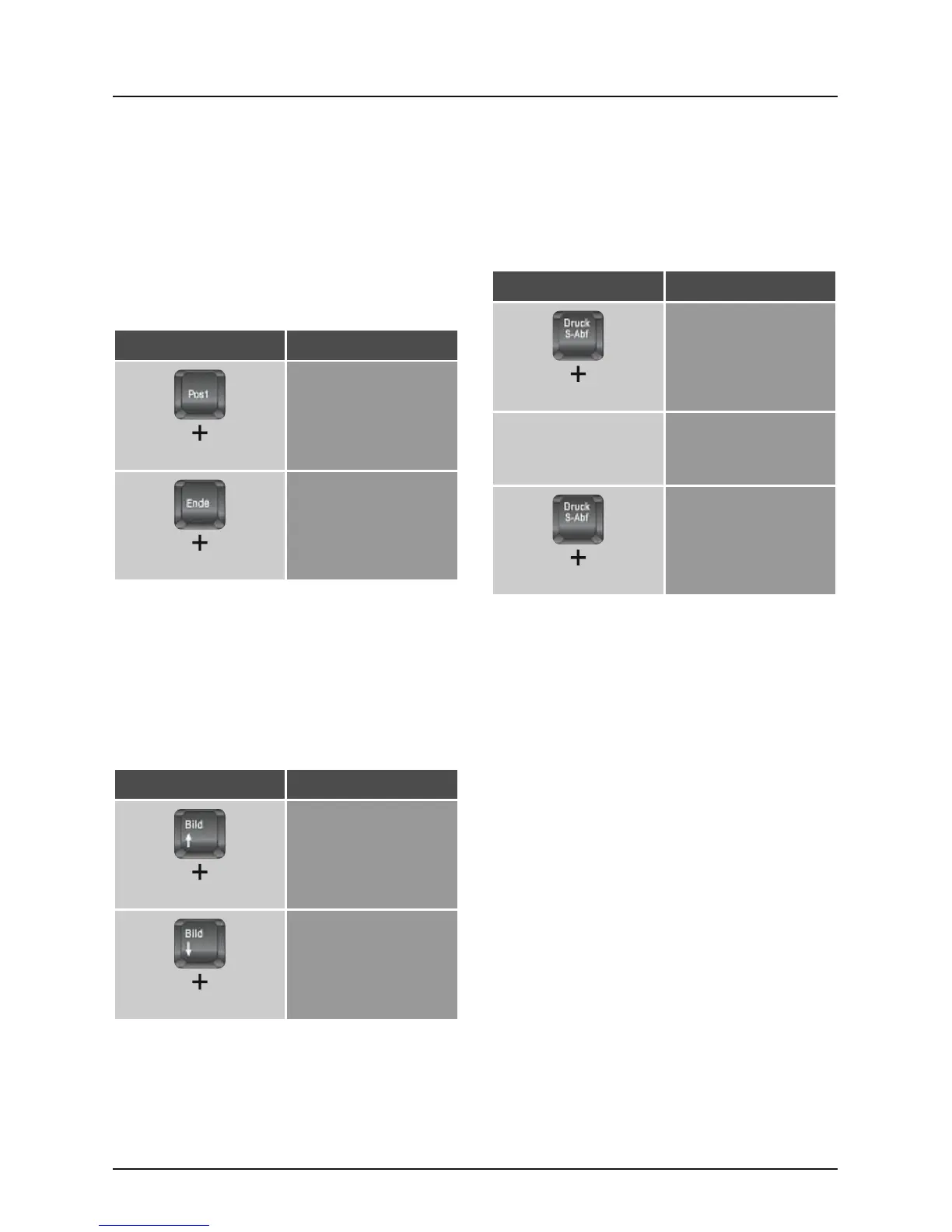
The rapid-re function simulates a quick, repeated
keystroke while a key is being held (for example, to
rapidly re a handgun or to jump quickly to dodge
something) Use the following shortcut keys to
activate this function:
Shortcut Function
„target key“
Rapid-re function is
activated
„target key“
Rapid-re is
deactivated
2. Auto-fire function
The auto-re function simulates a quick, repeated
keystroke without having to press the key. Once
auto-re is activated using the key combination, the
quick repetition of the keystroke will be simulated
until the respective key combination deactivates the
function.
Shortcut Function
„target key“
Auto-re function is
activated
„target key“
Auto-re is deactivated
3. Constant-fire function
The Constant-re function simulates a constant
pressing of a button, even though you only tip
on the button shortly. For instance, your game
character can walk through the entire game world,
by pressing only one button shortly.
Shortcut Function
„target key“
Activating Constant-re
Pressing “Target
Key” again
Deactivates the
Constant-re until the
button is pressed again
„target key“
Deactivates Constant-
re at this button
completely


 To Next Page