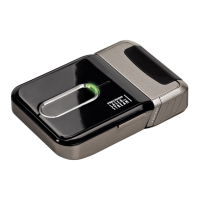
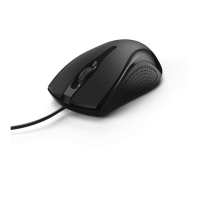
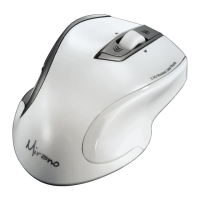
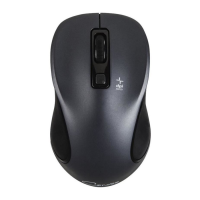
6
L
Wireless Optical Mouse
1. Hardware installation
1.1 Inserting the batteries
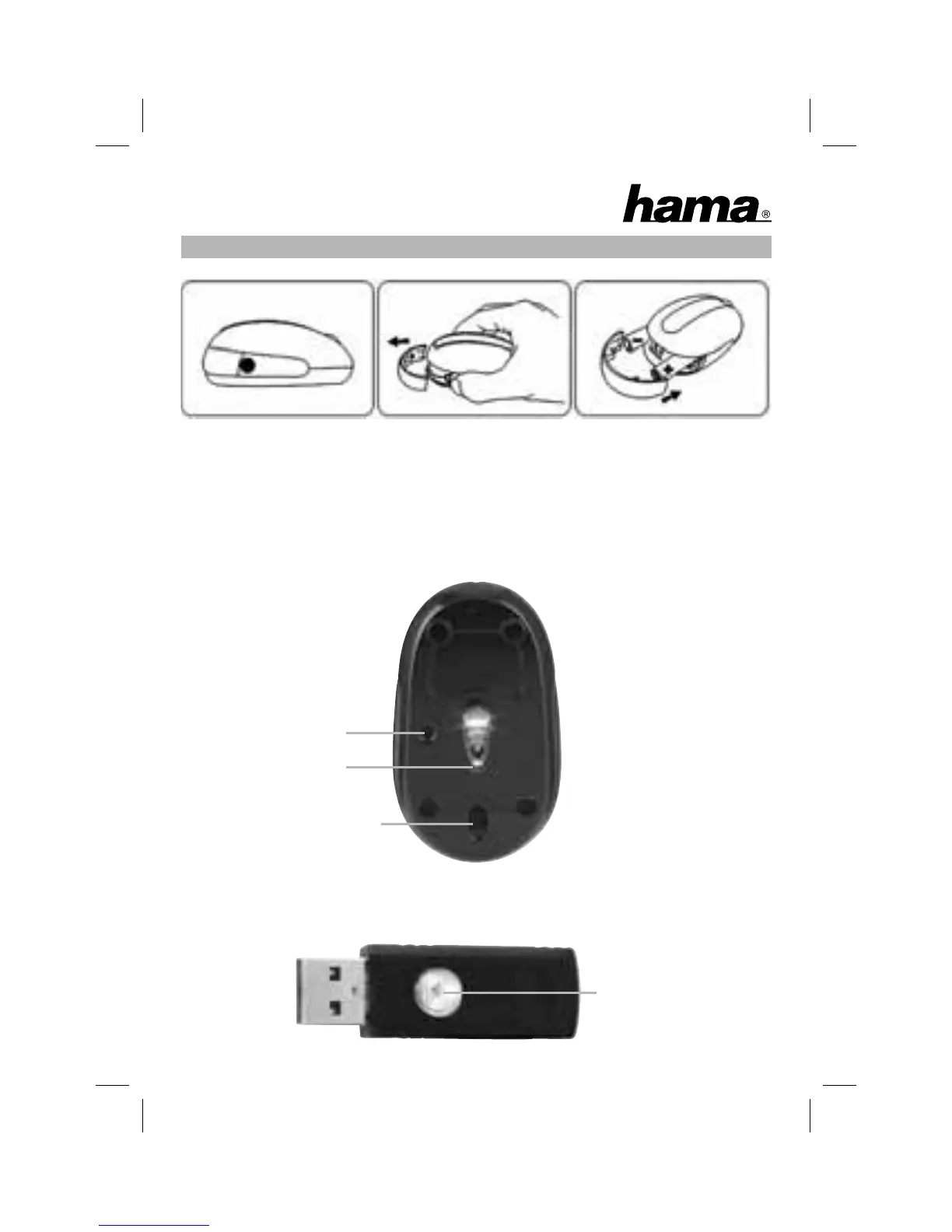
• Press with your thumb and index fi nger against the lateral parts of the
mouse in order to open the battery compartment – see picture 1+2.
• Insert the two AA batteries correctly in the battery compartment (picture 3).
• Close the battery compartment.
The optical sensor (picture 4) should fl ash now.
Fig.1 Fig.2 Fig.3
Fig.4
Connect button
Status indictor
Connect button
Release button for
receiver storage space
Fig.5
Optical sensor


 To Next Page