6
8
How To Make Coffee
(cont.)
7
Brew Options
NOTE: BOLD mode will require additional time to complete a brewing
cycle. It is recommended to select a Brew Option before pressing the
ON
button. However, the setting can be changed during the brewing
cycle. If a Brew Option is not selected, the coffeemaker will
automatically brew on the regular/default setting.
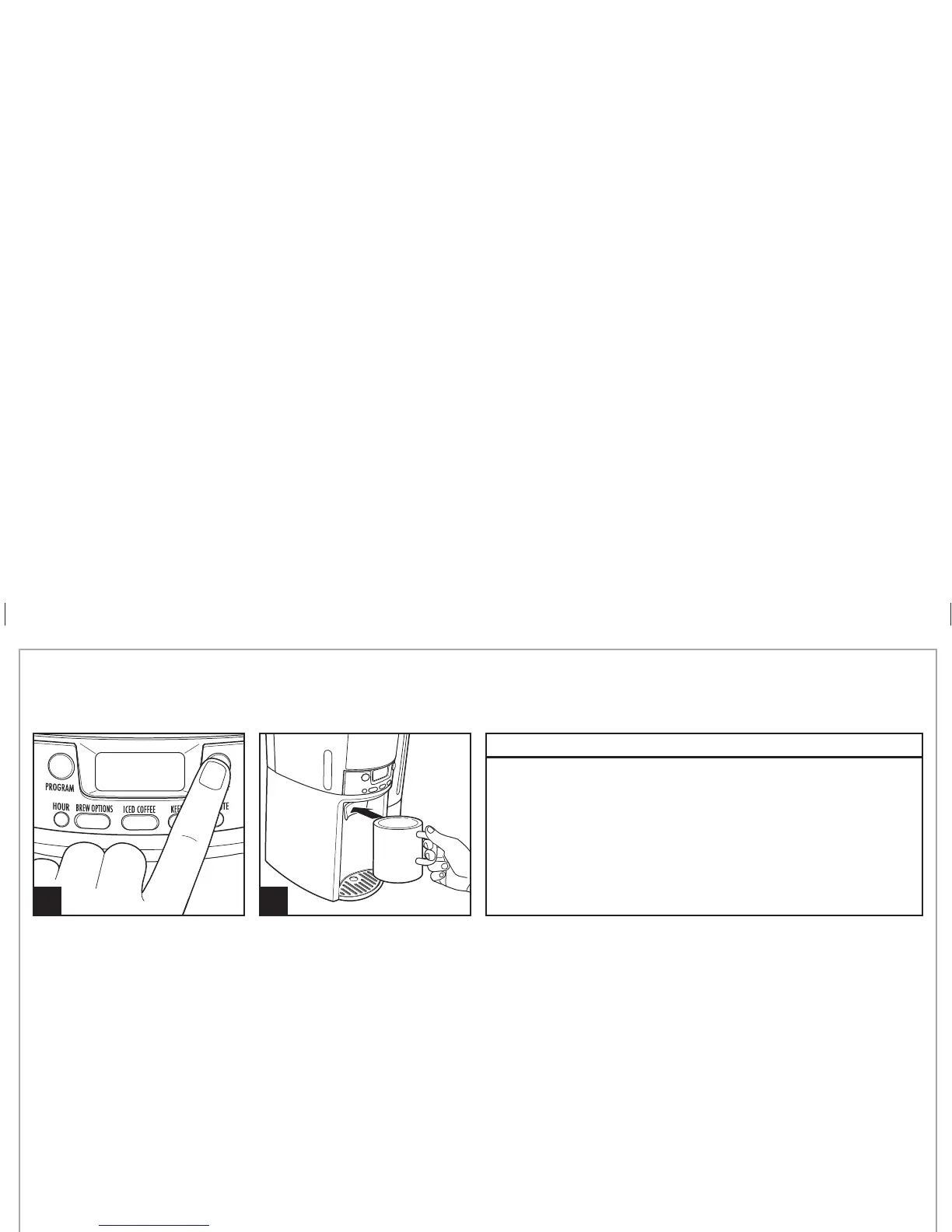
TO REHEAT COFFEE: Press and hold ON/OFF button for 3 seconds.
This will reset the timer and keep coffee warm for selected number
of hours (0, 1, 2, 3, or 4).
REGULAR
Press Brew Options button, no display
BOLD
Enhanced full/strong-flavored coffee: Press BREW OPTIONS button until BOLD is
displayed
1-4 CUPS
When brewing 1–4 cups of coffee: Press BREW OPTIONS button until 1–4 CUPS
is displayed
840213200 ENv02.indd 6840213200 ENv02.indd 6 3/30/12 2:43 PM3/30/12 2:43 PM






 To Next Page