EN © 2024 mPTech. All rights reserved. HS2403_HS2403e
28
12. Communication
12.1 Making calls
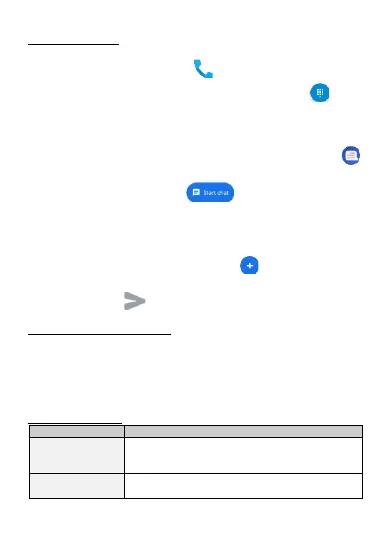
To make a call touch [Phone] icon , placed on the main screen or
in Android applications menu and select the keyboard icon . Insert
the phone number you wish to call. Press "green handset" placed at
the bottom of the screen and choose which SIM card you wish to use.
12. 2 SMS - Messages
You can manage your messages using the [Messages]
application in the home screen or smartphone menu. Start the
application and touch the icon , type the phone number,
name of the contact or select a contact from the list. When you have
chosen the contact a screen will appear where you type the message
itself. Type the message body.
Before you send a text message you can transform it into a
multimedia message by pressing symbol , situated in the left
corner of the textbox and adding a sticker, audio or location. To send
the message press .
13. Maintenance of the device
Follow the instructions below.
• For cleaning use only a dry cloth. Never use any agent with a high
concentration of acids or alkalis.
• Use the original accessories only. Violation of this rule may result
in an invalidation of the warranty.
14. Troubleshooting



 To Next Page