EasyManua.ls Logo

HAMPTON BAY 1000044889 AM215-BN - User Manual

HAMPTON BAY 1000044889 AM215-BN
22 pages
Print Icon
To Next Page IconTo Next Page
Loading...
USE AND CARE GUIDE
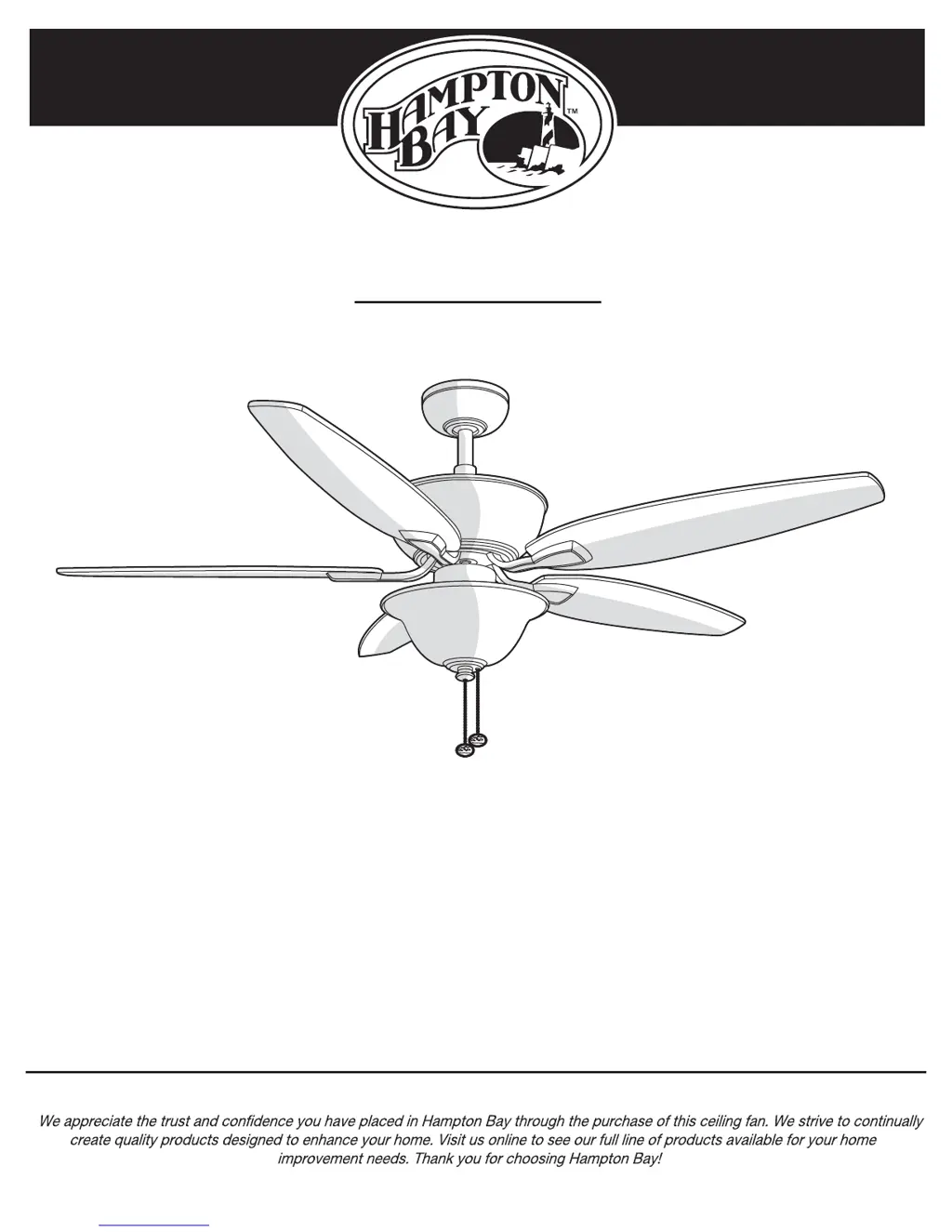
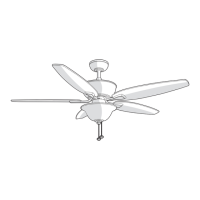
CARROLTON II 52 IN. CEILING FAN
THANK YOU
THANK YOU
Item #1000044889
Model #
AM215-BN
Questions, problems, missing parts? Before returning to the store,
call Hampton Bay Customer Service
8 a.m. - 6 p.m., EST, Monday-Friday
1-855-HD-HAMPTON
HAMPTONBAY.COM

Questions and Answers

  • M
    Michael AlexanderJul 29, 2025
    Why does my HAMPTON BAY 1000044889 AM215-BN wobble?
    • K
      Kevin SchwartzJul 30, 2025
      Most fan wobble issues are due to loose parts. Make sure all blade and blade bracket screws are secure. After correctly installing the fan, run it for 10 minutes to allow it to self-adjust. If wobbling persists after 10 minutes, check blade level using this procedure: - Locate a point on the ceiling above a blade tip. - Choose any fan blade and measure from the center of the selected blade to the ceiling point. - Rotate the fan until the next blade is positioned, repeating the measurement using the same ceiling point for each blade. Deviations should be within 3.2 mm. If deviations are less than 3.2 mm, call customer service at (1-855-HD-HAMPTON) to order a free blade balancing kit. If the deviation exceeds 3.2 mm, call customer service to order free bracket replacements.

Summary

Safety Information

Installation

MOUNTING OPTIONS

Guidance on selecting and preparing the mounting location and electrical box.

Standard Ceiling Mounting Assembly

Close-to-Ceiling Mounting Assembly

Hanging the Fan Assembly

Attaching Fan to Electrical Box

Instructions for securely attaching the fan's mounting bracket to the electrical box.

Standard Mounting Hanging Instructions

Steps for hanging the fan motor assembly using standard ceiling mounting.

Close-to-Ceiling Mounting Hanging Instructions

Steps for hanging the fan motor assembly using close-to-ceiling mounting.

Electrical Connections for Fan Hanging

Making the Electrical Connections

Detailed steps for safely connecting the fan's electrical wires to household wiring.

Final Ceiling Mounting Steps

Fan Blade Attachment

Attaching Blades to Blade Arms

Steps for securely attaching the fan blades to the blade arms.

Blade Assembly to Motor Fastening

Light Kit Installation

Operation

Pull Chain Operation Guide

How to use the pull chains to control fan speed and light settings.

Reverse Switch Operation Guide

How to operate the fan's reverse direction switch for airflow control.

Troubleshooting

HAMPTON BAY 1000044889 AM215-BN Specifications

General IconGeneral
BrandHampton Bay
TypeCeiling Fan
FinishBrushed Nickel
Blade Span52 inches
Number of Blades5
Light KitYes
Control TypeRemote Control
Blade ColorDark Walnut
Indoor/OutdoorIndoor
Light TypeLED
Light IncludedYes
Reversible MotorYes
Mounting TypeDownrod Mount
Motor Speed3 speeds
Model1000044889 AM215-BN

Related product manuals