EasyManua.ls Logo

HAMPTON BAY AL958B-BN - User Manual

HAMPTON BAY AL958B-BN
19 pages
Print Icon
To Next Page IconTo Next Page
Loading...
USE AND CARE GUIDE
HAMPTONBAY.COM
THANK YOU
THANK YOU
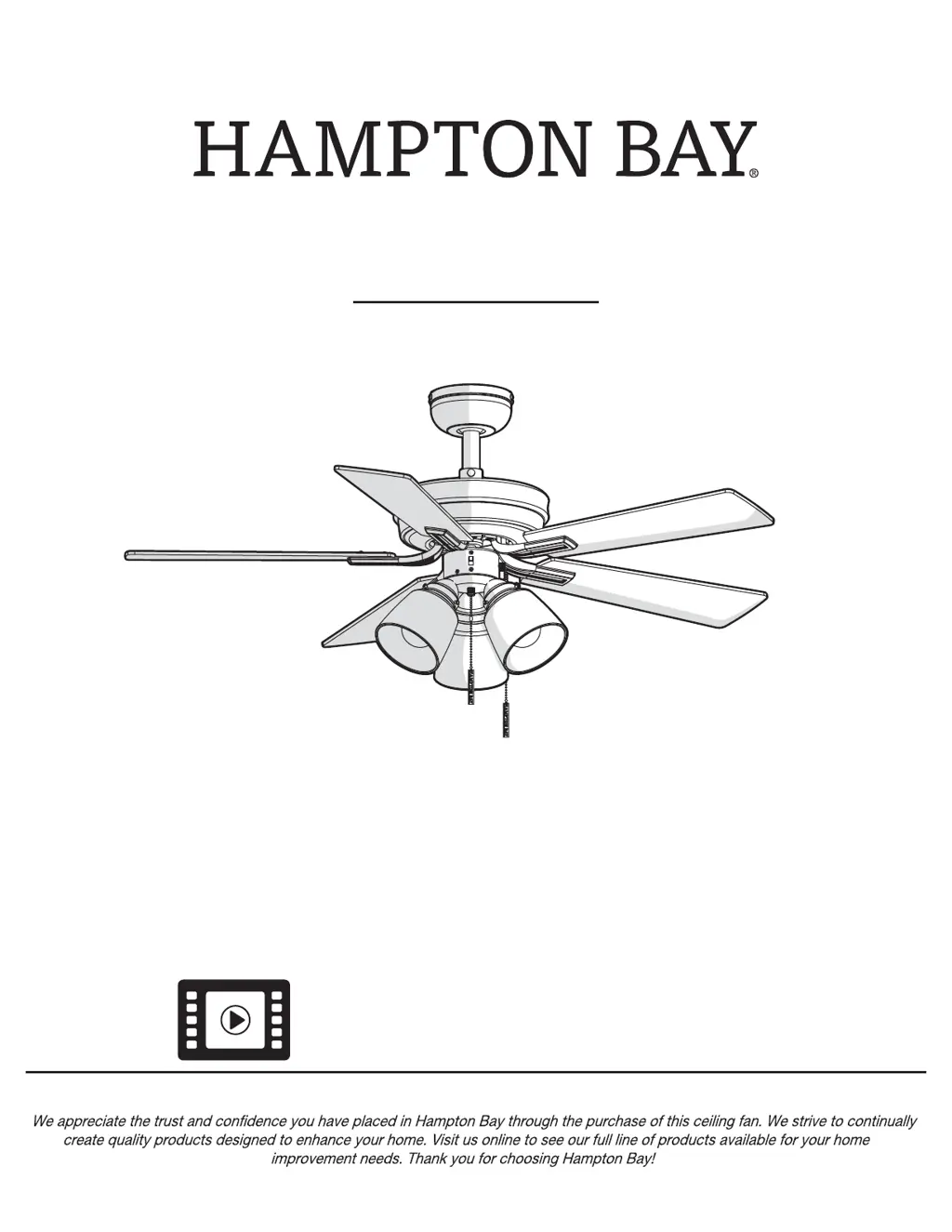
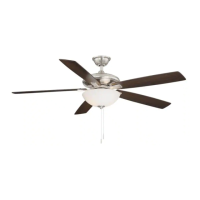
SINCLAIR 44 INCH CEILING FAN
Questions, problems, missing parts? Before returning to the store,
call Hampton Bay Customer Service
8 a.m. - 7 p.m., EST, Monday-Friday, 9 a.m. - 6 p.m., EST Saturday
1-855-HD-HAMPTON
Item #1005 823 642
Model #AL958B-BN
#1005 823 643
#AL958B-EB
Visual instruction of how to install this fan:
Visit www.homedepot.com and enter either the Item or Model number to nd
this fan and click the link of visual instruction in the product overview section.

Questions and Answers

  • D
    Denise MillerAug 6, 2025
    Why does my HAMPTON BAY Fan wobble?
    • N
      Nancy ZunigaAug 6, 2025
      Most wobbling issues with Hampton Bay fans stem from loose components. Begin by confirming that all screws securing the blades and blade brackets are tightened properly. If the issue persists, running the ceiling fan for about 10 minutes allows it to self-adjust, potentially resolving the wobble. If the fan continues to wobble, measure the distance from each blade to the ceiling; deviations should be within 1/8 inch. Contact Customer Service at 1-855-HD-HAMPTON to order a complimentary Blade Balancing Kit if all deviations are less than 1/8 inch, or to order complimentary replacements of your brackets if any deviation is greater than 1/8 inch.

HAMPTON BAY AL958B-BN Specifications

General IconGeneral
BrandHampton Bay
ModelAL958B-BN
TypeCeiling Fan
FinishBrushed Nickel
Blade Span52 inches
Number of Blades5
Light Kit IncludedYes
Remote ControlYes
Motor TypeAC
Indoor/OutdoorIndoor
Motor Speed3 speeds
Blade MaterialPlywood
Reversible MotorYes
Blade ColorWalnut
Light TypeLED

Related product manuals