EasyManua.ls Logo

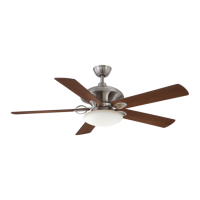
HAMPTON BAY AL975-BN 593-552 - User Manual

HAMPTON BAY AL975-BN 593-552
20 pages
Print Icon
To Next Page IconTo Next Page
Loading...
Item #593-552
USE AND CARE GUIDE
Questions, problems, missing parts? Before returning to the store,
call Hampton Bay Customer Service
8 a.m. - 6 p.m., EST, Monday-Friday
1-877-527-0313
HAMPTONBAY.COM
Model #AL975-BN
THANK YOU
THANK YOU
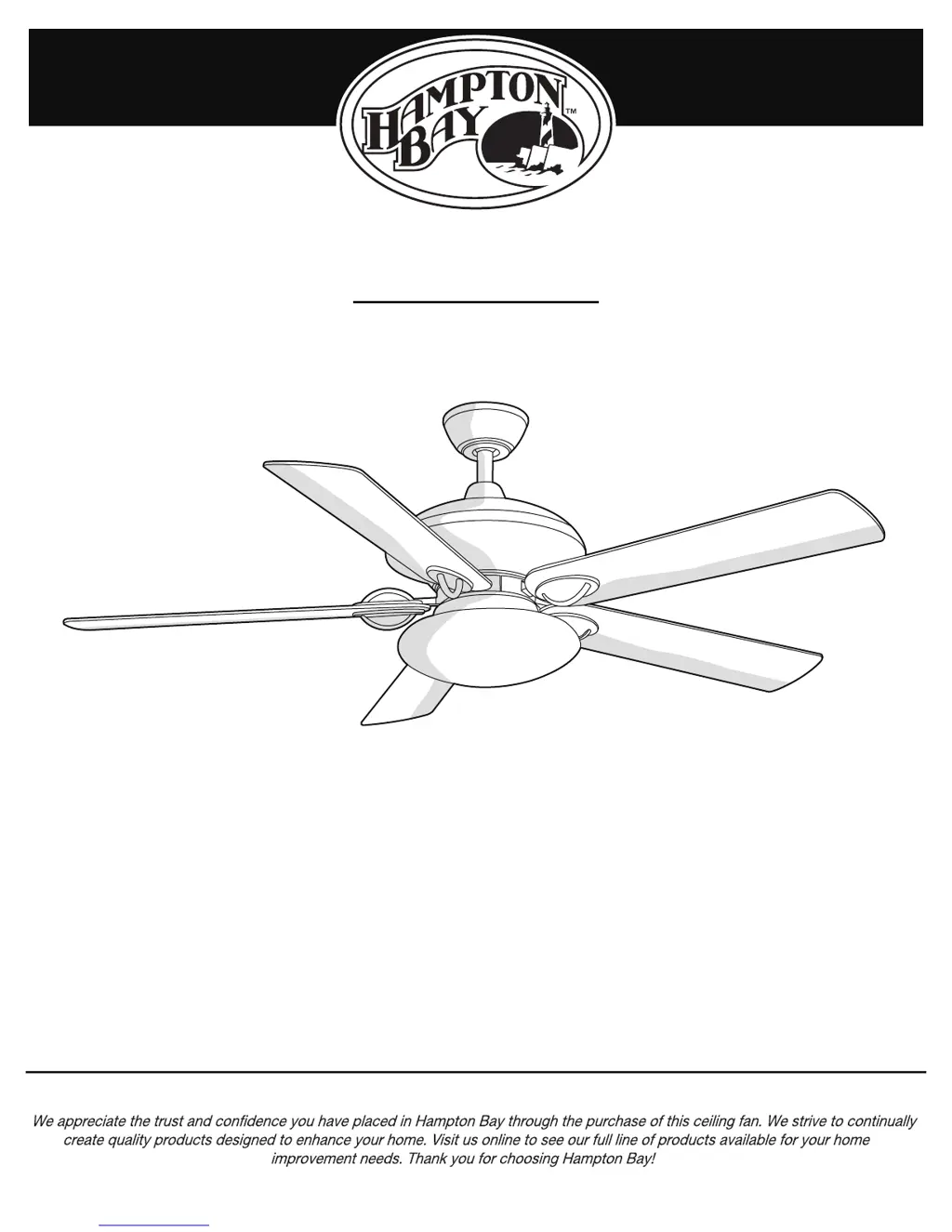
SAUTERNE II 52 INCH CEILING FAN

Questions and Answers

  • J
    Jonathan WolfeAug 1, 2025
    Why is my HAMPTON BAY Fan remote control not working?
    • J
      Jacqueline FosterAug 1, 2025
      If your HAMPTON BAY Fan remote control isn't working, first ensure that the fan is not connected to any wall-mounted variable speed controls. Also, verify that the dip switches in both the remote control and the receiver are set to the same frequency.
  • J
    John JohnsonAug 7, 2025
    What to do if lights shut off and will not come back on in HAMPTON BAY AL975-BN 593-552 Fan?
    • J
      Jessica AllenAug 8, 2025
      If the lights on your HAMPTON BAY Fan shut off and won't come back on, it might be due to the wattage limiting device. This fan is equipped with a wattage limiting device. If you use bulbs exceeding 190 watts, the light kit will be disabled. To fix this, turn off the power, replace the bulbs with ones totaling under 190 watts, and then restore the power to the fan.
  • D
    Dr. Tracy MasonAug 13, 2025
    Why is my HAMPTON BAY Fan wobbling?
    • N
      Nicole PooleAug 14, 2025
      To address a wobbly HAMPTON BAY Fan, start by ensuring all blade and blade arm screws are tightened securely. Most wobble issues arise from uneven blade levels. Measure the distance from each blade tip to the ceiling; deviations should be within 1/8 inch. Let the fan run for 10 minutes. If the wobble persists, utilize the provided blade balancing kit.
  • A
    alexandermichaelAug 19, 2025
    What to do if my HAMPTON BAY AL975-BN 593-552 Fan will not start?
    • A
      Angela VelezAug 19, 2025
      If your HAMPTON BAY Fan won't start, check the main and branch circuit fuses or breakers. Also, inspect the line wire connections to the fan and the switch wire connections in the switch housing. Confirm that the dip switches on the remote control and receiver are set to the same frequency.
  • C
    Cheryl JamesAug 26, 2025
    How to fix a noisy HAMPTON BAY AL975-BN 593-552 Fan?
    • C
      Courtney HuffAug 26, 2025
      If your HAMPTON BAY Fan is making noise, ensure all motor housing screws are snug and that the screws attaching the fan blade arm to the motor hub are tight. Check that wire nut connections are not rattling against each other or the interior wall of the switch housing. Allow a 24-hour 'breaking-in' period. If you're using a ceiling light kit, make sure the screws securing the glassware are tight and the light bulb is secure. Ensure there's a short distance from the ceiling to the canopy and that your ceiling box is secure, with rubber isolator pads between the mounting bracket and outlet box.

Summary

Safety Information

Warranty

Pre-Installation

SPECIFICATIONS

Lists technical details like fan size, speed, power consumption, and airflow.

TOOLS REQUIRED

Identifies all necessary tools for the fan installation process.

Pre-Installation (continued)

HARDWARE INCLUDED

Lists and illustrates all hardware provided for fan assembly.

Pre-Installation (continued)

PACKAGE CONTENTS

Lists all the individual parts included in the fan packaging.

Installation

MOUNTING OPTIONS

Explains different methods for securely mounting the fan's electrical box.

Assembly - Assembling the Fan Body

1 Preparing the canopy

Details how to prepare the fan canopy before assembly.

2 Preparing the motor

Describes the steps for preparing the fan motor assembly.

3 Assembling the fan

Guides the user through assembling the main fan components.

Assembly - Hanging the Fan

4 Installing the mounting bracket to the electrical box

Instructions for securely installing the fan's mounting bracket.

5 Hanging the fan to the mounting bracket

Steps for safely lifting and attaching the fan motor assembly.

Assembly - Preparing the Remote Control

6 Preparing the receiver and remote control

Instructions for setting up the remote control receiver and transmitter.

Assembly - Making Electrical Connections

7 Making the electrical connections

The core guide for wiring the fan to power.

Assembly - Completing the Fan Body

8 Installing the canopy

Steps to slide and secure the fan canopy to the mounting bracket.

9 Attaching the canopy bottom cover

Instructions for attaching the decorative canopy bottom cover.

Assembly - Attaching the Fan Blades

10 Removing the rubber packing mounts

Guide to removing protective packing from the fan motor.

11 Attaching the blades to the blade arms

Steps for assembling blades to the blade arms and medallion.

12 Fastening the blade assemblies to the motor

Instructions for attaching the assembled blades to the fan motor.

Assembly - Installing the Light Kit

13 Attaching the light kit mounting plate to the mounting ring

Steps to attach the light kit's mounting plate.

14 Attaching the light kit to the light kit mounting plate

Guide for wiring and attaching the light kit itself.

Assembly - Installing the Light Kit (continued)

15 Installing the light bulbs and glass shade

Instructions for installing bulbs and the glass shade.

Operation

REMOTE CONTROL OPERATING INSTRUCTIONS

How to use the remote control for fan and light functions.

INSTALLING THE REMOTE CONTROL HOLDER

Guide to mounting the remote control holder.

Operation (continued)

REVERSE SWITCH OPERATING INSTRUCTIONS

How to use the reverse switch for different weather operations.

Care and Cleaning

Troubleshooting

Service Parts

HAMPTON BAY AL975-BN 593-552 Specifications

General IconGeneral
BrandHampton Bay
ModelAL975-BN 593-552
TypeCeiling Fan
FinishBrushed Nickel
Blade Span52 inches
Number of Blades5
Control TypeRemote Control
Fixture Color/FinishBrushed Nickel
Indoor/OutdoorIndoor
Reversible MotorYes
Mounting TypeDownrod Mount
Motor TypeAC
ControlsRemote Control Included
Blade ColorMaple/Walnut

Related product manuals