14
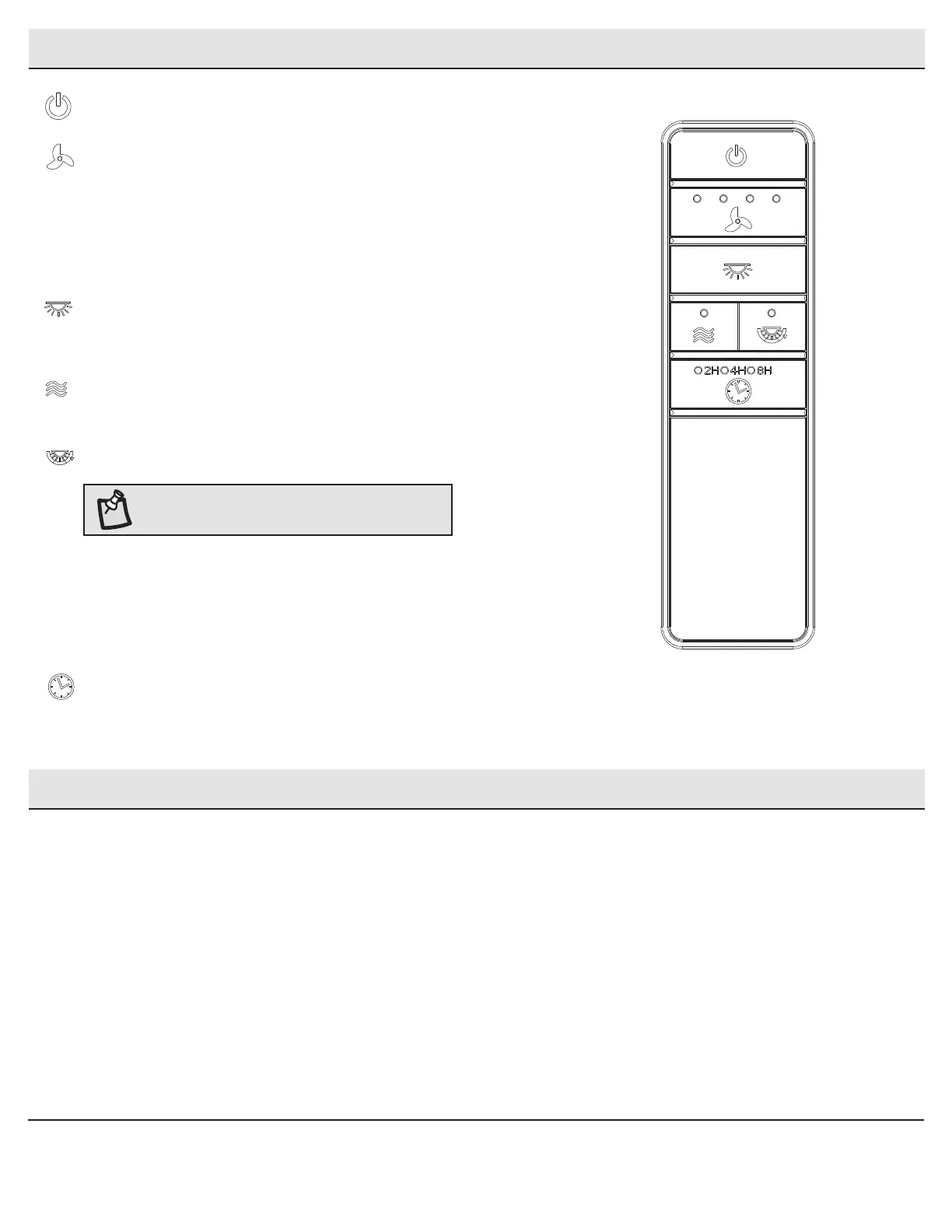
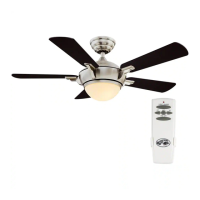
Power ON/OFF: Press and release the power button to turn the fan and light on or off.
Fan speed: LEDs on the fan speed button will illuminate to the corresponding speed.
Press and release 1 time: turns the fan speed to 5.
Press and release 2 times: turns the fan speed to 4.
Press and release 3 times: turns the fan speed to 3.
Press and release 4 times: turns the fan speed to 2.
Press and release 5 times: turns the fan speed to 1.
Press and release 6 times: turns the fan off.
Light ON/OFF:
Press and release the button to turn the light on or off.
Press and hold the button to activate the dimmer function.
Comfort Breeze: Press and hold this button for 3 seconds to enable Comfort Breeze;
this will change your fan randomly, simulating a relaxing breeze. To cancel this
features press fan speed button or power button.
Correlated Color Temperature (CCT) changing: Push and release the button to cycle
through the three color temperature options.
Option 1: 2700K (Warm White).
Option 2: 3000K (Soft White).
Option 3: 3500K (Neutral White).
Option 4: 4000/4100K (Cool White).
Option 5: 5000K (Daylight).
Option 6: 6500K (Cool Daylight).
Timer:
While the fan is on press 1 time-turns on a 2 hour run timer.
While the fan is on press 2 times-turns on a 4 hour run timer.
While the fan is on press 3 times-turns on a 8 hour run timer.
Operating Your Fan and Remote Control (continued)
NOTE: The default temperature of the ceiling fan
light is 3000k (Soft White).
Application Set-Up
□ Install the ceiling fan.
□ Download the Hubspace app to your Smart Device.
□ Follow instructions in the App to set up your ceiling fan.


 To Next Page