ITX-D255R Mini-ITX Mother Board Manual
20 / 31
3.2 Main Screen
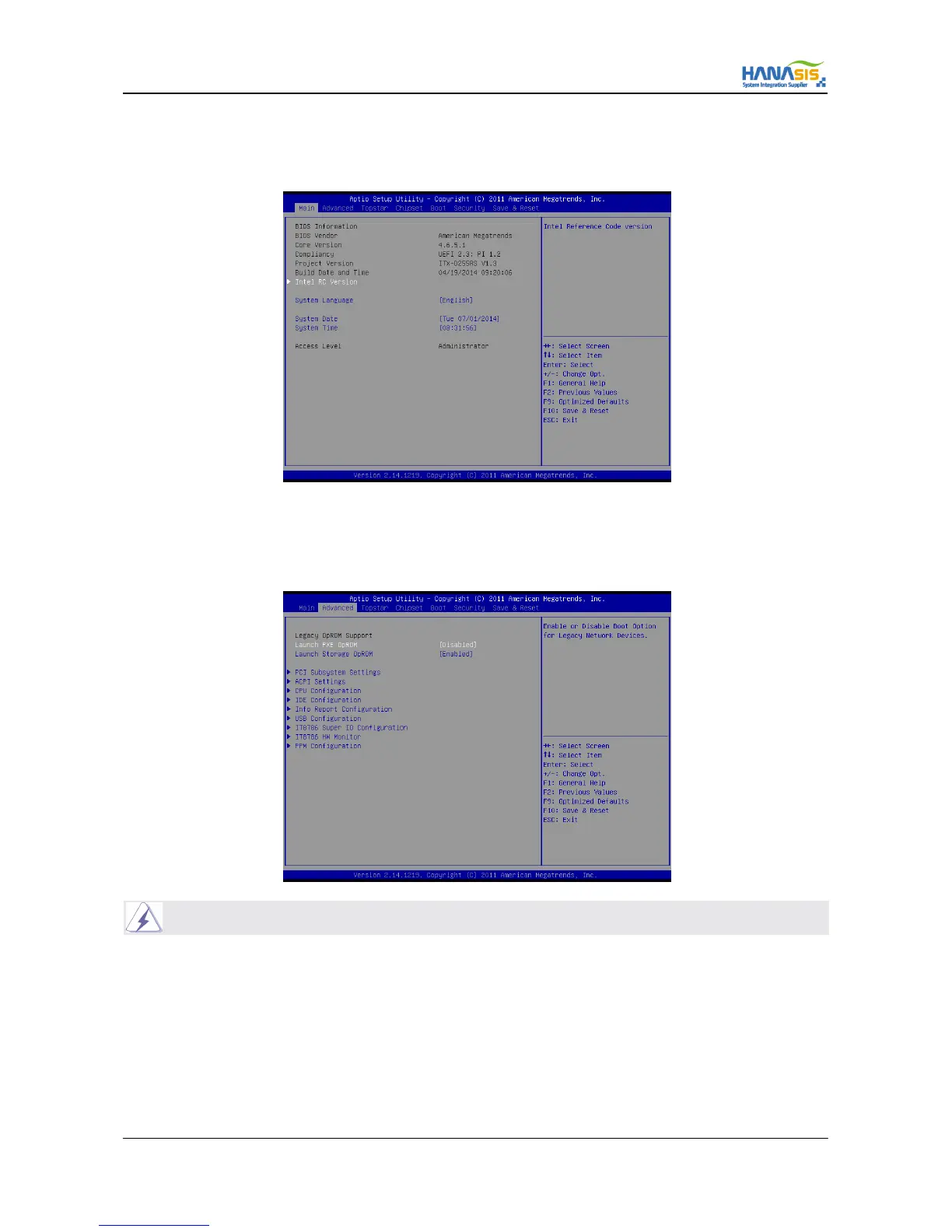
When you enter the UEFI SETUP UTILITY, the Main screen will appear and display the system overview.
3.3 Advanced Screen
In this section, you may set the configurations for the following items : PCI Subsystem Settings, ACPI Settings, CPU Configuration, IDE
Configuration, Info Report Configuration, USB Configuration, IT8786 Super IO Configuration, IT8786 HW Monitor, PPM Configuration.
Setting wrong values in this section may cause the system to malfunction.



 To Next Page