ITX-D255R Mini-ITX Mother Board Manual
26 / 31
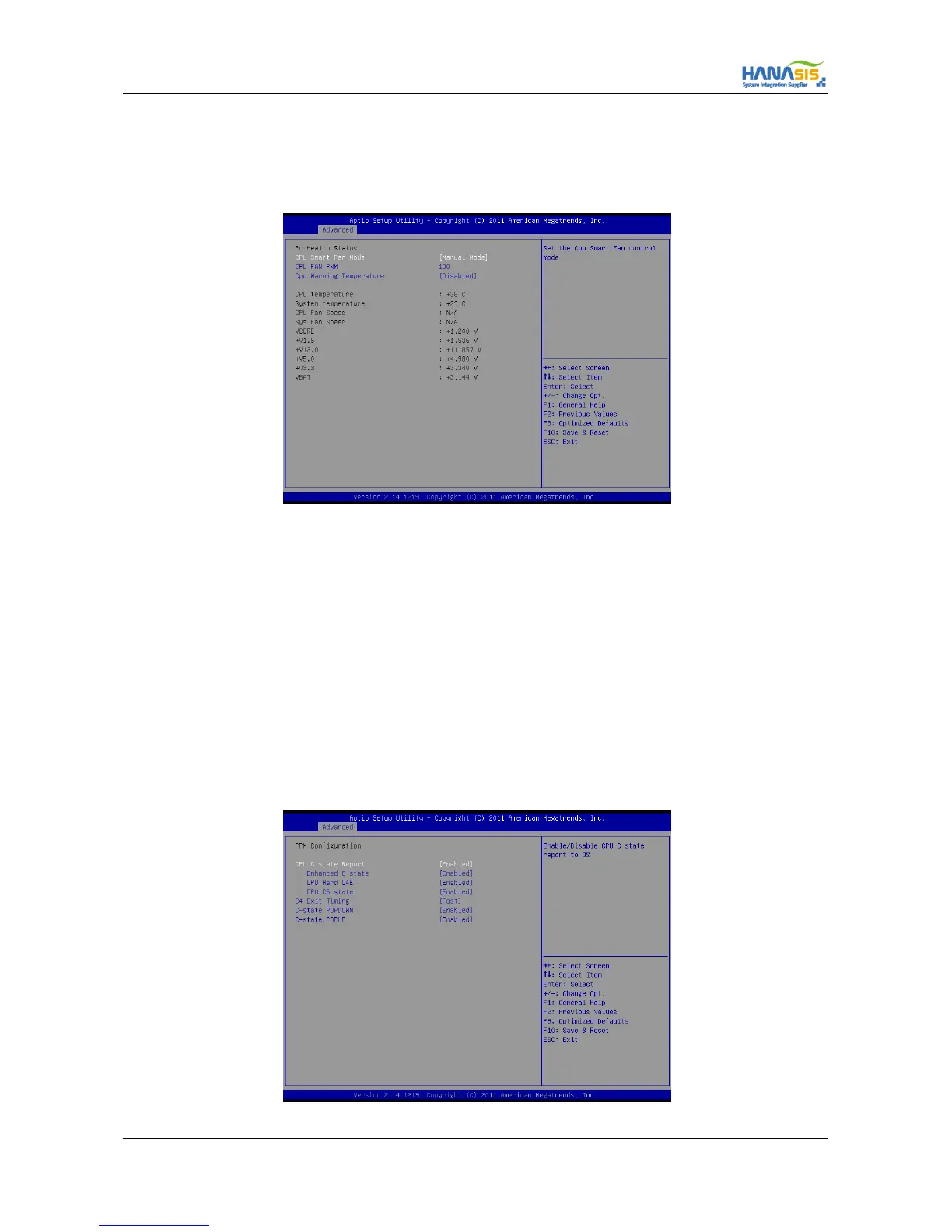
3.3.8 IT8786 HW Monitor
In this section, it allows you to monitor the status of the hardware on your system, including the parameters of the CPU temperature,
motherboard temperature, CPU fan speed and the critical voltage.
3.3.8.1 CPU Smart FAN Mode
This allows you to set CPU FAN’s mode. Configuration options : [Thermal Mode] and [Manual Mode].
3.3.8.2 CPU FAN PWM
This setting allows users to control the system fan speed. The value is [0~127].
3.3.8.3 CPU Warning Temperature
This allows the user to define a CPU warning temperature. When this temperature reaches the pre-defined threshold, the function is
enabled.
3.3.9 PPM Configuration
Use this set parameters of the PPM(Processor Power Management).



 To Next Page