ALGIZ 8X User’s Manual
Using Camera Features
This Hottab menu option allows users take a picture or record a video. Before use, make sure the Camera
is powered on under Devices menu with the following scenarios:
1. Open the Hottab utility by press the (Menu) Button located on the front panel, OR
launching the Hottab Utility application.
2. Tap on Device button to check the built-in devices status.
3. Check the status color of the Camera icon:
4. If the Camera feature is disabled (white), tap on the Camera icon to enable it (orange).
5. Go back to the Hottab main menu by pressing the (Menu) Button located on the front panel
OR click on the back arrow on top.
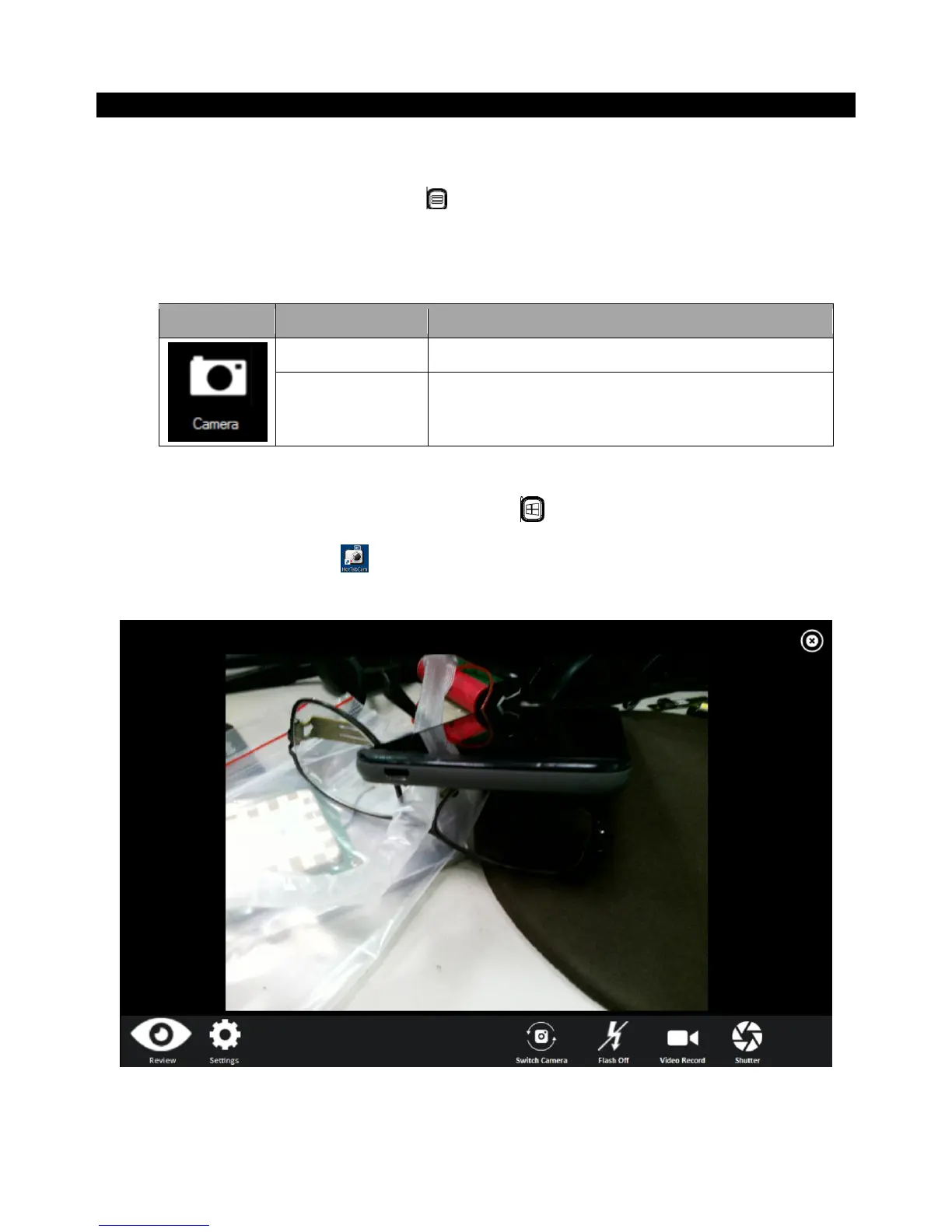
6. Tap on the HotTabCamera shortcut to go into the Camera menu. The Camera user interface
will take up the entire screen as shown below:



 To Next Page