ALGIZ 8X User’s Manual
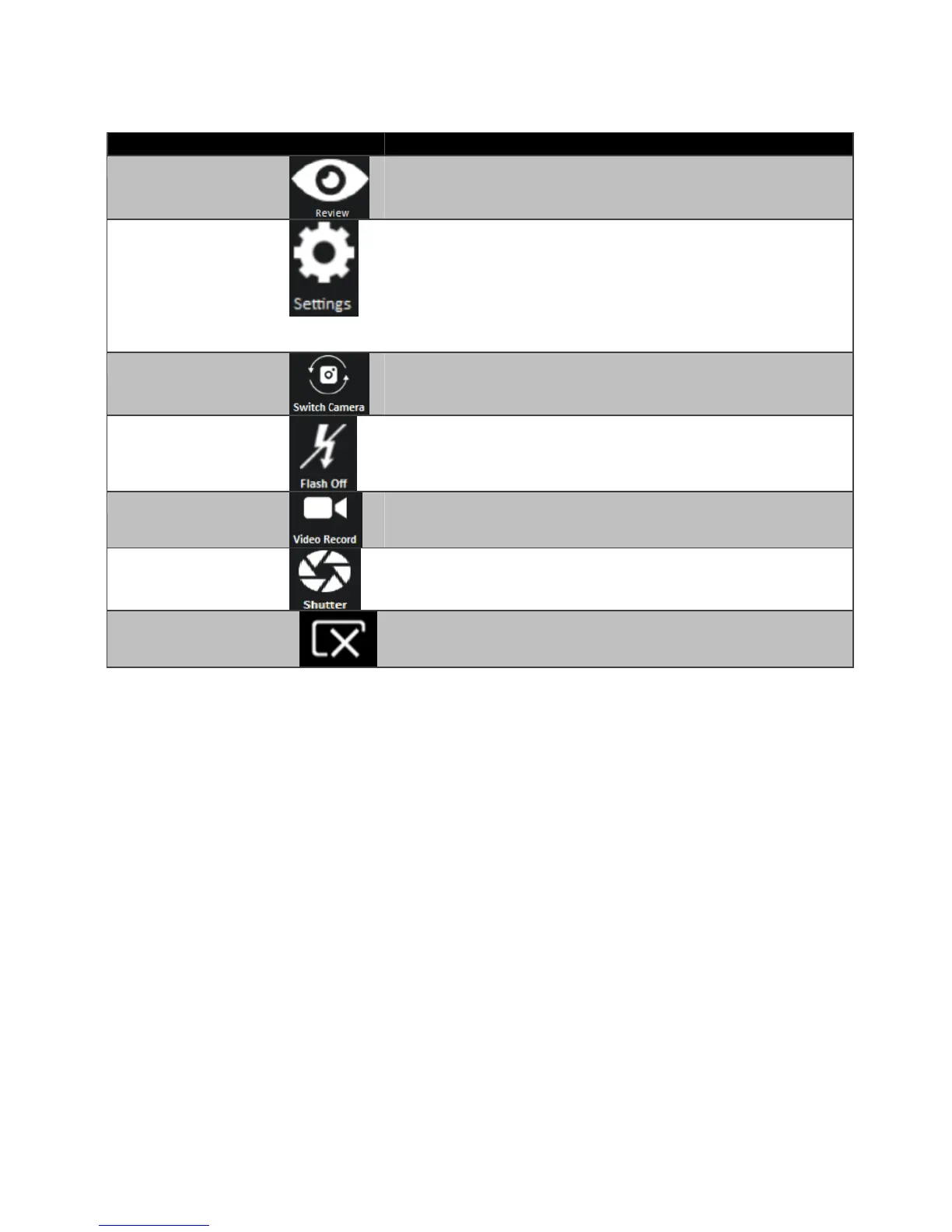
Description of Camera User Interface Buttons:
Preview the take picture.
Brings up Camera settings page.
Available Settings:
Photo format: modify/inspect saved location for pictures.
Rear Video Resolution: Picture compression quality.
File Location:Opens the location where pictures and
videos are saved in a window.
Switches the front or rear camera device.
Enable/Disables LED Flash when taking picture.
Video Record Button. Tap to Start, and press again to stop
recording.
Camera Shutter Button. Tap to take picture.
Exits the Camera and hide Hottab Utility.



 To Next Page