ALGIZ 8X User’s Manual
Switch Touch Modes
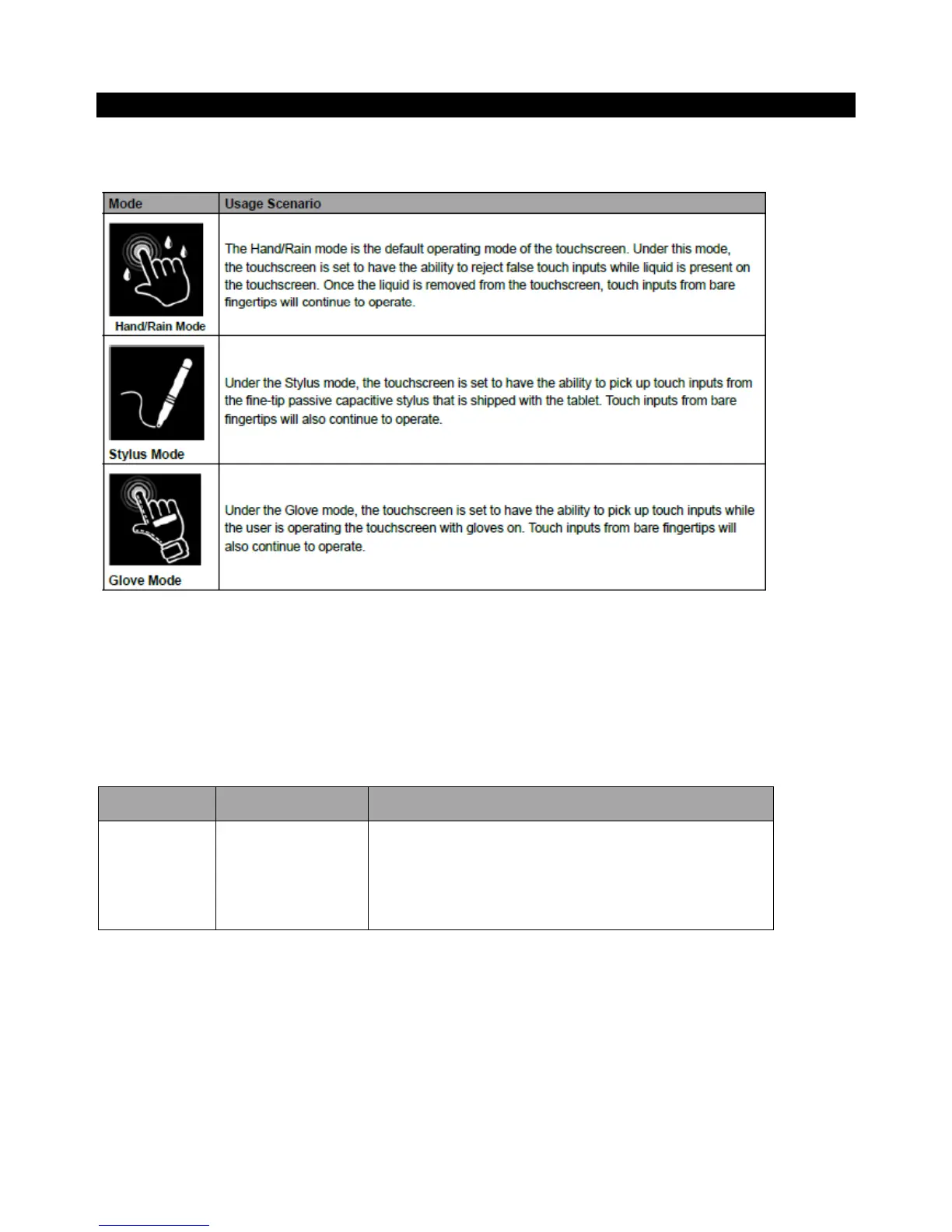
The tablet’s advanced capacitive touchscreen has 3 built-in operating modes, for users to choose under
different usage scenarios:
To switch between the different touchscreen modes via the HotTab utility, perform the following
procedure:
1. Open the Hottab utility by press the (Menu) Button located on the front panel, OR launching the
Hottab Utility application.
2. Tap on the Device button.
3. Check the status color of the Touch Set icon:



 To Next Page