EasyManua.ls Logo

Handicare AP-300 - User Manual

Handicare AP-300
26 pages
Print Icon
To Next Page IconTo Next Page
Loading...
AP-450
Handicare
Owners Manual - English
SWL: 450 lb / 204.5 kg
Manual: 753160 Rev D.1

Questions and Answers

  • L
    Lisa PhamAug 7, 2025
    Why does my Handicare Medical Equipment lift not operate up or down?
    • A
      Amanda WatkinsAug 7, 2025
      The lift might not be operating because the batteries are low and need charging. Check if the indicator light on the control panel is green. Try pressing the Up/Down arrow buttons on the Hand Control to activate the lift. If it still doesn't work, charge the lift for at least one hour.
  • D
    Deborah RichardsAug 16, 2025
    What to do if the Handicare AP-300 Medical Equipment lift does not operate in the DOWN direction?
    • T
      Thomas RuizAug 16, 2025
      The lift may not be operating downwards due to a sensitive slack tape detector. Try applying weight to the lift while pressing the Down button. If this only temporarily fixes the issue, further assistance is needed.
  • E
    Erin HendricksAug 27, 2025
    What to do if the Handicare Medical Equipment Hand Control LCD does not turn on?
    • K
      Kayla CarlsonAug 27, 2025
      If the Hand Control LCD doesn't turn on, first ensure the Hand Control is properly connected. Next, make sure the Emergency Stop Switch is set to ON. Finally, ensure the lift is charged.

Summary

Cautions and Safety Warnings

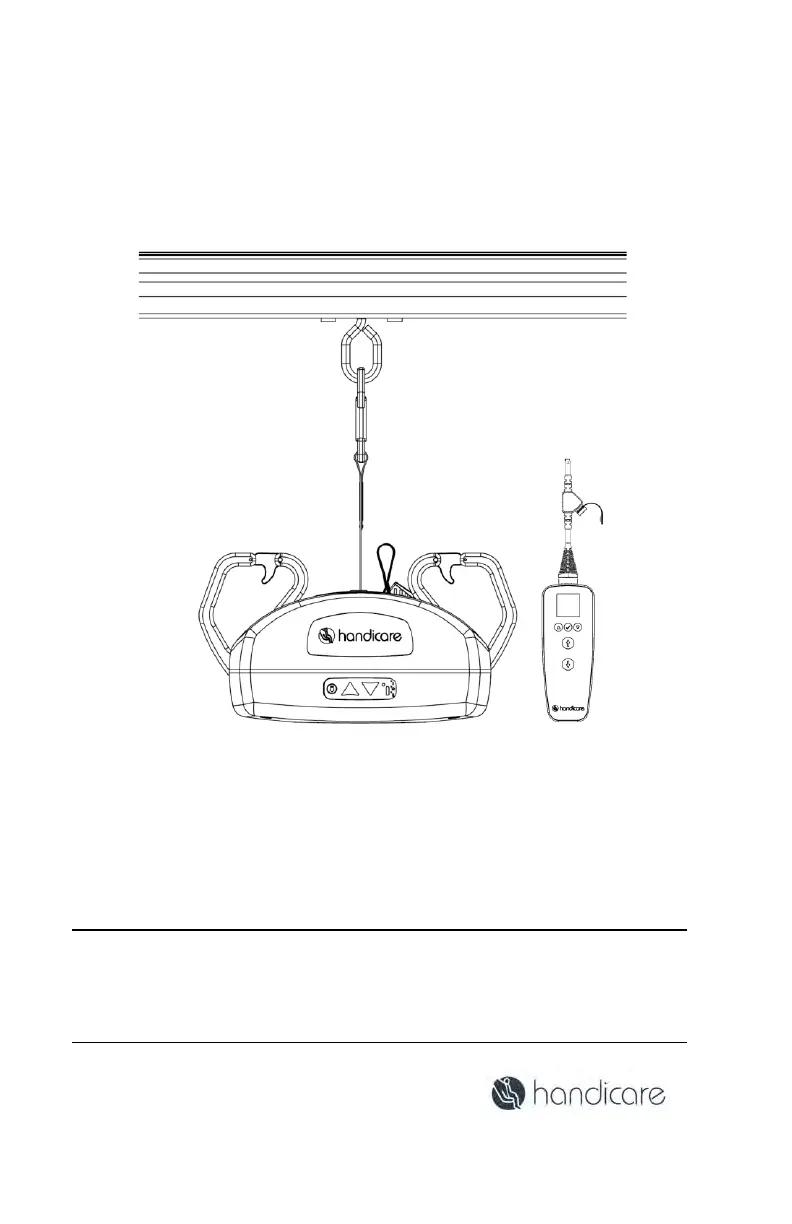
Introduction to the AP-450 Lift System

AP-450 Lift System Overview

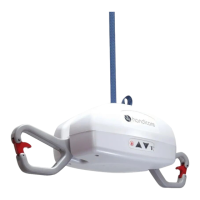
Describes the AP-450 as a lifting aid for healthcare professionals and caregivers.

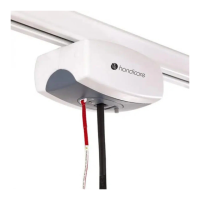
AP-450 Ceiling Lift Functionality

Explains the AP-450's function for transferring individuals along a track.

Included Lift System Components

Lists the essential parts included with the AP-450 lift system.

Charging the AP-450 Lift

Hand Control Connection and Battery Status

Attaching the Hand Control to the Lift

Guides on how to properly connect the Hand Control to the lift.

Low Battery Indicators

Explains indicators and behavior when the lift battery is low.

Initial Lift Setup and Testing

Connect the Hand Control

Guides on how to properly connect the Hand Control to the lift.

Test the Hand Control

Instructions to perform a brief test to ensure Hand Control connectivity.

Turn On the Lift

Procedure to power on the AP-450 lift system.

Hand Control Operation and Display

Turn Off the Lift

Explains how the lift automatically shuts off and manual shut-off.

Hand Control Display Functionality

Details the two modes of the AP-450 lift Hand Control.

AP-450 Lift Features

Pivoting Hooks

Describes the pivoting hooks and their position for lifting vs. storage.

Tilt Control System

Explains the tilt sensor and its restriction on upward movement.

Front Cover Membrane Controls

Details the buttons and indicator light on the front cover membrane.

Lift Mounting and Movement

Raise or Lower the Lift

Instructions on how to raise or lower the lift using the Hand Control.

Mounting the Lift to the Track

Guides on connecting the lift to the trolley in various configurations.

Transferring an Individual

Move the Lift on the Track

Guides on manually moving the lift along the track.

Traversing Beam Transfer

Emergency Procedures and Diagnostics

Emergency Stop Procedure

Steps to perform an emergency stop and restart the lift.

Hand Control Information and Diagnostics

Explains how to view data and settings via the Hand Control.

Lift Cleaning and Contraindications

Emergency Lowering

Details how to perform emergency lowering if controls fail.

Clean and Disinfect the Lift System

Instructions for cleaning and disinfecting the lift and its strap.

Troubleshooting the AP-450 Lift

General Inspection and Preventive Maintenance

Each Use Inspection

User-performed visual inspection before each use of the lift.

Periodic Inspection Schedules

Monthly Inspection

User inspection checklist for monthly maintenance.

Semi-Annually Inspection

Detailed inspection checks for semi-annual maintenance.

Recurrent Performance and Safety Testing

Annual Technician Inspection

Annual inspection to be performed by a qualified service technician.

AP-450 Physical Overview

AP-450 Lift Specifications

Hand Control and Display Symbols

AP-450 Lift Display Symbols

Defines various symbols used on the lift's display and unit.

Lift Status Indicators and Functionality

Warranty and Company Information

Warranty Policy

Outlines the terms and conditions of the Handicare warranty.

About Handicare

Information about the company Handicare and its offerings.

A-Series Advantage

Highlights the benefits and features of the A-Series lifts.

Handicare AP-300 Specifications

General IconGeneral
BrandHandicare
ModelAP-300
CategoryMedical Equipment
LanguageEnglish

Related product manuals