WG‐500PHotspotinaPrinter
34
system can keep and accumulate every single usage time until the
pre-defined usage time run out.
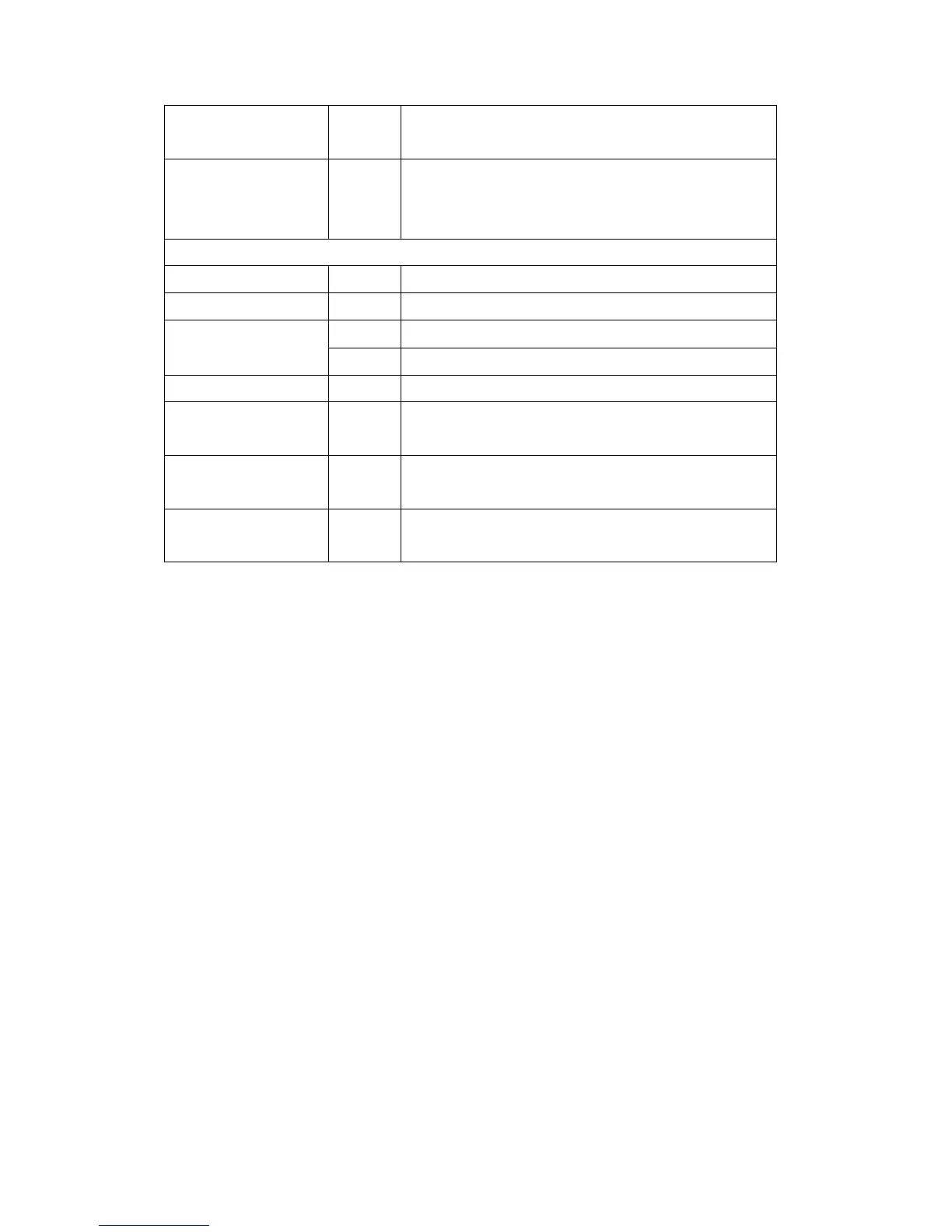
Idle Time Out 5 Min(s) The idle time out valid range is 1-1440. If the idle time out is set as 5
minutes, it means if the account doesn’t send packet in 5 minutes, the
account will logout automatically.
Billing Profile
Currency $ Enter the appropriate currency unit or currency symbol.
Number of decimals places 2 Enter the number. The field maximum value is 3.
Tax Percentage Disable This check box is used to indicate the taxable status of the account.
5% Enter the tax rate (i.e. a 5% sales tax is entered as 5).
Active - Click on check box, active or inactive the billing profile.
Name - It is the name of billing profile. The maximum allowed characters
length is 12.
Account Usage time - The duration of the billing period. When this period expires, user
account will be discontinued.
Charge - Enter the unit rate amount (i.e. 35.00) that most of your accounts are
charged for one day of service.


 To Next Page