WG‐500PHotspotinaPrinter
48
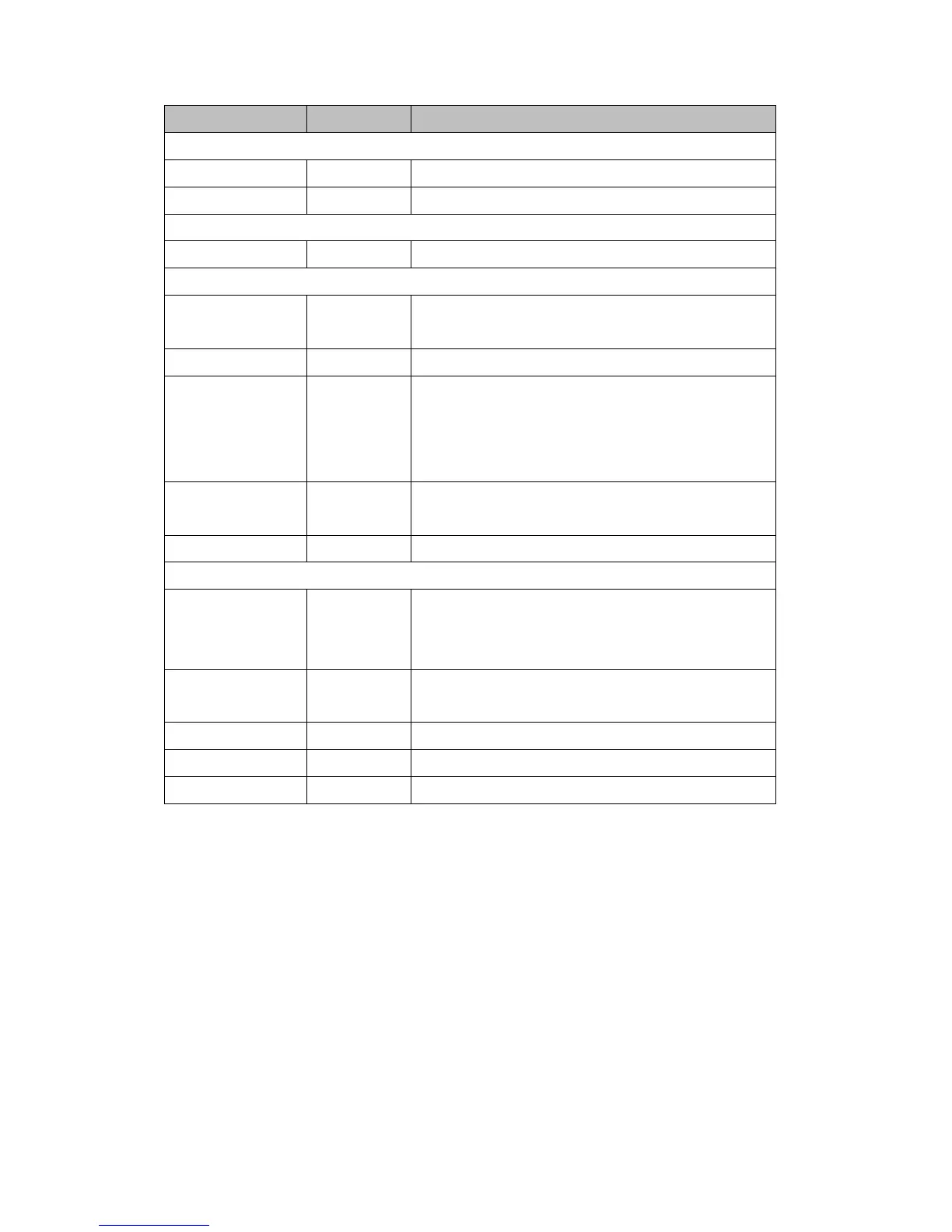
Item Default Description
Syslog on WAN
Server 1 IP Address Empty Enter IP address of first syslog server.
Server 2 IP Address Empty Enter IP address of second syslog server.
Send to Email
Disable Enables or disables the send to e-mail function.
E-mail Server
IP Address or Domain
Name
Empty Enter the SMTP server IP address or domain name. The maximum
allowed characters length is 50.
SMTP Port 25 The SMTP port allowed range is 25 or 2500 to 2599.
E-mail (SMTP) Server
needs to check my
account
Disable
If your SMTP server requires authentication before accepting
e-mail, click on check box. These values (username and password)
are supplied by your network administrator, SMTP server provider
or ISP.
Username Empty Enter the username for the SMTP server. The maximum allowed
characters length is 64.
Password Empty Enter the password for the SMTP server
Email From
Name Empty Enter the name you would like to appear in the “message from” field
of your outgoing message. The maximum allowed characters length
is 20.
Email Address Empty Enter your e-mail address. This is the address others will use to
send email to Email Address 1/Email Address 2.
Email To
Email Address 1 Empty Enter your first e-mail address to receive the logs.
Email Address 2 Empty Enter your second e-mail address to receive the logs.
ClickApplybuttontosavethenewsettingsandthesuccessdialogboxappears.Click
onBacktoreturntoSyslogsettingscreen.


 To Next Page