8 XRT Pro Installation Manual • www.hsperformance.com
SECTION 2: INSTALL DOWNLOAD
The Install Download option is used to install tuning onto a vehicle, or return a vehicle to stock.
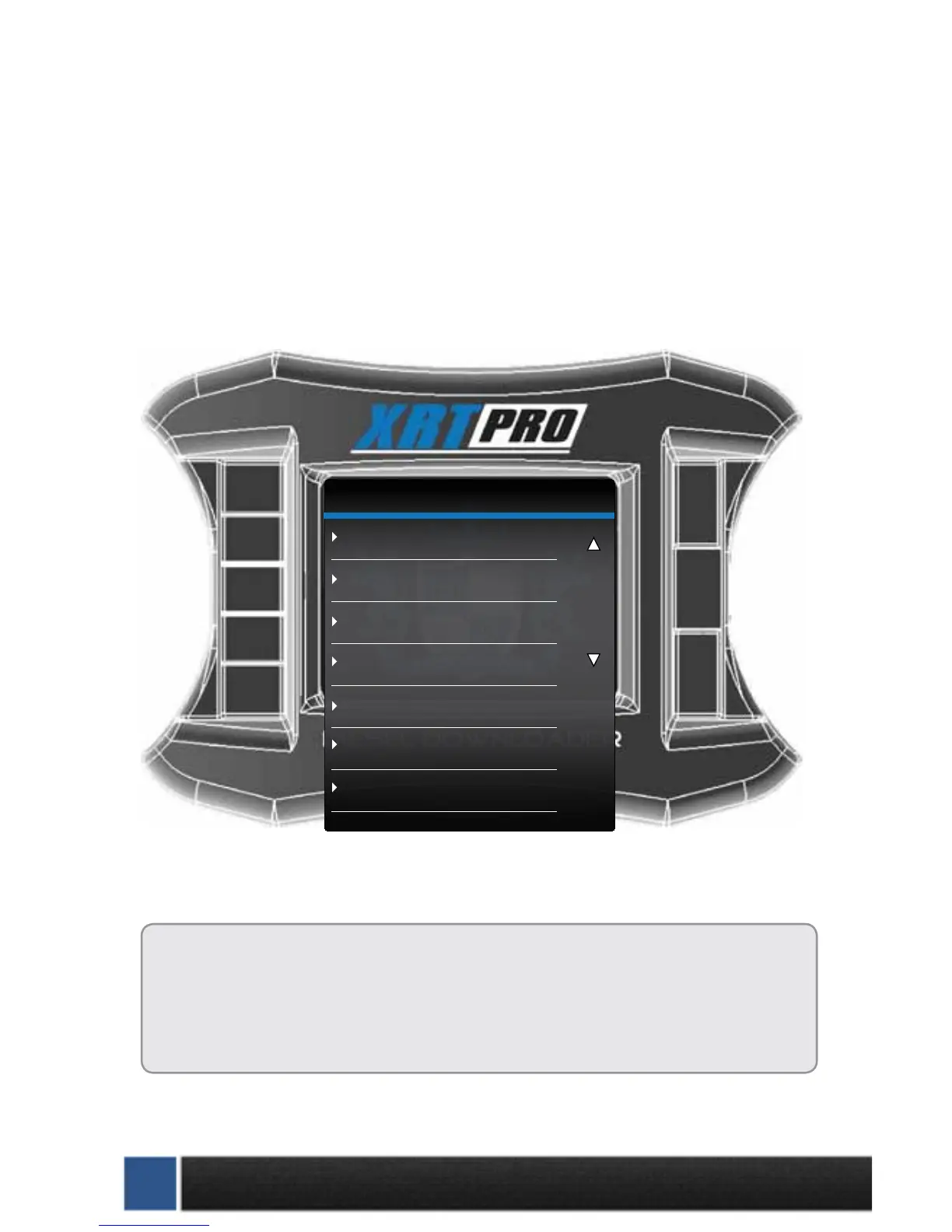
1. Plug in XRT Pro
2. Select Vehicle to Be Tuned (Tuners can only be installed on ONE vehicle at a time.)
3. Select Install Download: If the vehicle is stock and you enter the install download menu, simply
follow the screen prompts to install a download on the vehicle. This is the point in which you may come
across the tire size calibration menu, and the vehicle speed limiter menu.
Before installing the download:
•MakesurethattheXRTProisproperlypluggedin.
•Makesurethattheharnessisproperlyinstalled.
•Thevehiclebatteryisfullycharged.
•Thevehicleiswarmeduptooperatingtemperature.
THE MICRO SD CARD MUST BE INSERTED IN THE SIDE OF THE XRT PRO
TO DOWNLOAD TO A VEHICLE.
XRT PRO
Change Vehicle
Install Download
Special Functions
Tire Size Calibration
Diagnostics
Show Settings
Update Firmware


 To Next Page