1-888-628-1730 • XRT Pro Installation Manual 9
SECTION 3: CHANGING POWER LEVELS
Dodge Vehicles:
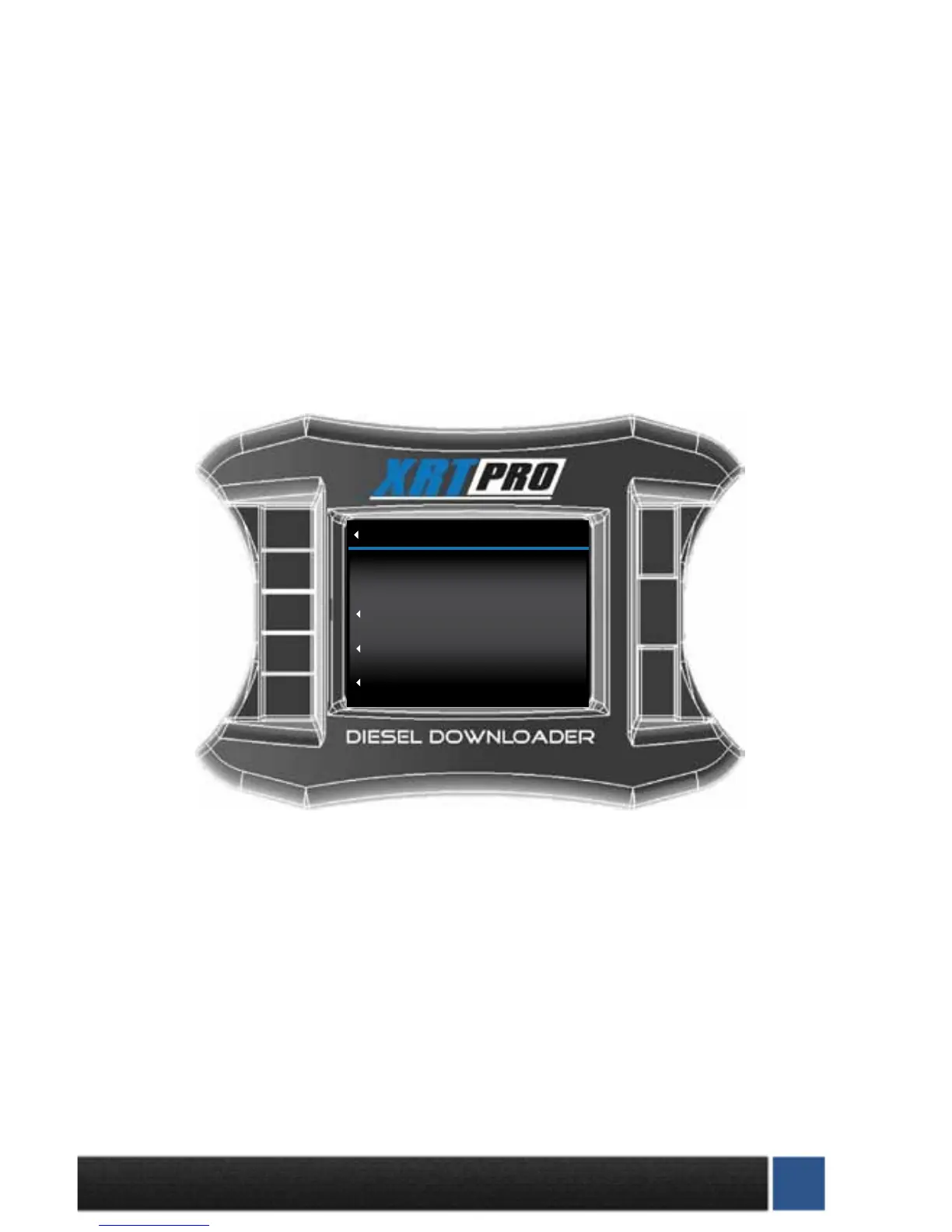
Select “Change Power Level” from the main menu and follow the on-screen prompts. You will get to a
screen as pictured below with two options.
Ford and GM vehicles:
Select “Change Power Level” from the main screen. Follow the on-screen prompts to change your power
level, this should only take a few seconds.
To return to stock, select “Install download” from the main screen. Select “Return to Stock” when prompt-
ed to return to factory settings and unlock the XRT Pro from the truck.
Change Settings: This will install the new tuning onto the truck, for times when your H&S Product has
been updated on the H&S website. This is also how you can adjust the speed limiter, tire size, and other
options.
Return to Stock: This function will completely return your truck’s computer to stock. This is required to
unlock the XRT Pro from the vehicle. (Tuners can only be installed on ONE vehicle at a time.)
Go Back
DOWNLOAD MENU
(RESET)
Import/Export MCC Tuning
Return to Stock (OEM Tune)
Download H&S Tuning


 To Next Page