8
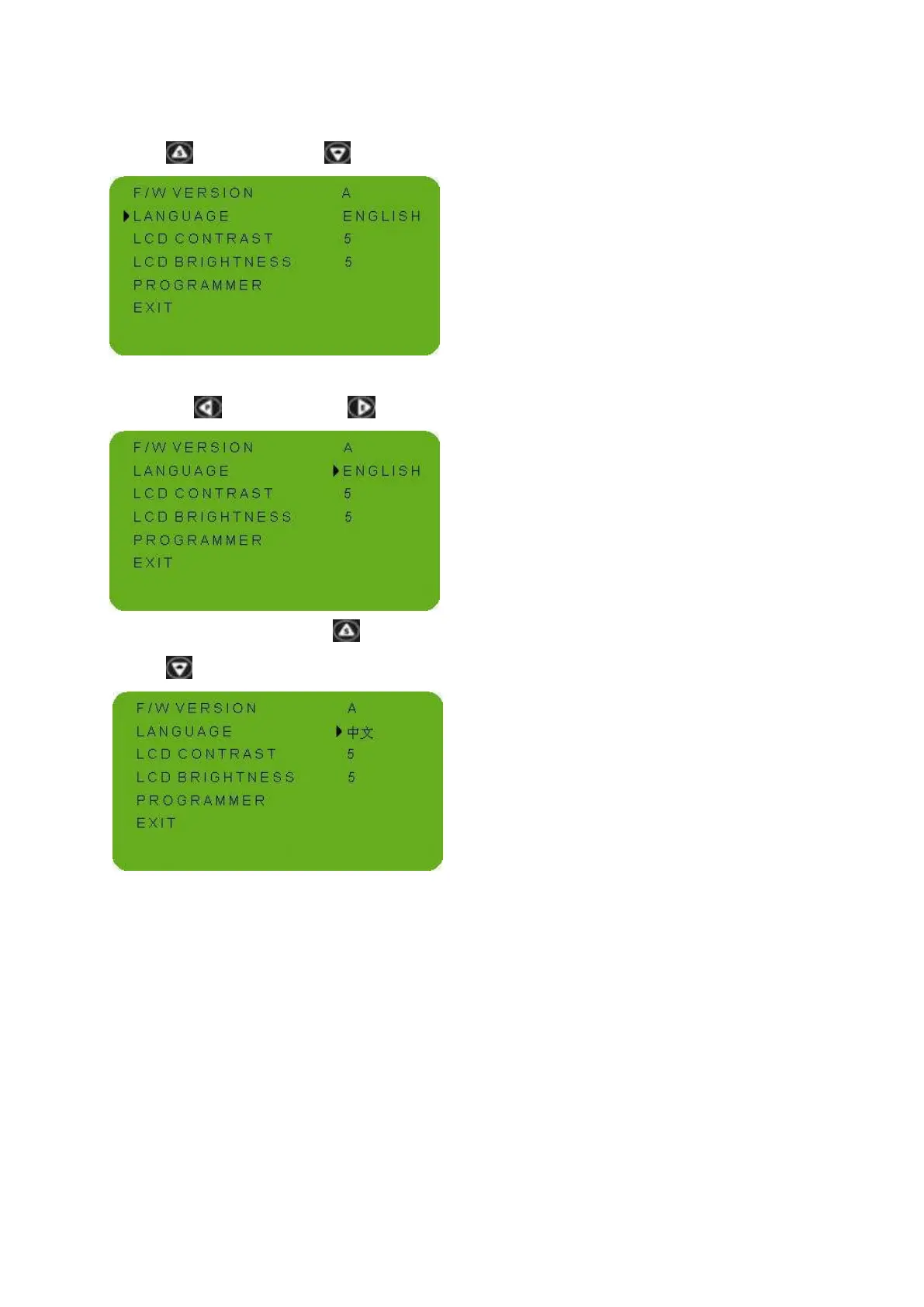
④ Select the “LANGUAGE” through up
button( ) or down button( ) .
⑤ Enter the language setting state through
left button( ) or right button( ).
⑥ Through the up button( ) or down
button( ), select the chinese language.
⑦ Refer the steps ⑤ ④ ③ ② ①, return the
main display interface.
The language has been set up .
Note: this instrument supports two languages
of Chinese and English, it will set to your
wanted language and if you want to switch the
language, please refer to the above example
for operation.



 To Next Page