Oven timer
Page EN-25
Oven timer
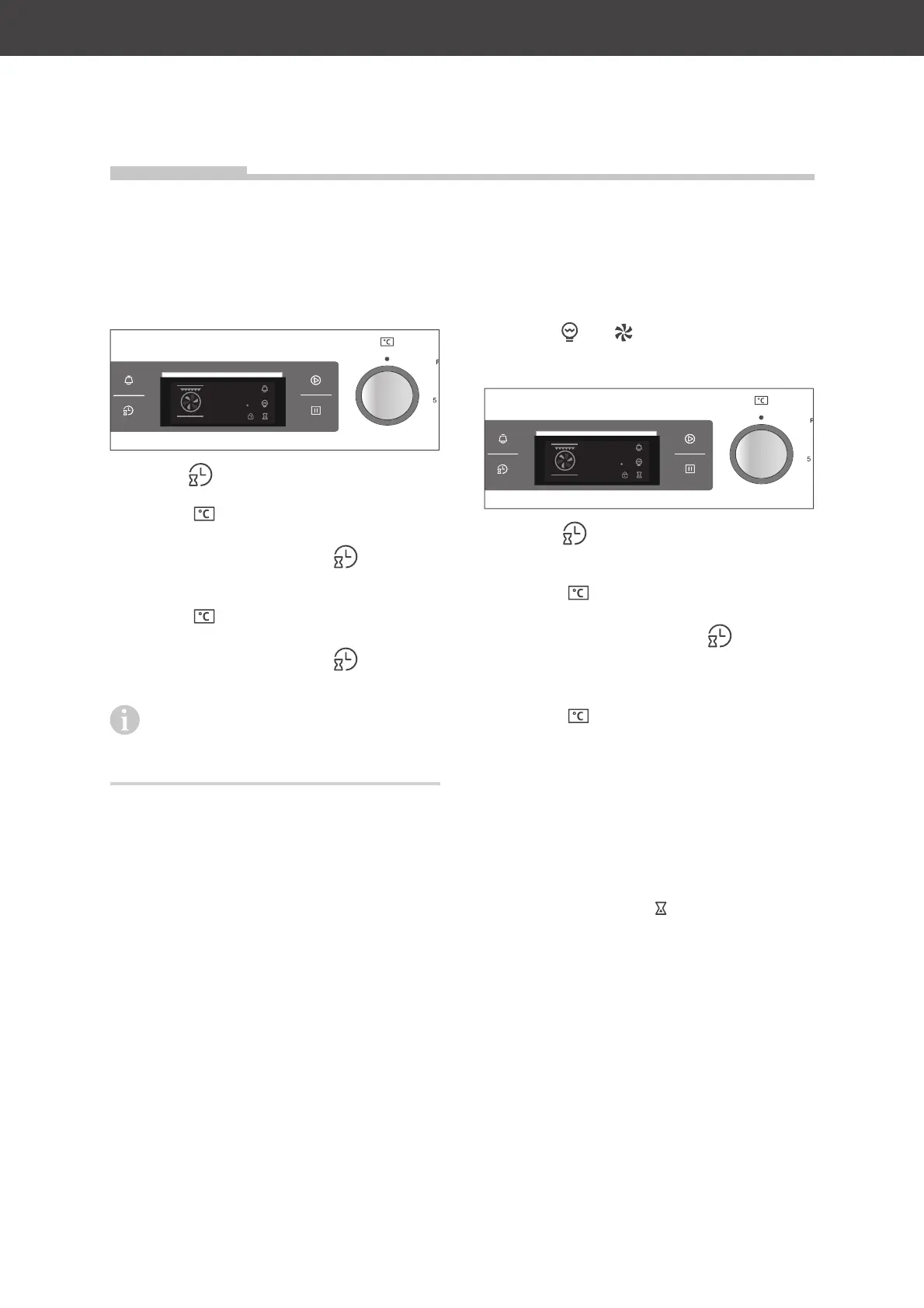
Setting the time
When starting up the appliance for the first
time or after a power failure, the display will
show 0:00. The time must be set.
c
88:88
888
1. Tap the sensor.
0 will flash on the hour indicator.
2. Turn the dial until the display shows
the current hour (0 - 23).
3. To save the setting, tap the sensor
again.
00 will flash on the minute indicator.
4. Turn the
dial until the display shows
the current minute (0 - 59).
5. To save the setting, tap the sensor.
The time is set.
If you want to change the time already
set, for example, changing from day-
light savings time to standard time, proceed
in the same manner.
Setting the start time
If you don’t want the cooking process to be
started immediately, but at a certain time, you
can set a start time, with the exception of:
Functions and .
Requirement: The time is set.
c
88:88
888
1. Tap the sensor.
The indicator showing the current hour
will flash.
2. Turn the dial until the display shows
the desired start hour (0 - 23).
3. To save the setting, tap the sensor
again.
The indicator showing the current minute
will flash.
4. Turn the
dial until the display shows
the start minute (0 - 59).
5. Do not tap the hour sensor again, but
instead
– select the desired function, temperature
and cooking time (see „Start the cooking
process“ on page EN-19) and
– start the cooking process.
The hourglass symbol
appears at the bot-
tom right of the display to indicate that you
have set a start time. When the start time is
reached, you will hear a signal tone and the
cooking process will start.


 To Next Page