10
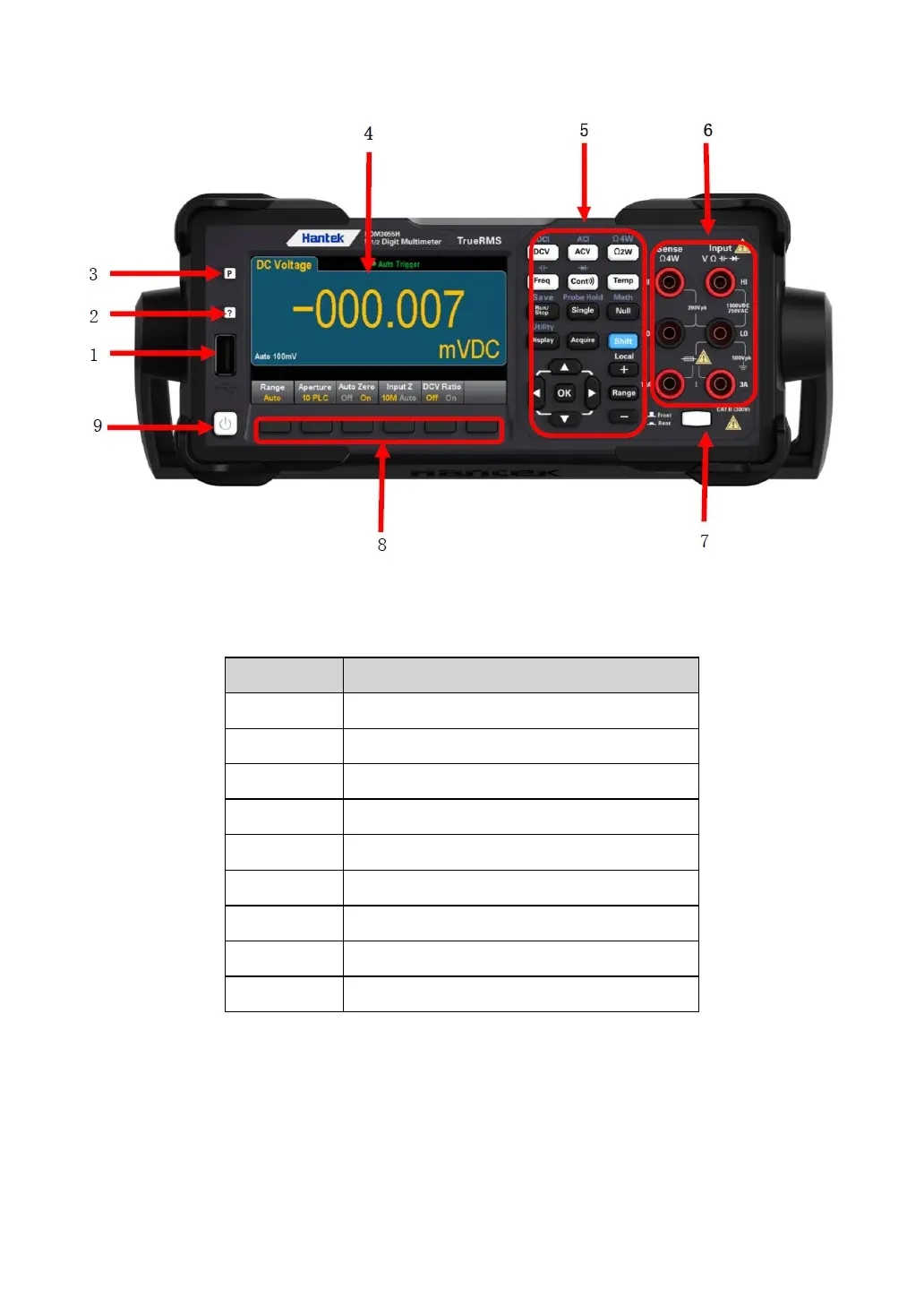
HDM3000 front panel sketch map
Measuring configuration and operation key
Note: Text is provided on some front panel keys. This indicates that the key has a
function that you can access by pressing and releasing [Shift] before pressing the key.
For example, if you press and release [Shift] before pressing [Display], you will access
the [Utility] function:

 To Next Page
 Loading...