BX176 portable single gas detector operation manual
4
Note: ① This function is optional, please check whether your product have
this function when you buy it.
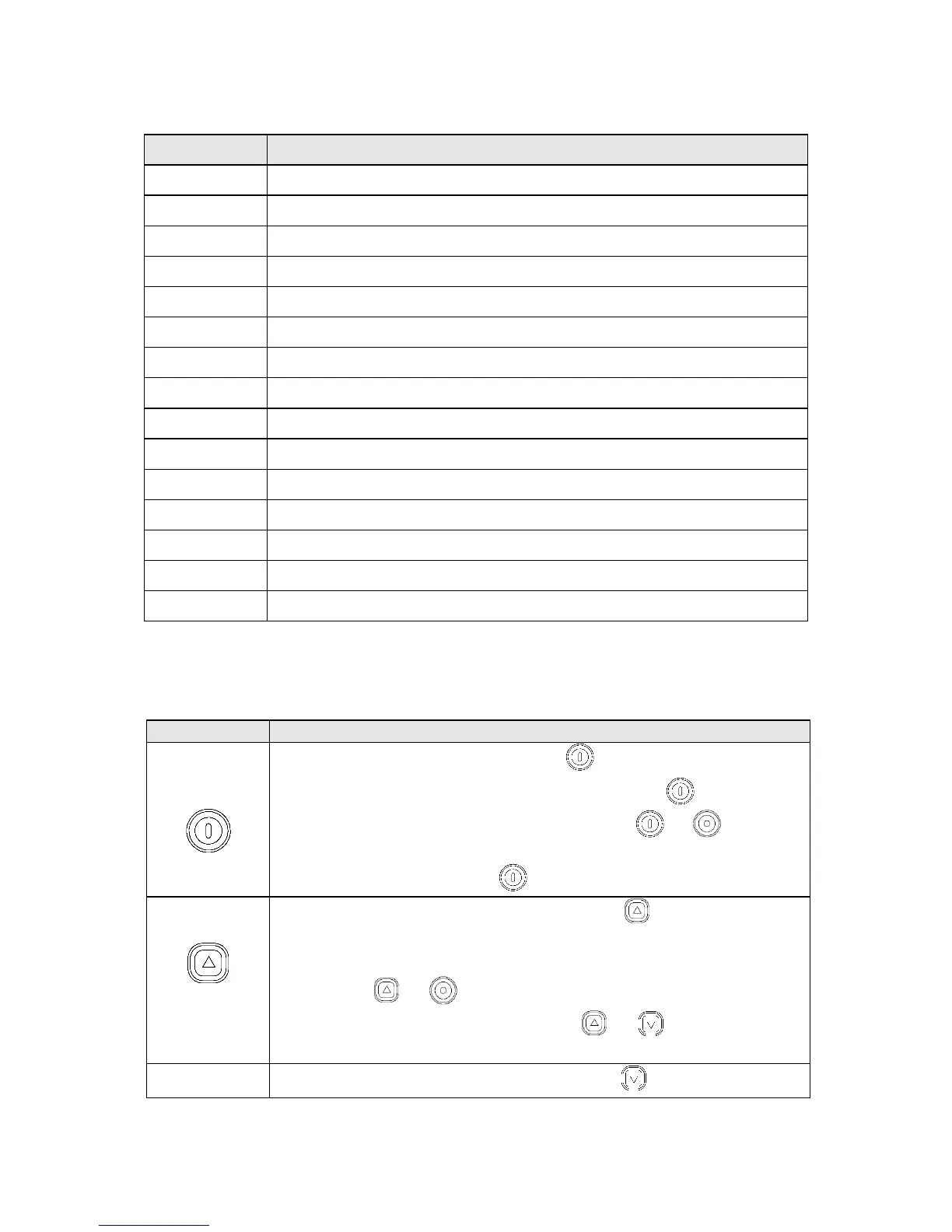
3.3 Button’s function
Power on,please press button for more than 3s
Cancel your parameter settings, press button
Calibration, when power off, press button and for more
than 5s
Power off, press button for more than 3s
1) Increase the setting value, press button
2) Check the device status, display current temperature, time,
STEL and TWA②, maximum concentration③, press
button and .
3) Set device parameter, press button and for more than
3s.
1、 Decrease the setting value, press button
Calibration point or calibrating status
Data communication icon ①



 To Next Page