7
V1012 and V1015 Owner’s Manual
TM
POWERED LOUDSPEAKERS
V1012 & V1015
QUICK START GUIDE
SETTING UP / HELPFUL TIPS
• Position the VâRi speaker in the desired location, and ensure the speaker
is stable
• Make sure the POWER switch is OFF
• Make certain INPUT 1 GAIN, INPUT 2 GAIN, and MASTER VOLUME
are down
• Set EQUALIZER knobs to center (12 o’clock)
MAKING THE CONNECTIONS
• Plug connections to INPUT 1 — check that the MIC/LINE switch matches the
source (Mic for microphones and instruments, Line for mixers, keyboards,
or instruments with active pickups)
• Plug connections to INPUT 2 — note that Input 2 is a Line Input, and will not
work well with a microphone
• Plug connection to AUX INPUT from mobile audio device or computer
POWERING UP
• Turn on the power to any devices plugged into INPUT 1, INPUT 2,
or AUX INPUT.
• Power ON the speaker
• Slowly turn the MASTER VOLUME to 12 o’clock
• Slowly turn up the volume of the aux input device to the desired level
• Turn INPUT 1 GAIN to the desired level
• Turn INPUT 2 GAIN to the desired level
CLIP INDICATOR
• The SIG/CLIP LED will light up BLUE when the speaker is receiving a
signal. If it is distorting, the LED will turn RED and the MASTER VOLUME
should be turned down
FLOOR MONITOR APPLICATIONS
• Turn the LOW Equalizer knob down slightly to reduce unwanted rumble
and low-frequency build-up. This will reduce feedback and make vocals
clearer.
LINKING MULTIPLE SPEAKERS
• If linking multiple speakers, connect all input sources to the first VâRi
speaker, plug the LINE OUT connection of first VâRi speaker to the LINE
IN connection of next VâRi speaker, and continue the daisy chain to the
last speaker. (This is common where multiple monitor mixers share the
same feed from the mixing board.)
• To avoid “pops” when turning power on/off, the last speaker should be
powered on last, and powered off first.
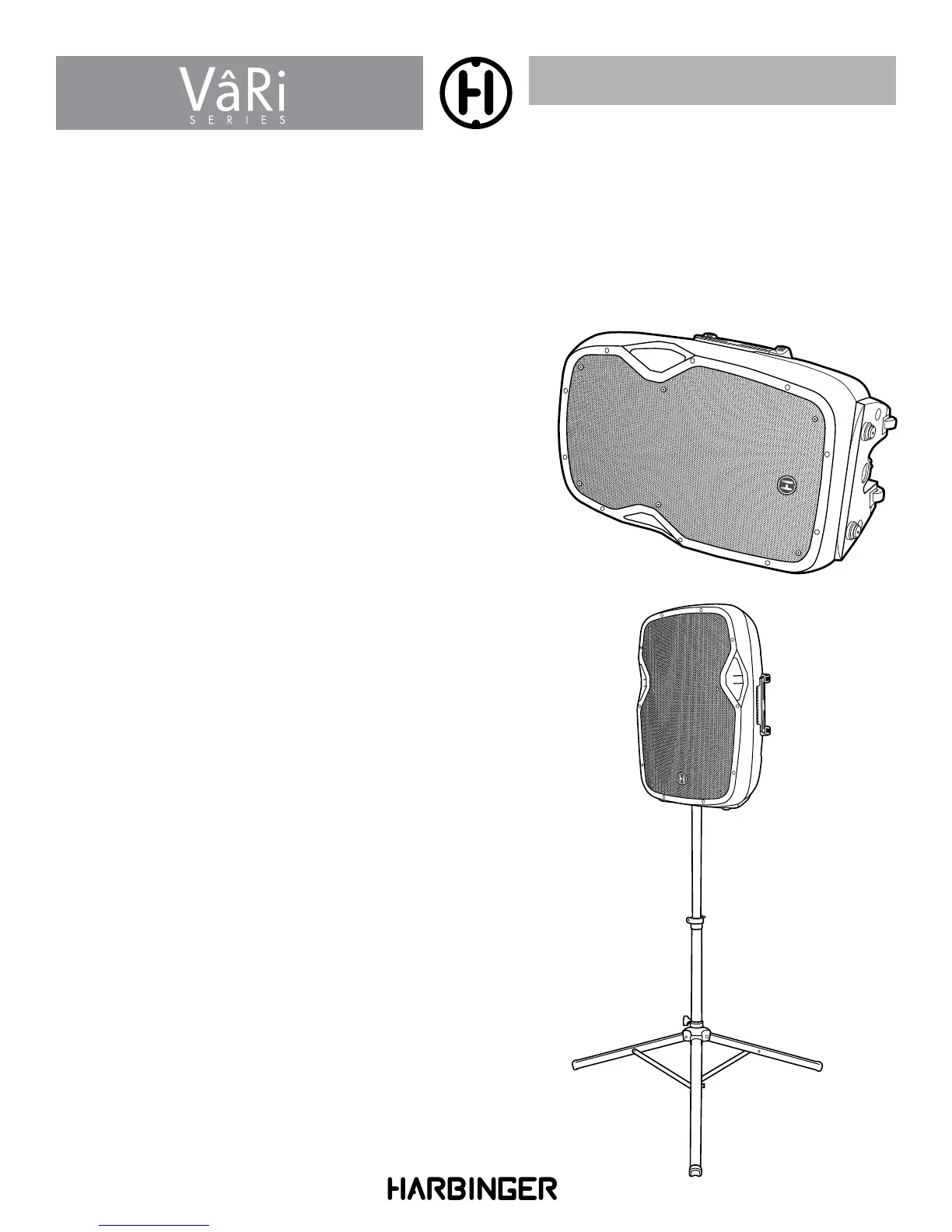
VâRi Series speakers can be used as Main Speakers
or Monitor Speakers.
Main
Monitor







 To Next Page