EasyManua.ls Logo

Harbor Breeze 00873 - User Manual

Harbor Breeze 00873
16 pages
Print Icon
To Next Page IconTo Next Page
Loading...
1
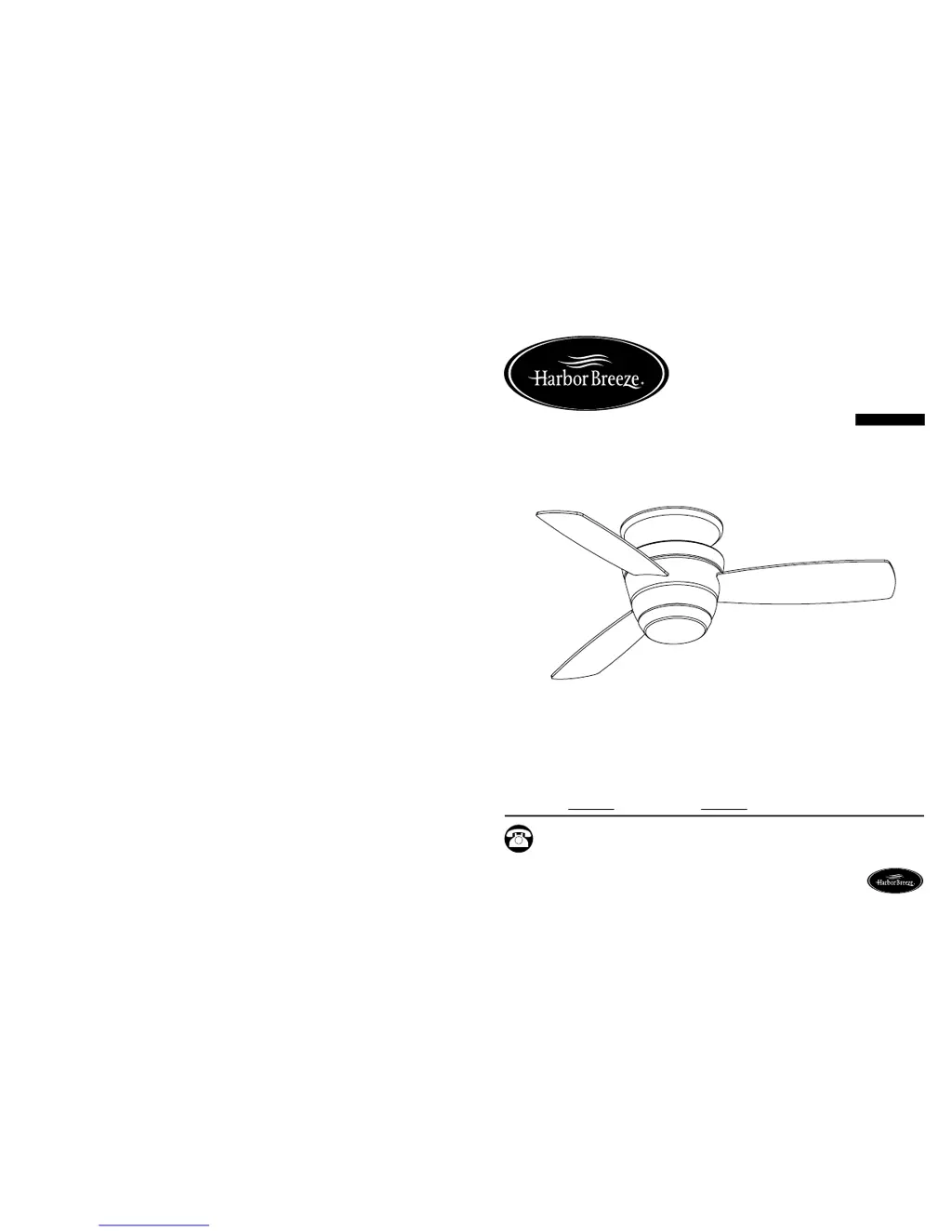
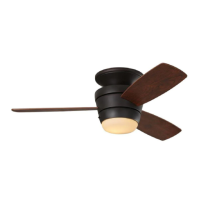
MAZON CEILING FAN
ITEM #0464467, 0464468, 0464469
MODEL #00873, 00874, 00875
ETL MODEL #44-MZ
Español p. 16
Serial Number
Purchase Date
Harbor Breeze ® is a registered trademark of LF,
LLC. All Rights Reserved.
Questions, problems, missing parts? Before returning to your retailer, call our customer
service department at 1-800-643-0067, 8 a.m. - 6 p.m., EST, Monday - Thursday,
8 a.m. - 5 p.m., EST, Friday.
ATTACH YOUR RECEIPT HERE
Lowes.com/harborbreeze
EB 14191

Questions and Answers

  • R
    Robert LongAug 1, 2025
    What to do if the Harbor Breeze Fan remote control does not work?
    • J
      John HoustonAug 1, 2025
      If your Harbor Breeze fan remote control isn't working, try pairing it to the receiver. First, turn the fan power off, then on again. Listen for two musical notes/sounds from the fan receiver, indicating normal power supply. Within 30 seconds of hearing these sounds, tap the “learn” key on the back of the remote. If successful, the light (if installed) will blink three times and turn on, and the fan will operate at its highest speed in the direction set by the seasonal slide switch.
  • L
    lopezdanaAug 10, 2025
    Why is my Harbor Breeze 00873 making noise?
    • B
      Blake HernandezAug 10, 2025
      Your Harbor Breeze fan might be noisy because the blades are loose. Try tightening all the blade screws. If that doesn't solve the problem, check for cracked blades and replace them if necessary. Contact customer service for blade replacements.
  • K
    Kimberly WilliamsAug 17, 2025
    How to fix excessive wobbling in a Harbor Breeze 00873?
    • K
      Kevin DunnAug 17, 2025
      Excessive wobbling in your Harbor Breeze fan could be due to several reasons. First, ensure all blade screws are tightened. If wobbling persists, the blades may be unbalanced; use a balance kit to correct this. Also, check that the fan is securely mounted. If not, turn the power off, carefully loosen the canopy, and remount the fan securely.
  • G
    Gary BarnettAug 25, 2025
    What to do if Harbor Breeze 00873 Fan blades do not move?
    • H
      Henry GutierrezAug 25, 2025
      If your Harbor Breeze fan blades aren't moving, first check if the power is on or if a fuse has blown; turn the power on or check the fuse. If the issue persists, turn the power off, loosen the motor housing, and check all connections.

Summary

Safety Information

General Safety Precautions

Essential safety guidelines for installation and operation to prevent hazards.

Electrical Safety Warnings

Critical warnings about electrical shock and incompatible controls.

Personal Injury Safety

Guidance to prevent injury, focusing on fan height and mounting.

Package and Hardware Contents

Package Contents

List of all fan components for user verification.

Hardware Contents

List of all screws and connectors for assembly.

Preparation

Assembly Instructions

Operating Instructions

Remote Control Operation

Covers battery installation, pairing, and transmitter functions.

Fan Control Features

Explains fan speeds, modes, and on/off operations.

Light Control and Special Modes

Details on light operation, dimming, and unique modes like Home Shield.

Timer and Memory Functions

Setting sleep timers and understanding power off memory.

Care and Maintenance

Troubleshooting

Warranty and Support

Product Warranty

Information on the fan's limited lifetime warranty.

Replacement Parts

List of available replacement parts and how to order them.

Harbor Breeze 00873 Specifications

General IconGeneral
BrandHarbor Breeze
Model00873
TypeCeiling Fan
Number of Blades5
Motor TypeAC
Reversible MotorYes
Blade Span52 inches
Motor Speed3 speeds

Related product manuals