EasyManua.ls Logo

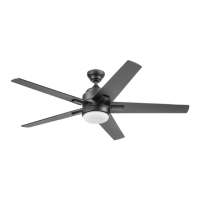
Harbor Breeze 2599787 - User Manual

Harbor Breeze 2599787
19 pages
Print Icon
To Next Page IconTo Next Page
Loading...
Purchase Date
1
4007498
ITEM #2599787
1058853
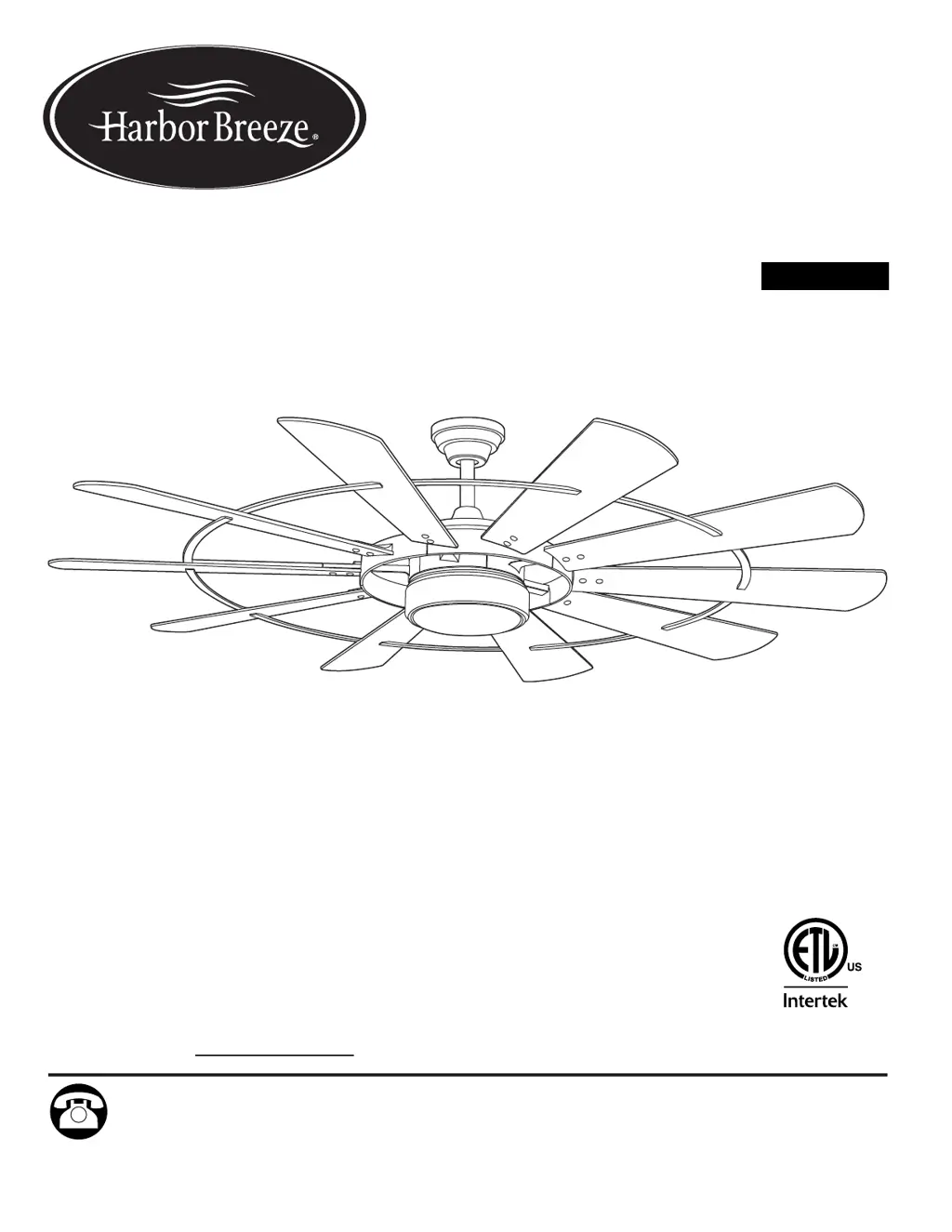
HENDERSON LED
CEILING FAN
Español p. 20
MODEL # EUK60MBK10LR
EUK60GV10LR
ATTACH YOUR RECEIPT HERE
SM21655
Questions, problems, missing parts? Before returning to your retailer, call our customer
service department at 888-251-1003, 8 a.m. - 8 p.m., EST, Monday - Sunday. You could also
contact us at ascs@lowes.com.
HARBOR BREEZE and logo design are
trademarks or registered trademarks of LF, LLC.
All rights reserved.
APPROVED FOR USE
IN DAMP LOCATIONS
ADJUNTE SU RECIBO AQUÍ

Questions and Answers

  • D
    dmorganAug 10, 2025
    Why does my Harbor Breeze 2599787 Fan operate but the light doesn't work?
    • S
      Susan MirandaAug 10, 2025
      If your Harbor Breeze Fan operates but the light fails, check the wires in the canopy and re-wire according to the instructions on page 11, if necessary. Ensure that the wall switch to the fan is turned on.
  • M
    Michael DayAug 17, 2025
    How to fix a noisy Harbor Breeze Fan?
    • A
      Anthony PowersAug 17, 2025
      If your Harbor Breeze Fan is operating noisily, ensure that all blade screws are tightened. If a blade is cracked, replace it. If you are using a full range dimmer switch, replace it with an approved speed control device. If the fan is new, allow it a “break in” period of a few days, especially when running the fan at medium and high speeds.
  • K
    kayla40Aug 26, 2025
    What to do if my Harbor Breeze 2599787 does not move?
    • M
      Melissa NunezAug 26, 2025
      If your Harbor Breeze Fan does not move, first ensure that the power is on and the fuse is not blown. If the power is off, turn it on, or if the fuse is blown, check the fuse. Then check for faulty wire connections by turning the power off, loosening the canopy, and checking all connections. If the learning code process between the fan and remote control transmitter was unsuccessful or not activated, turn off the power and repeat the instructions in Step 2 on page 17. Finally, check that the blades are installed and attach them to the fan if they are not.
  • C
    Charles AndrewsSep 2, 2025
    Why is my Harbor Breeze Fan wobbling so much?
    • V
      Virginia RossSep 2, 2025
      If your Harbor Breeze Fan is excessively wobbling, make sure that all blade screws/washers are tightened. Try switching one blade with a blade from the opposite side. Check that the fan is securely mounted and if not, turn the power off and carefully loosen the canopy to verify the mounting bracket's security. Ensure the set screws on the motor assembly yoke and hanging ball are properly tightened. If the fan is too close to a vaulted ceiling, consider using a longer downrod or moving the fan to another location.

Summary

Safety Information

Package Contents

Hardware Contents

Preparation

Initial Installation

Determine Mounting Method

Select between standard or angle mount based on ceiling type and angle.

Wiring

Final Installation

Operating Instructions

Remote Control Transmitter Functions

Details the functions of each button on the remote control transmitter.

Care and Maintenance

Troubleshooting

Fan Does Not Move

Addresses causes and solutions when the fan fails to start or operate.

Noisy Operation

Provides solutions for common noises like rattling or humming during operation.

Excessive Wobbling

Offers steps to correct or reduce fan blade wobble for stable performance.

Fan Operates But Light Fails

Guides on diagnosing and fixing issues where the fan works but the light does not.

Limited Lifetime Warranty

Replacement Parts List

Harbor Breeze 2599787 Specifications

General IconGeneral
BrandHarbor Breeze
Model2599787
TypeCeiling fan
Number of Blades5
Light KitYes
Remote ControlYes
Indoor/OutdoorIndoor
Number of Speeds3
Reverse AirflowYes
Size (in.)52
Reversible MotorYes
Blade Span52 inches
MotorAC

Related product manuals